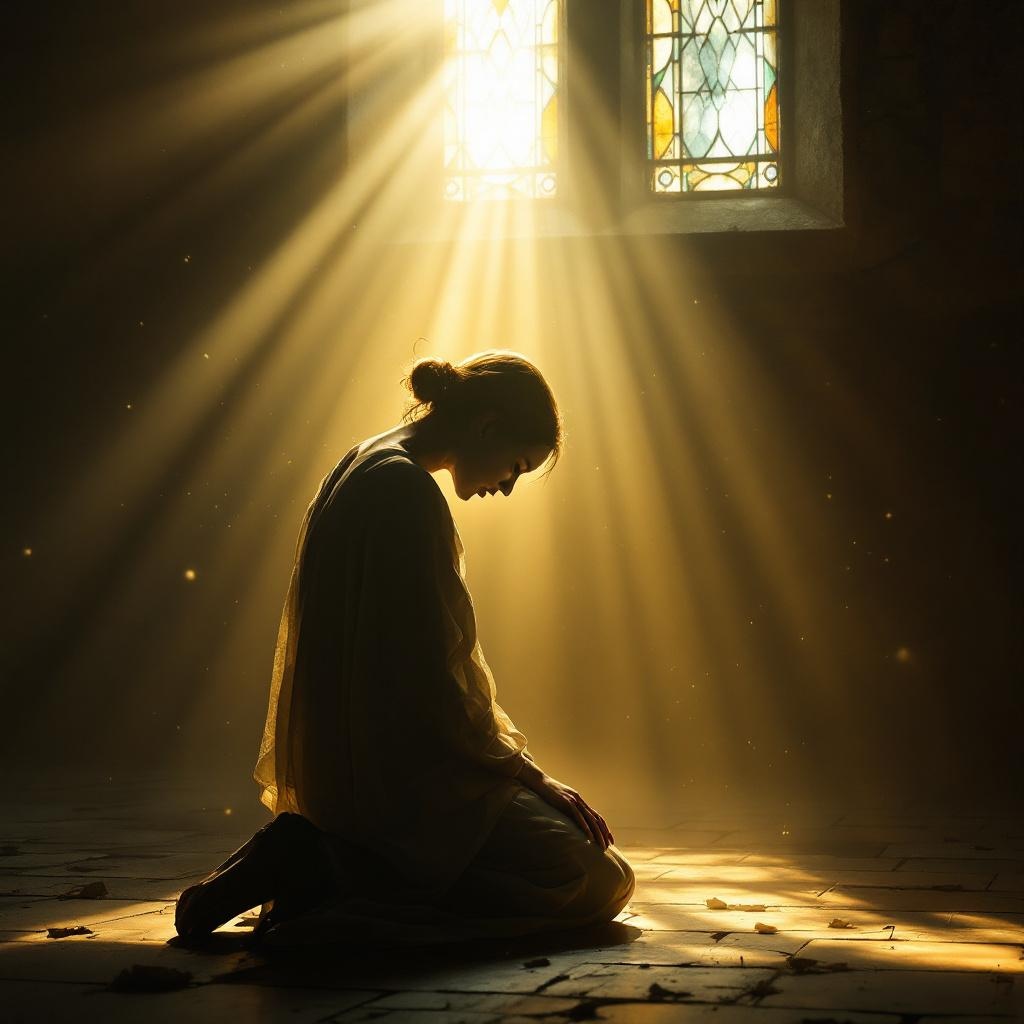
The Lord is close to the brokenhearted. - Flux.1.1 pro
prompt
**Prompt:** A serene, ethereal scene of a solitary figure kneeling in a dimly lit, weathered chapel, their head bowed in sorrow. Soft golden light streams through stained glass, casting a warm glow over them, while a luminous, divine presence—subtle yet powerful—hovers just behind, a hand gently resting on their shoulder. The atmosphere is tender and reverent, evoking Rembrandt’s chiaroscuro with rich contrasts of shadow and light. Delicate dust motes float in the air, and faint traces of tears glisten on the figure’s cheeks. The style is photorealistic with a painterly touch, blending realism with a hint of sacred art symbolism. The mood is one of quiet comfort, emphasizing divine closeness in moments of despair.
Analisis Terperinci Prompt Gambar Flux AI
Analisis prompt terperinci yang digunakan untuk menghasilkan gambar dengan Generator Gambar Flux AI.
Jelajahi Prompt Flux untuk Generator Gambar AI Flux
Cara menghasilkan gambar dengan Flux.1.1 pro
Ikuti empat langkah sederhana ini untuk membuat gambar yang Anda inginkan.
Langkah 1: Masukkan Teks Anda (Silakan sempurnakan prompt untuk hasil yang lebih baik)
Langkah 2: Pilih Rasio Aspek Gambar
Langkah 3: Pilih Model Flux Anda:
Langkah 4: Klik Tombol Buat dan Tunggu Beberapa Detik untuk Gambar Anda
Alat Flux AI terkait untuk prompt tentang Flux.1.1 pro
Temukan alat-alat canggih dari Flux AI untuk meningkatkan alur kerja kreatif Anda.