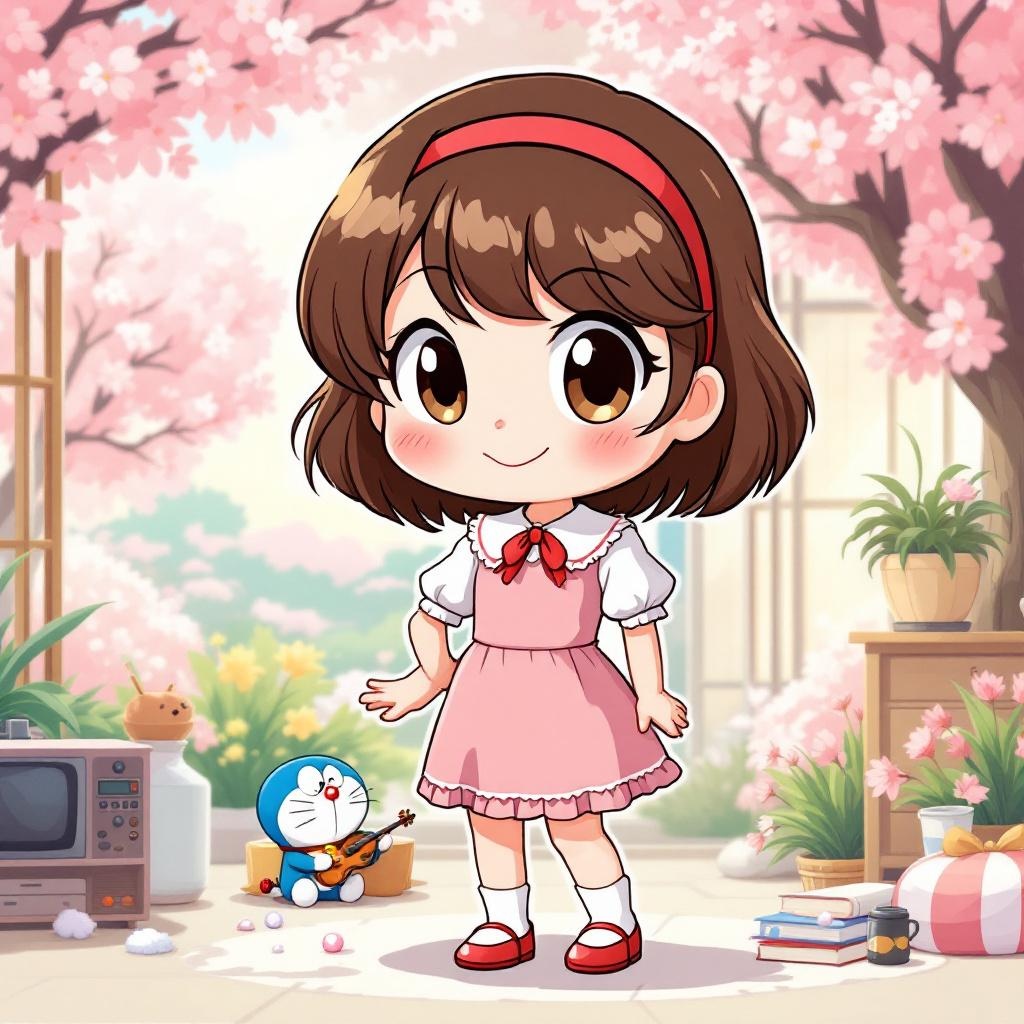
《Doraemon》-Shizuka Minamoto - Flux.1.1 pro
Invite
**Prompt:** "Generate an anime-style illustration of Shizuka Minamoto from *Doraemon*, featuring her signature short, wavy brown hair with a red hairband and expressive round eyes. She wears her classic pink dress with a white collar, puffed sleeves, and a red bow tie, paired with white socks and red shoes. Capture her gentle, cheerful expression with a warm smile, perhaps holding a book or violin to reflect her studious and musical traits. Pose her in a lively, friendly stance, such as waving or standing gracefully with one hand on her hip. Set the scene in a bright, wholesome environment—like a sunny park with cherry blossoms or her cozy bedroom—to enhance her kind-hearted personality. Use soft, vibrant colors with clean line art, typical of classic anime aesthetics. Include subtle details like her love for baths (e.g., a towel or soap bubbles) or Doraemon’s gadgets nearby for authenticity." (Note: For an anime *sticker* style, simplify the background to a solid pastel color or minimal decor, exaggerate her cute features with bold outlines, and add playful sparkles or a sticker-like border.)
Analyse Détaillée du Prompt d'Image Flux IA
Analysez le prompt détaillé utilisé pour générer l'image avec Flux IA Image Generator.
Explorez les invites Flux IA
Comment générer une image par Flux.1.1 pro
Suivez ces quatre étapes simples pour créer l'image désirée.
Étape 1 : Entrez votre texte (N'hésitez pas à affiner votre prompt pour de meilleurs résultats)
Étape 2 : Choisissez le ratio d'aspect de l'image
Étape 3 : Sélectionnez votre modèle Flux :
Étape 4 : Cliquez sur le bouton Générer et attendez quelques secondes pour votre image
Outils Flux IA liés aux prompts sur Flux.1.1 pro
Découvrez des outils avancés de Flux IA pour booster votre flux de travail créatif.