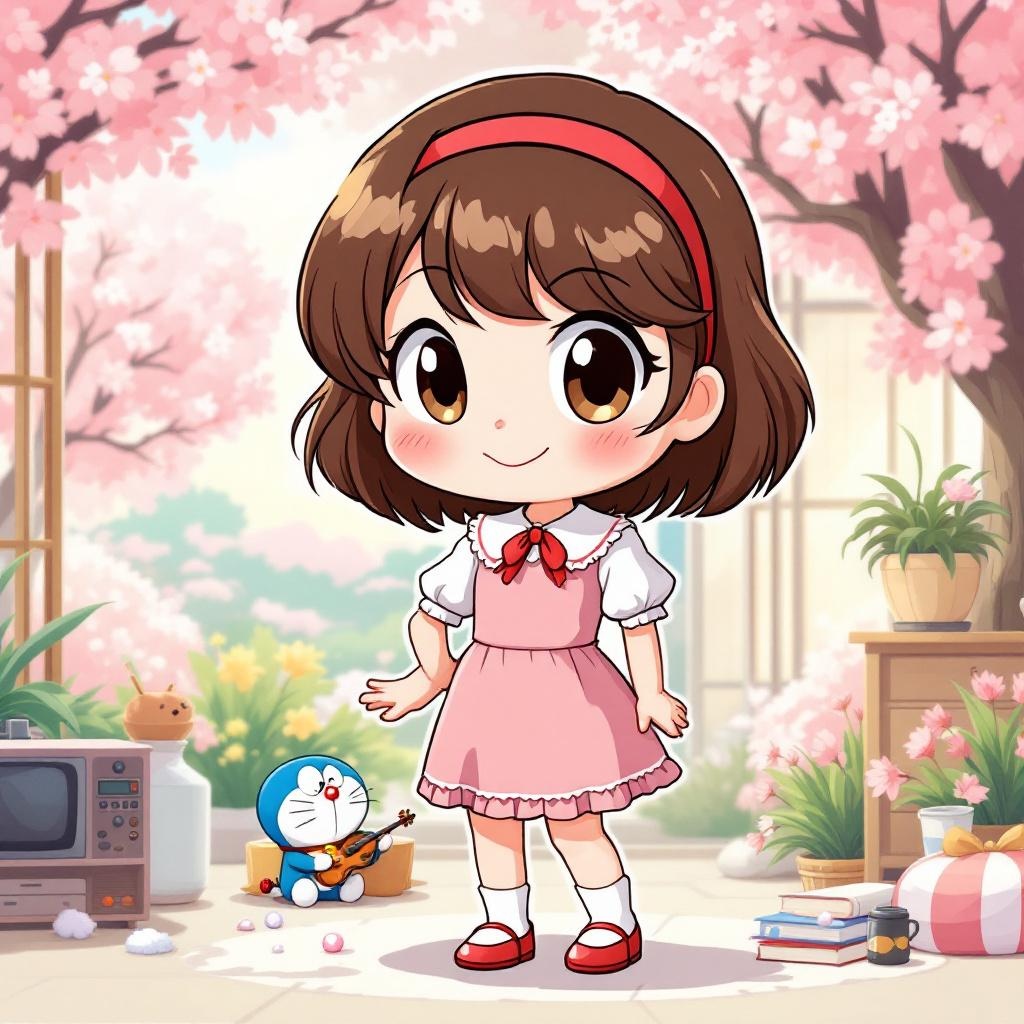
《Doraemon》-Shizuka Minamoto - Flux.1.1 pro
프롬프트
**Prompt:** "Generate an anime-style illustration of Shizuka Minamoto from *Doraemon*, featuring her signature short, wavy brown hair with a red hairband and expressive round eyes. She wears her classic pink dress with a white collar, puffed sleeves, and a red bow tie, paired with white socks and red shoes. Capture her gentle, cheerful expression with a warm smile, perhaps holding a book or violin to reflect her studious and musical traits. Pose her in a lively, friendly stance, such as waving or standing gracefully with one hand on her hip. Set the scene in a bright, wholesome environment—like a sunny park with cherry blossoms or her cozy bedroom—to enhance her kind-hearted personality. Use soft, vibrant colors with clean line art, typical of classic anime aesthetics. Include subtle details like her love for baths (e.g., a towel or soap bubbles) or Doraemon’s gadgets nearby for authenticity." (Note: For an anime *sticker* style, simplify the background to a solid pastel color or minimal decor, exaggerate her cute features with bold outlines, and add playful sparkles or a sticker-like border.)
Flux AI 이미지 프롬프트에 대한 상세 분석
Flux AI Image Generator를 사용하여 이미지를 생성하는 데 사용된 상세한 프롬프트를 분석합니다.
Flux AI 이미지 생성기 프롬프트 탐색
을 통해 이미지를 생성하는 방법 Flux.1.1 pro
원하는 이미지를 만들기 위해 다음 네 가지 간단한 단계를 따르세요.
단계 1: 텍스트 입력 (더 나은 결과를 위해 프롬프트를 자유롭게 수정하세요)
단계 2: 이미지 종횡비 선택
단계 3: Flux 모델 선택:
단계 4: 생성 버튼을 클릭하고 몇 초간 기다려 이미지를 받으세요
프롬프트와 관련된 Flux AI 도구 Flux.1.1 pro
Flux AI의 고급 도구를 발견하여 창의적인 작업 흐름을 향상시키세요.