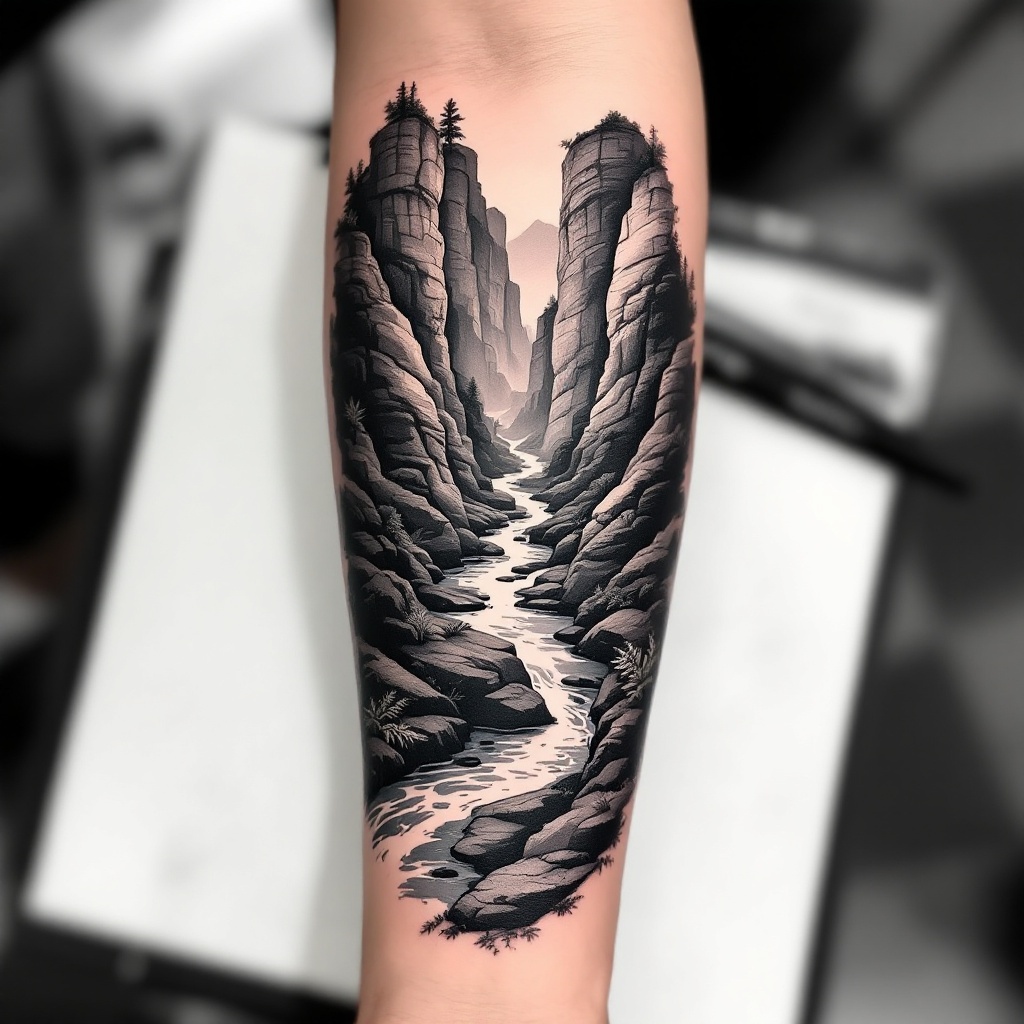
Forearm-Micro Canyon River - Flux.1.1 pro
Invite
**Prompt:** "Design a **forearm tattoo** depicting a **micro canyon river** in a **hyper-realistic black and gray** style. The scene should feature **layered rock formations** with intricate **geological textures**, a **serpentine river** winding through the canyon, and subtle **mist effects** for depth. Include **delicate linework** for water ripples and **stippling shadows** to enhance dimension. The tattoo should wrap around the **outer forearm**, sized to fit the natural contours (6-8 inches long). Opt for a **monochromatic palette** with soft gradients, evoking a **moody, serene** aesthetic. Add **minimalist flora** (e.g., sparse ferns or moss) for organic contrast. Symbolically, represent **resilience and flow** through the river’s path." (998 chars)
Analyse Détaillée du Prompt d'Image Flux IA
Analysez le prompt détaillé utilisé pour générer l'image avec Flux IA Image Generator.
Explorez les invites Flux IA
Comment générer une image par Flux.1.1 pro
Suivez ces quatre étapes simples pour créer l'image désirée.
Étape 1 : Entrez votre texte (N'hésitez pas à affiner votre prompt pour de meilleurs résultats)
Étape 2 : Choisissez le ratio d'aspect de l'image
Étape 3 : Sélectionnez votre modèle Flux :
Étape 4 : Cliquez sur le bouton Générer et attendez quelques secondes pour votre image
Outils Flux IA liés aux prompts sur Flux.1.1 pro
Découvrez des outils avancés de Flux IA pour booster votre flux de travail créatif.