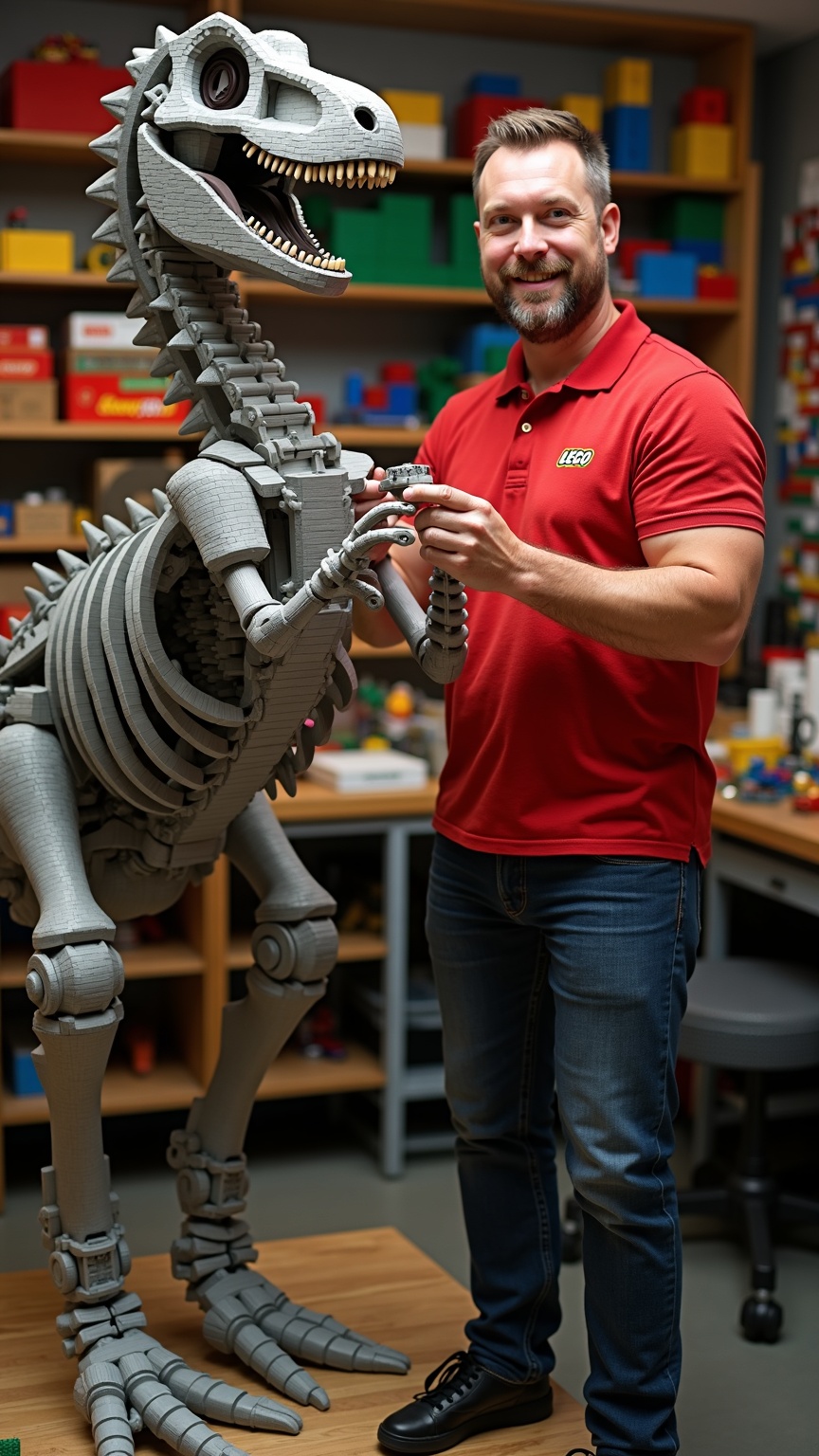
Master Lego builder assembling 10ft dinosaur skeleton - Flux.1 dev
Invite
**Prompt:** *A master Lego builder, a middle-aged man with a neatly trimmed beard, sharp blue eyes, and short brown hair, stands confidently beside a towering 10ft dinosaur skeleton made entirely of Lego bricks. He has a lean, athletic build and wears a red polo shirt with the Lego logo embroidered on the chest, dark blue jeans, and black sneakers. His expression is focused and proud, with a slight smile as he adjusts a section of the skeleton’s spine. His hands are precise, carefully placing a brick into place. The workshop is brightly lit, with shelves of organized Lego pieces in vibrant colors lining the walls. The dinosaur skeleton dominates the space, its intricate design showcasing expert craftsmanship.*
Analyse Détaillée du Prompt d'Image Flux IA
Analysez le prompt détaillé utilisé pour générer l'image avec Flux IA Image Generator.
Explorez les invites Flux IA
Comment générer une image par Flux.1 dev
Suivez ces quatre étapes simples pour créer l'image désirée.
Étape 1 : Entrez votre texte (N'hésitez pas à affiner votre prompt pour de meilleurs résultats)
Étape 2 : Choisissez le ratio d'aspect de l'image
Étape 3 : Sélectionnez votre modèle Flux :
Étape 4 : Cliquez sur le bouton Générer et attendez quelques secondes pour votre image
Outils Flux IA liés aux prompts sur Flux.1 dev
Découvrez des outils avancés de Flux IA pour booster votre flux de travail créatif.