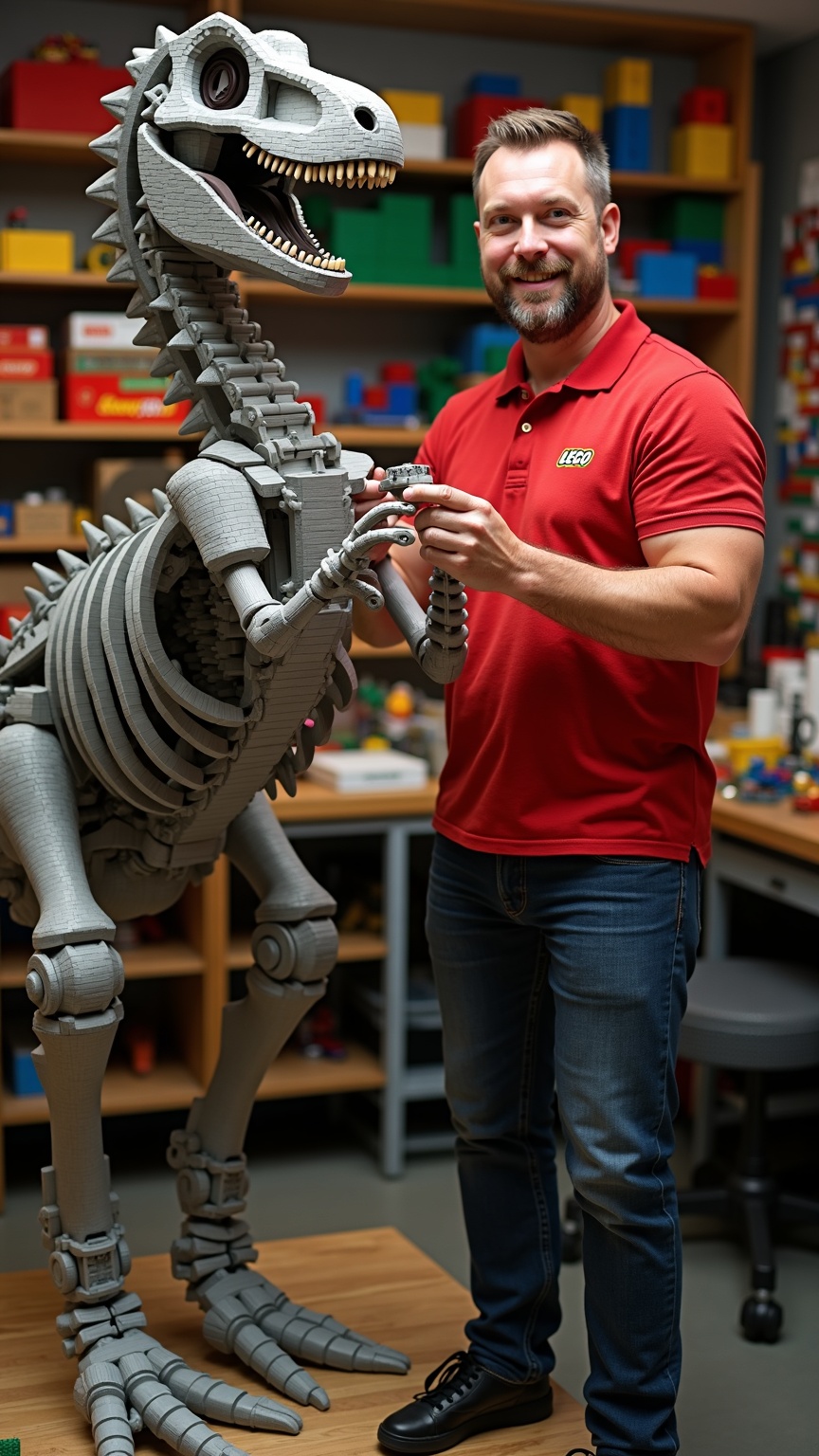
Master Lego builder assembling 10ft dinosaur skeleton - Flux.1 dev
プロンプト
**Prompt:** *A master Lego builder, a middle-aged man with a neatly trimmed beard, sharp blue eyes, and short brown hair, stands confidently beside a towering 10ft dinosaur skeleton made entirely of Lego bricks. He has a lean, athletic build and wears a red polo shirt with the Lego logo embroidered on the chest, dark blue jeans, and black sneakers. His expression is focused and proud, with a slight smile as he adjusts a section of the skeleton’s spine. His hands are precise, carefully placing a brick into place. The workshop is brightly lit, with shelves of organized Lego pieces in vibrant colors lining the walls. The dinosaur skeleton dominates the space, its intricate design showcasing expert craftsmanship.*
Flux AI Image Promptの詳細分析
Flux AI Image Generatorを使用して画像を生成するために使用された詳細なプロンプトを分析します。
Flux AI画像生成のプロンプトを探索
で画像を生成する方法 Flux.1 dev
以下の4つの簡単なステップに従って、希望する画像を作成してください。
ステップ 1: テキストを入力 (より良い結果のためにプロンプトを調整してください)
ステップ 2: 画像のアスペクト比を選択
ステップ 3: Fluxモデルを選択:
ステップ 4: 生成ボタンをクリックして数秒待ち、画像を取得
プロンプトに関連するFlux AIツール Flux.1 dev
Flux AIの高度なツールを発見して、クリエイティブな作業フローを強化しましょう。