Fondue - Flux.1.1 pro
Invite
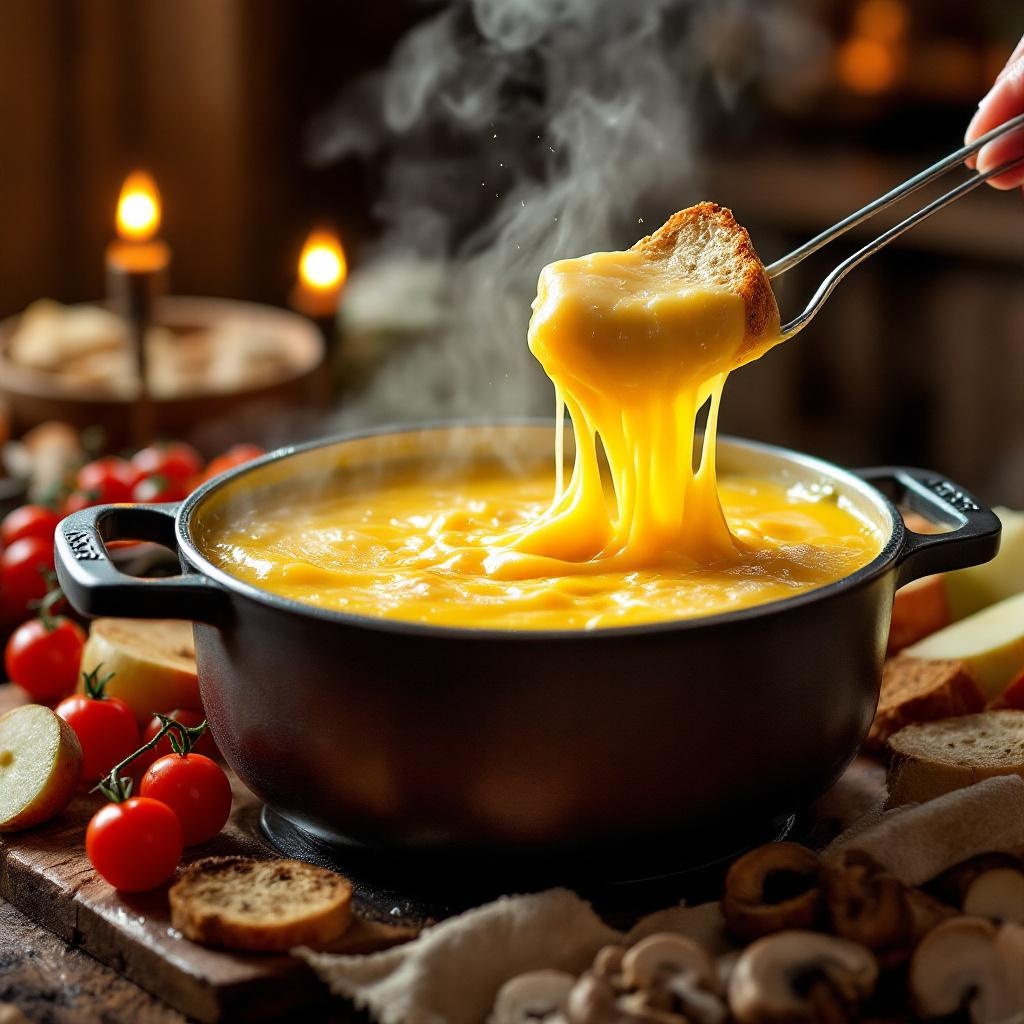
A steaming pot of golden, velvety cheese fondue, its surface glistening with tiny bubbles and a delicate sheen of melted Gruyère and Emmental. Strands of stretchy cheese cling to a crusty bread cube dipped halfway in, surrounded by vibrant accompaniments: ruby-red cherry tomatoes, crisp apple slices, and earthy mushrooms. Set against a rustic wooden table in a cozy chalet, warm candlelight casts a soft glow, highlighting the rich textures and inviting warmth. Shot in a close-up, shallow depth-of-field style, the image captures the intimate, indulgent experience—steam gently rising, the scent of garlic and white wine lingering in the air, and the promise of creamy, savory delight.
Analyse Détaillée du Prompt d'Image Flux IA
Analysez le prompt détaillé utilisé pour générer l'image avec Flux IA Image Generator.
Explorez les invites Flux IA
Comment générer une image par Flux.1.1 pro
Suivez ces quatre étapes simples pour créer l'image désirée.
Étape 1 : Entrez votre texte (N'hésitez pas à affiner votre prompt pour de meilleurs résultats)
Étape 2 : Choisissez le ratio d'aspect de l'image
Étape 3 : Sélectionnez votre modèle Flux :
Étape 4 : Cliquez sur le bouton Générer et attendez quelques secondes pour votre image
Outils Flux IA liés aux prompts sur Flux.1.1 pro
Découvrez des outils avancés de Flux IA pour booster votre flux de travail créatif.