Fondue - Flux.1.1 pro
prompt
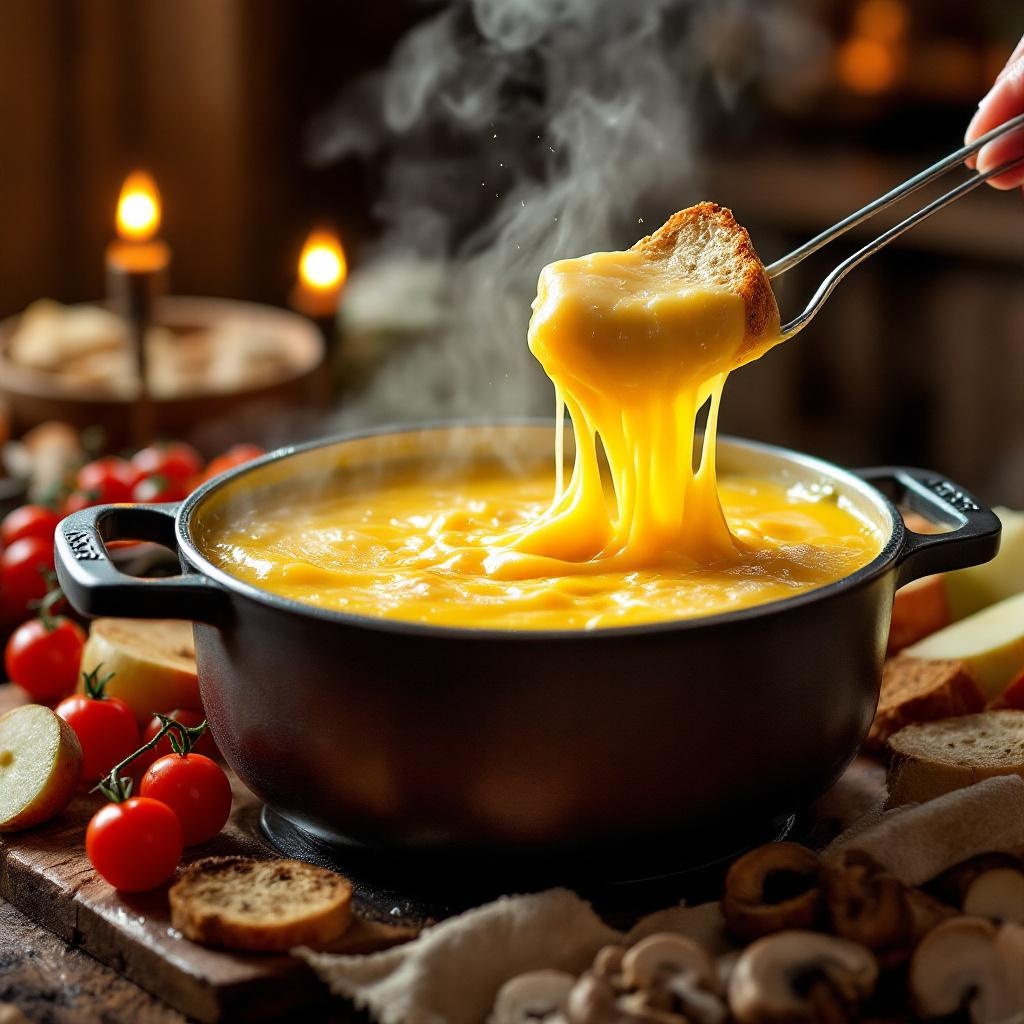
A steaming pot of golden, velvety cheese fondue, its surface glistening with tiny bubbles and a delicate sheen of melted Gruyère and Emmental. Strands of stretchy cheese cling to a crusty bread cube dipped halfway in, surrounded by vibrant accompaniments: ruby-red cherry tomatoes, crisp apple slices, and earthy mushrooms. Set against a rustic wooden table in a cozy chalet, warm candlelight casts a soft glow, highlighting the rich textures and inviting warmth. Shot in a close-up, shallow depth-of-field style, the image captures the intimate, indulgent experience—steam gently rising, the scent of garlic and white wine lingering in the air, and the promise of creamy, savory delight.
Analisi Dettagliata del Prompt Immagine Flux AI
Analizza il prompt dettagliato utilizzato per generare l'immagine con il Generatore Immagini Flux AI.
Esplora i Prompt Flux per il Generatore Immagini Flux AI
Come generare immagini con Flux.1.1 pro
Segui questi quattro semplici passaggi per creare l'immagine desiderata.
Passaggio 1: Inserisci il Tuo Testo (Sentiti libero di perfezionare il prompt per risultati migliori)
Passaggio 2: Scegli le Proporzioni dell'Immagine
Passaggio 3: Seleziona il Tuo Modello Flux:
Passaggio 4: Clicca il Pulsante Genera e Attendi Alcuni Secondi per la Tua Immagine
Strumenti Flux AI correlati per prompt su Flux.1.1 pro
Scopri strumenti avanzati di Flux AI per potenziare il tuo flusso di lavoro creativo.