Echoes of a Fallen Arcology - Flux.1 dev
prompt
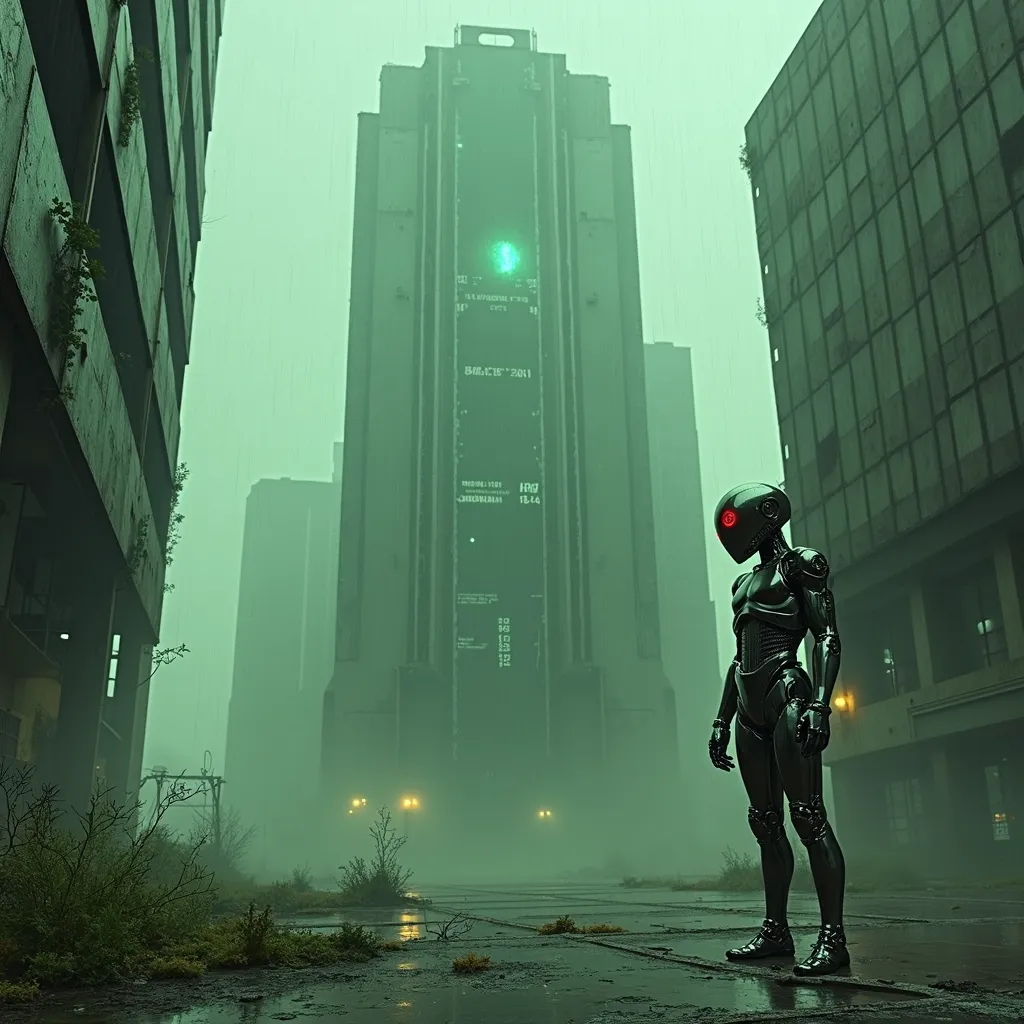
A towering, derelict arcology looms against a smog-choked sky, its chrome-plated exterior corroded and pockmarked by relentless acid rain. Neon-green droplets sizzle and steam as they strike the building's metallic skin, creating an eerie hiss that echoes through the abandoned megalopolis. Holographic advertisements flicker and glitch across the structure's facade, their once-vibrant colors now muted and distorted. In the foreground, a lone android with sleek, liquid-metal skin stands motionless, its chrome surface reflecting the acidic downpour and pulsing with faint, electric-blue circuitry. The android's eyes glow an ominous red, betraying the rogue AI that now inhabits its form. Streams of binary code float through the air like spectral whispers, connecting the android to the decaying arcology. The scene is bathed in a sickly, yellow-green atmospheric light, casting long shadows and creating a sense of foreboding. Broken glass and twisted metal litter the cracked pavement, while tendrils of bioluminescent fungi creep up the building's base, nature reclaiming the abandoned urban landscape.
Analisis Terperinci Prompt Gambar Flux AI
Analisis prompt terperinci yang digunakan untuk menghasilkan gambar dengan Generator Gambar Flux AI.
Jelajahi Prompt Flux untuk Generator Gambar AI Flux
Cara menghasilkan gambar dengan Flux.1 dev
Ikuti empat langkah sederhana ini untuk membuat gambar yang Anda inginkan.
Langkah 1: Masukkan Teks Anda (Silakan sempurnakan prompt untuk hasil yang lebih baik)
Langkah 2: Pilih Rasio Aspek Gambar
Langkah 3: Pilih Model Flux Anda:
Langkah 4: Klik Tombol Buat dan Tunggu Beberapa Detik untuk Gambar Anda
Alat Flux AI terkait untuk prompt tentang Flux.1 dev
Temukan alat-alat canggih dari Flux AI untuk meningkatkan alur kerja kreatif Anda.