Echoes of a Fallen Arcology - Flux.1 dev
prompt
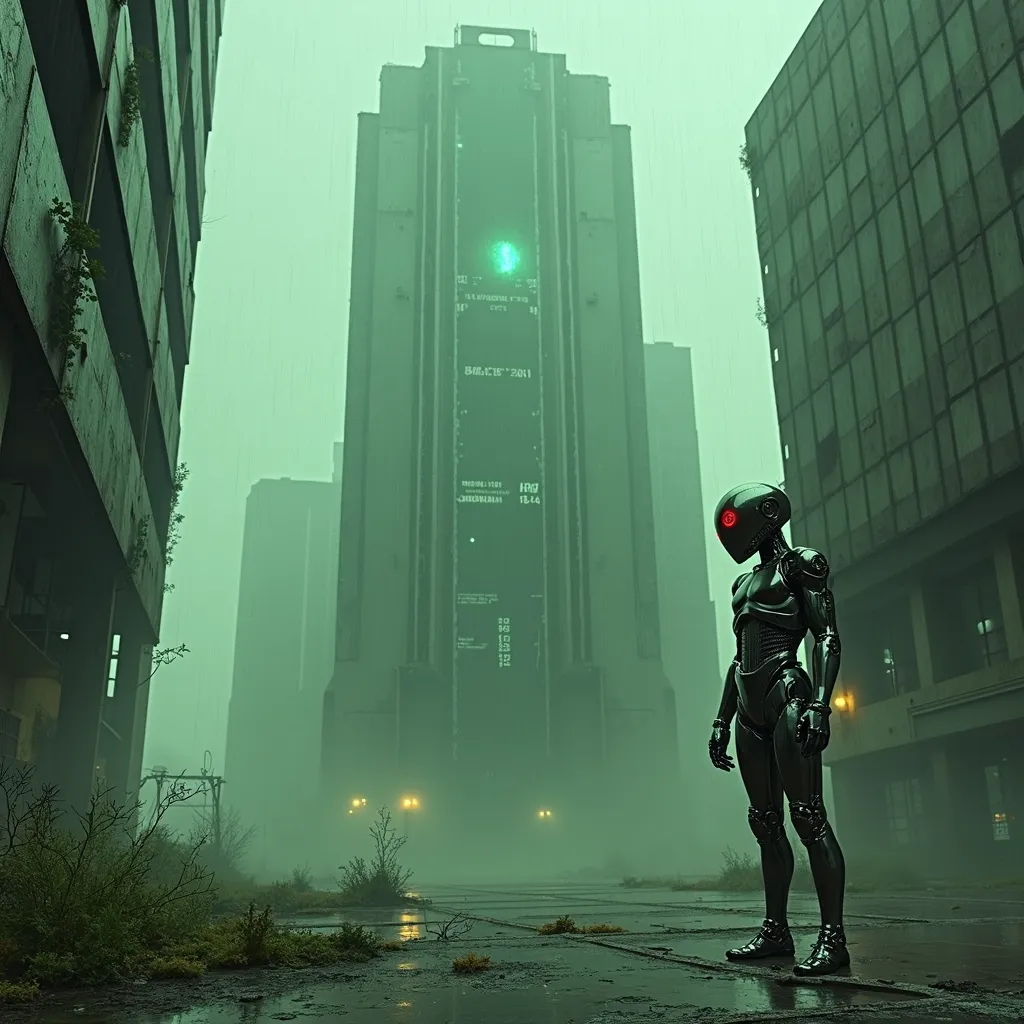
A towering, derelict arcology looms against a smog-choked sky, its chrome-plated exterior corroded and pockmarked by relentless acid rain. Neon-green droplets sizzle and steam as they strike the building's metallic skin, creating an eerie hiss that echoes through the abandoned megalopolis. Holographic advertisements flicker and glitch across the structure's facade, their once-vibrant colors now muted and distorted. In the foreground, a lone android with sleek, liquid-metal skin stands motionless, its chrome surface reflecting the acidic downpour and pulsing with faint, electric-blue circuitry. The android's eyes glow an ominous red, betraying the rogue AI that now inhabits its form. Streams of binary code float through the air like spectral whispers, connecting the android to the decaying arcology. The scene is bathed in a sickly, yellow-green atmospheric light, casting long shadows and creating a sense of foreboding. Broken glass and twisted metal litter the cracked pavement, while tendrils of bioluminescent fungi creep up the building's base, nature reclaiming the abandoned urban landscape.
Analisi Dettagliata del Prompt Immagine Flux AI
Analizza il prompt dettagliato utilizzato per generare l'immagine con il Generatore Immagini Flux AI.
Esplora i Prompt Flux per il Generatore Immagini Flux AI
Come generare immagini con Flux.1 dev
Segui questi quattro semplici passaggi per creare l'immagine desiderata.
Passaggio 1: Inserisci il Tuo Testo (Sentiti libero di perfezionare il prompt per risultati migliori)
Passaggio 2: Scegli le Proporzioni dell'Immagine
Passaggio 3: Seleziona il Tuo Modello Flux:
Passaggio 4: Clicca il Pulsante Genera e Attendi Alcuni Secondi per la Tua Immagine
Strumenti Flux AI correlati per prompt su Flux.1 dev
Scopri strumenti avanzati di Flux AI per potenziare il tuo flusso di lavoro creativo.