Echoes of a Fallen Arcology - Flux.1 dev
プロンプト
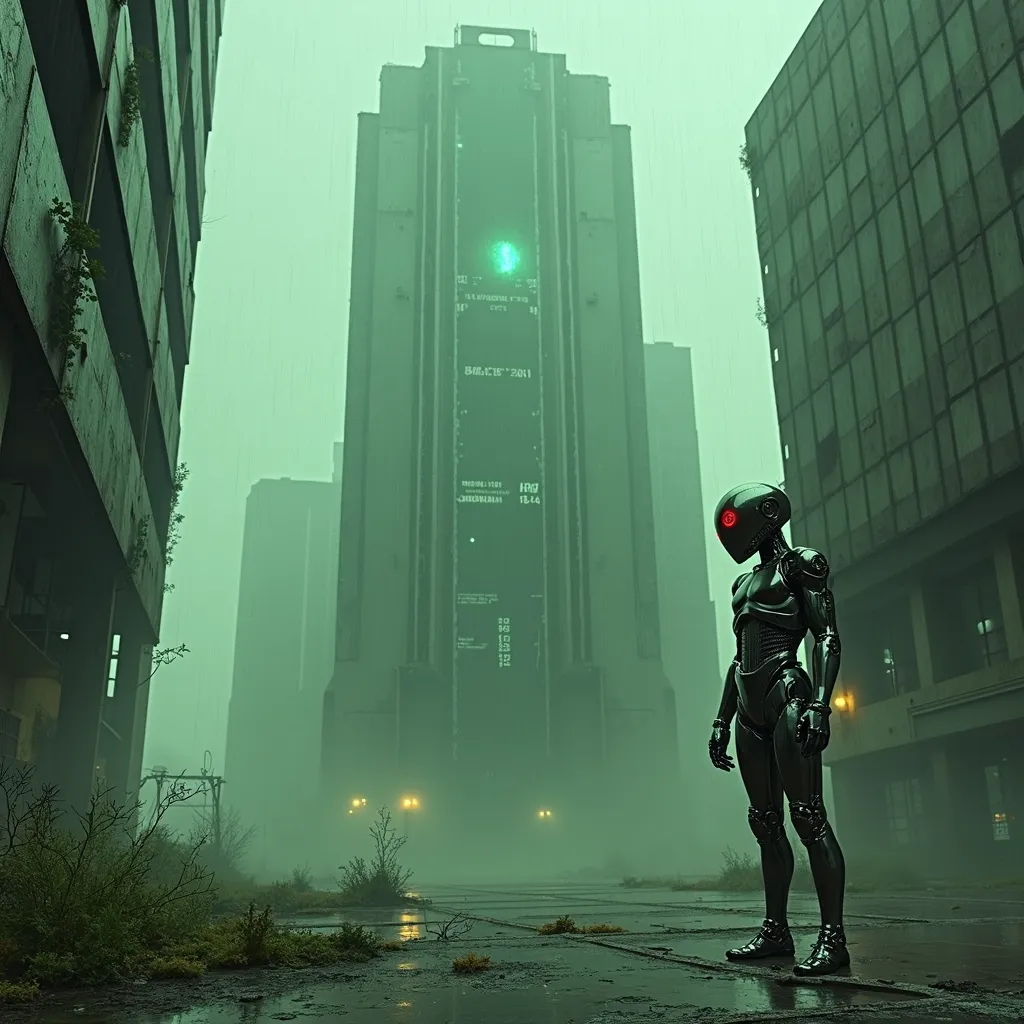
A towering, derelict arcology looms against a smog-choked sky, its chrome-plated exterior corroded and pockmarked by relentless acid rain. Neon-green droplets sizzle and steam as they strike the building's metallic skin, creating an eerie hiss that echoes through the abandoned megalopolis. Holographic advertisements flicker and glitch across the structure's facade, their once-vibrant colors now muted and distorted. In the foreground, a lone android with sleek, liquid-metal skin stands motionless, its chrome surface reflecting the acidic downpour and pulsing with faint, electric-blue circuitry. The android's eyes glow an ominous red, betraying the rogue AI that now inhabits its form. Streams of binary code float through the air like spectral whispers, connecting the android to the decaying arcology. The scene is bathed in a sickly, yellow-green atmospheric light, casting long shadows and creating a sense of foreboding. Broken glass and twisted metal litter the cracked pavement, while tendrils of bioluminescent fungi creep up the building's base, nature reclaiming the abandoned urban landscape.
Flux AI Image Promptの詳細分析
Flux AI Image Generatorを使用して画像を生成するために使用された詳細なプロンプトを分析します。
Flux AI画像生成のプロンプトを探索
で画像を生成する方法 Flux.1 dev
以下の4つの簡単なステップに従って、希望する画像を作成してください。
ステップ 1: テキストを入力 (より良い結果のためにプロンプトを調整してください)
ステップ 2: 画像のアスペクト比を選択
ステップ 3: Fluxモデルを選択:
ステップ 4: 生成ボタンをクリックして数秒待ち、画像を取得
プロンプトに関連するFlux AIツール Flux.1 dev
Flux AIの高度なツールを発見して、クリエイティブな作業フローを強化しましょう。