Wolf - Flux.1.1 pro
prompt
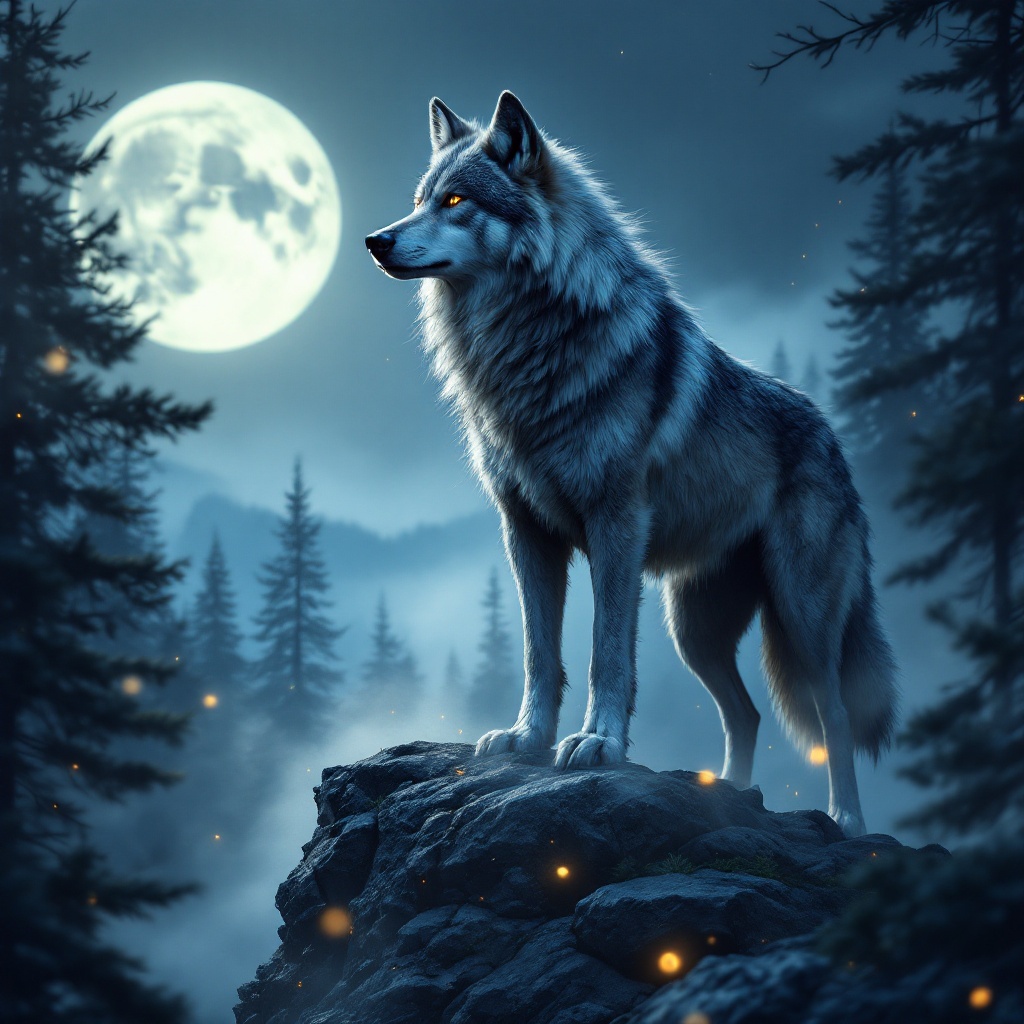
A majestic gray wolf stands on a rocky outcrop, its thick fur glistening under the soft light of a full moon. The wolf, with piercing amber eyes, is in a poised stance, head slightly raised as it surveys a misty forest below, the silhouette of pine trees framing the scene. The artistic style is hyper-realistic, capturing every detail of the wolf's fur, the texture of the rocks, and the ethereal mist swirling around its paws. The color palette features deep blues, silvers, and hints of emerald green, evoking a serene yet mysterious mood. The camera angle is low, focusing on the wolf's intense gaze, while the composition includes a blurred background to emphasize depth. Wisps of fog weave through the trees, and a few fireflies dance in the foreground, adding a touch of magic to this nocturnal tableau.
Analisis Terperinci Prompt Gambar Flux AI
Analisis prompt terperinci yang digunakan untuk menghasilkan gambar dengan Generator Gambar Flux AI.
Jelajahi Prompt Flux untuk Generator Gambar AI Flux
Cara menghasilkan gambar dengan Flux.1.1 pro
Ikuti empat langkah sederhana ini untuk membuat gambar yang Anda inginkan.
Langkah 1: Masukkan Teks Anda (Silakan sempurnakan prompt untuk hasil yang lebih baik)
Langkah 2: Pilih Rasio Aspek Gambar
Langkah 3: Pilih Model Flux Anda:
Langkah 4: Klik Tombol Buat dan Tunggu Beberapa Detik untuk Gambar Anda
Alat Flux AI terkait untuk prompt tentang Flux.1.1 pro
Temukan alat-alat canggih dari Flux AI untuk meningkatkan alur kerja kreatif Anda.