Wolf - Flux.1.1 pro
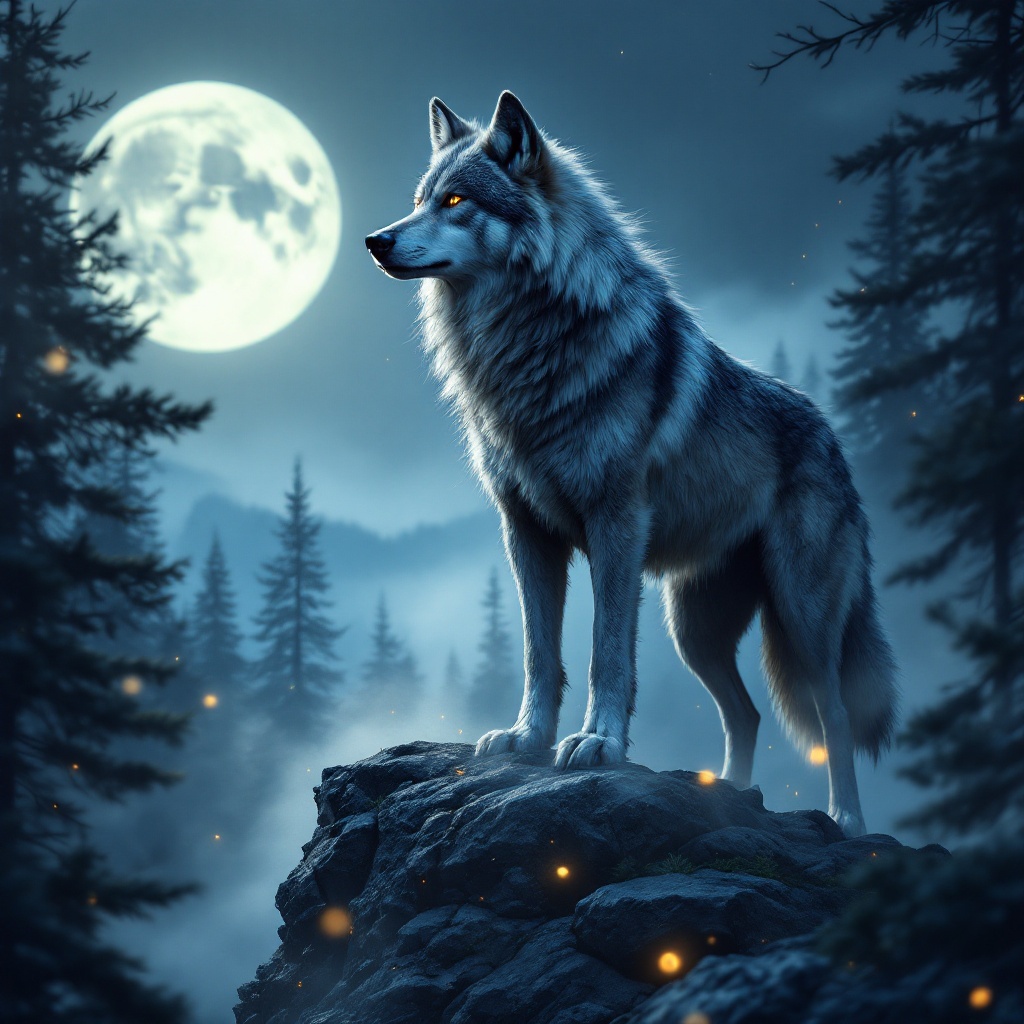
プロンプト
A majestic gray wolf stands on a rocky outcrop, its thick fur glistening under the soft light of a full moon. The wolf, with piercing amber eyes, is in a poised stance, head slightly raised as it surveys a misty forest below, the silhouette of pine trees framing the scene. The artistic style is hyper-realistic, capturing every detail of the wolf's fur, the texture of the rocks, and the ethereal mist swirling around its paws. The color palette features deep blues, silvers, and hints of emerald green, evoking a serene yet mysterious mood. The camera angle is low, focusing on the wolf's intense gaze, while the composition includes a blurred background to emphasize depth. Wisps of fog weave through the trees, and a few fireflies dance in the foreground, adding a touch of magic to this nocturnal tableau.
Flux AI Image Promptの詳細分析
Flux AI Image Generatorを使用して画像を生成するために使用された詳細なプロンプトを分析します。
Flux AI画像生成のプロンプトを探索
で画像を生成する方法 Flux.1.1 pro
以下の4つの簡単なステップに従って、希望する画像を作成してください。
ステップ 1: テキストを入力 (より良い結果のためにプロンプトを調整してください)
ステップ 2: 画像のアスペクト比を選択
ステップ 3: Fluxモデルを選択:
ステップ 4: 生成ボタンをクリックして数秒待ち、画像を取得
プロンプトに関連するFlux AIツール Flux.1.1 pro
Flux AIの高度なツールを発見して、クリエイティブな作業フローを強化しましょう。