Wolf - Flux.1.1 pro
prompt
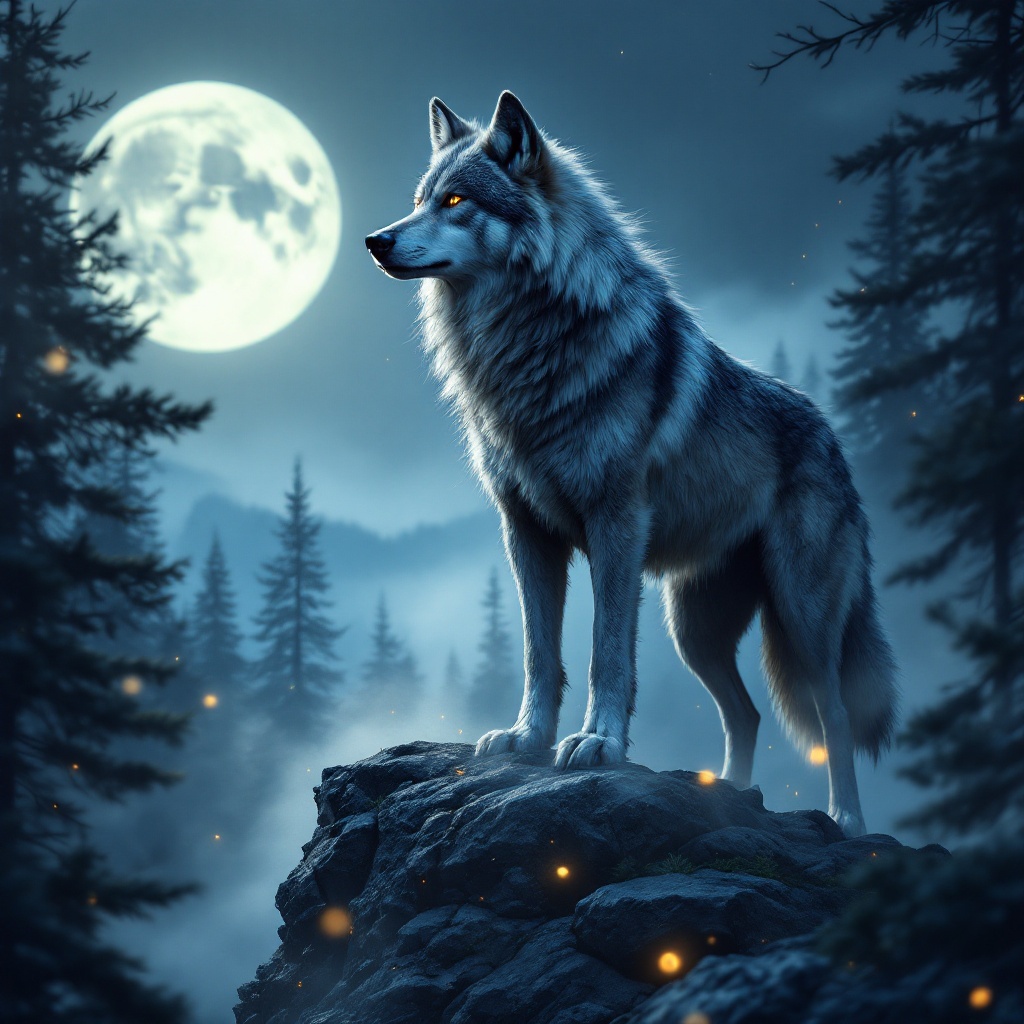
A majestic gray wolf stands on a rocky outcrop, its thick fur glistening under the soft light of a full moon. The wolf, with piercing amber eyes, is in a poised stance, head slightly raised as it surveys a misty forest below, the silhouette of pine trees framing the scene. The artistic style is hyper-realistic, capturing every detail of the wolf's fur, the texture of the rocks, and the ethereal mist swirling around its paws. The color palette features deep blues, silvers, and hints of emerald green, evoking a serene yet mysterious mood. The camera angle is low, focusing on the wolf's intense gaze, while the composition includes a blurred background to emphasize depth. Wisps of fog weave through the trees, and a few fireflies dance in the foreground, adding a touch of magic to this nocturnal tableau.
Detailed Analysis of the Flux AI Image Prompt
Analyze the detailed prompt used to generate the image with Flux AI Image Generator.
Explore Flux Prompts for the Flux AI Image Generator
How to generate image by Flux.1.1 pro
Follow these four simple steps to create your desired image.
Step 1: Enter Your Text (Feel free to refine your prompt for better results)
Step 2: Choose Image Aspect Ratio
Step 3: Select Your Flux Model:
Step 4: Click the Generate Button and Wait a Few Seconds for Your Image
Related Flux AI tools for prompts about Flux.1.1 pro
Discover advanced tools from Flux AI to boost your creative workflow.