Golden Gate Bridge - Flux.1 dev
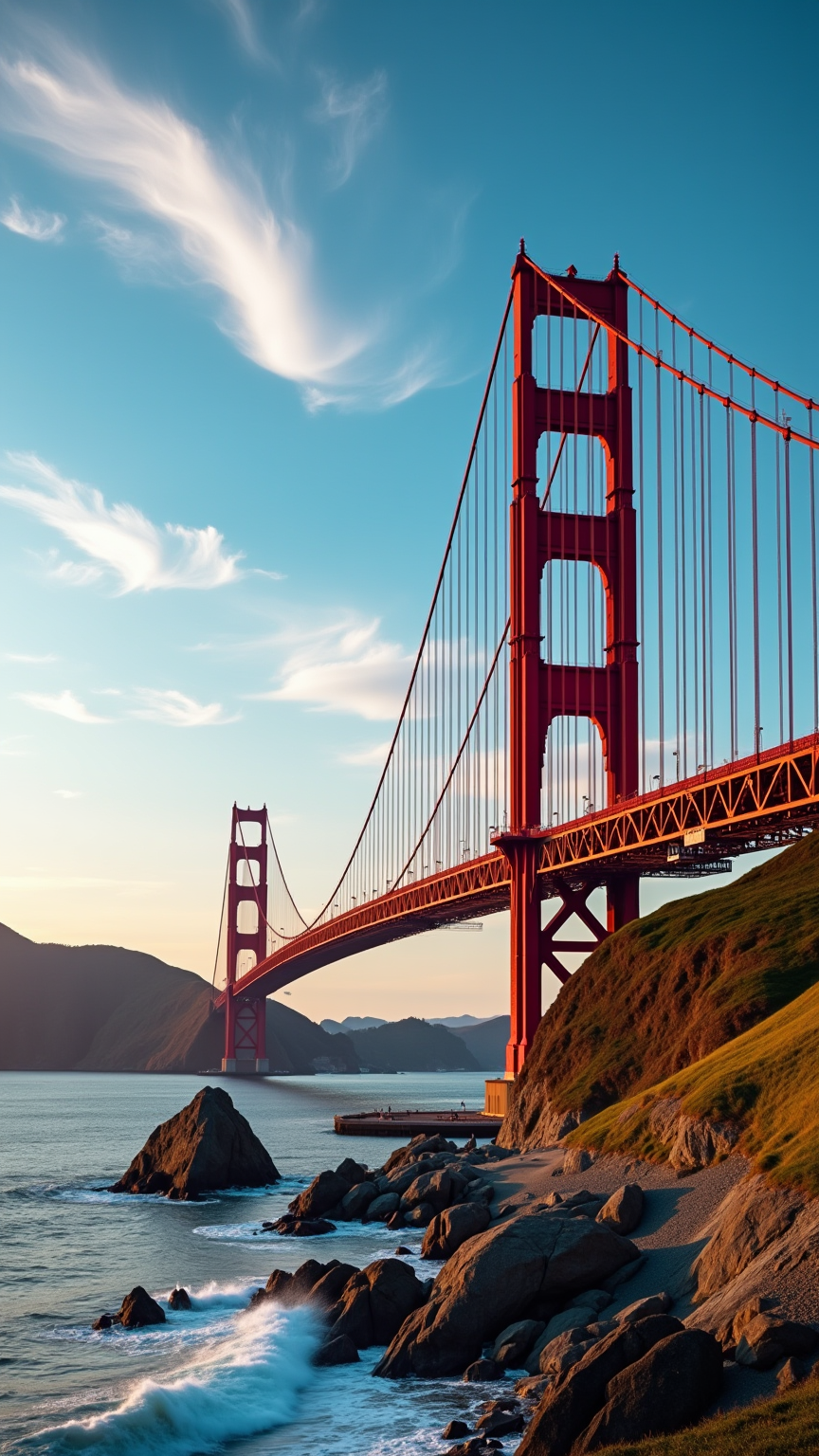
prompt
Create an image of the Golden Gate Bridge, an iconic Art Deco marvel, spanning the San Francisco Bay. Capture its striking International Orange color against a backdrop of a vibrant blue sky, with wispy white clouds drifting above. The bridge's sweeping suspension cables and towering Art Deco towers should be highlighted, showcasing the intricate steel textures and bold geometric shapes. Surround the scene with the lush greenery of the Marin Headlands and the gentle waves of the bay, reflecting the bridge’s silhouette. Set the scene during a golden hour sunset, bathing the bridge in warm hues of orange and pink, while soft shadows play across the landscape. Infuse a sense of historical significance, evoking the bridge's role as a symbol of innovation and resilience. Use a wide-angle lens for a dramatic perspective, emphasizing the grandeur of the structure against the natural beauty of its surroundings.
Analisis Terperinci Prompt Gambar Flux AI
Analisis prompt terperinci yang digunakan untuk menghasilkan gambar dengan Generator Gambar Flux AI.
Jelajahi Prompt Flux untuk Generator Gambar AI Flux
Cara menghasilkan gambar dengan Flux.1 dev
Ikuti empat langkah sederhana ini untuk membuat gambar yang Anda inginkan.
Langkah 1: Masukkan Teks Anda (Silakan sempurnakan prompt untuk hasil yang lebih baik)
Langkah 2: Pilih Rasio Aspek Gambar
Langkah 3: Pilih Model Flux Anda:
Langkah 4: Klik Tombol Buat dan Tunggu Beberapa Detik untuk Gambar Anda
Alat Flux AI terkait untuk prompt tentang Flux.1 dev
Temukan alat-alat canggih dari Flux AI untuk meningkatkan alur kerja kreatif Anda.