Golden Gate Bridge - Flux.1 dev
Подсказка
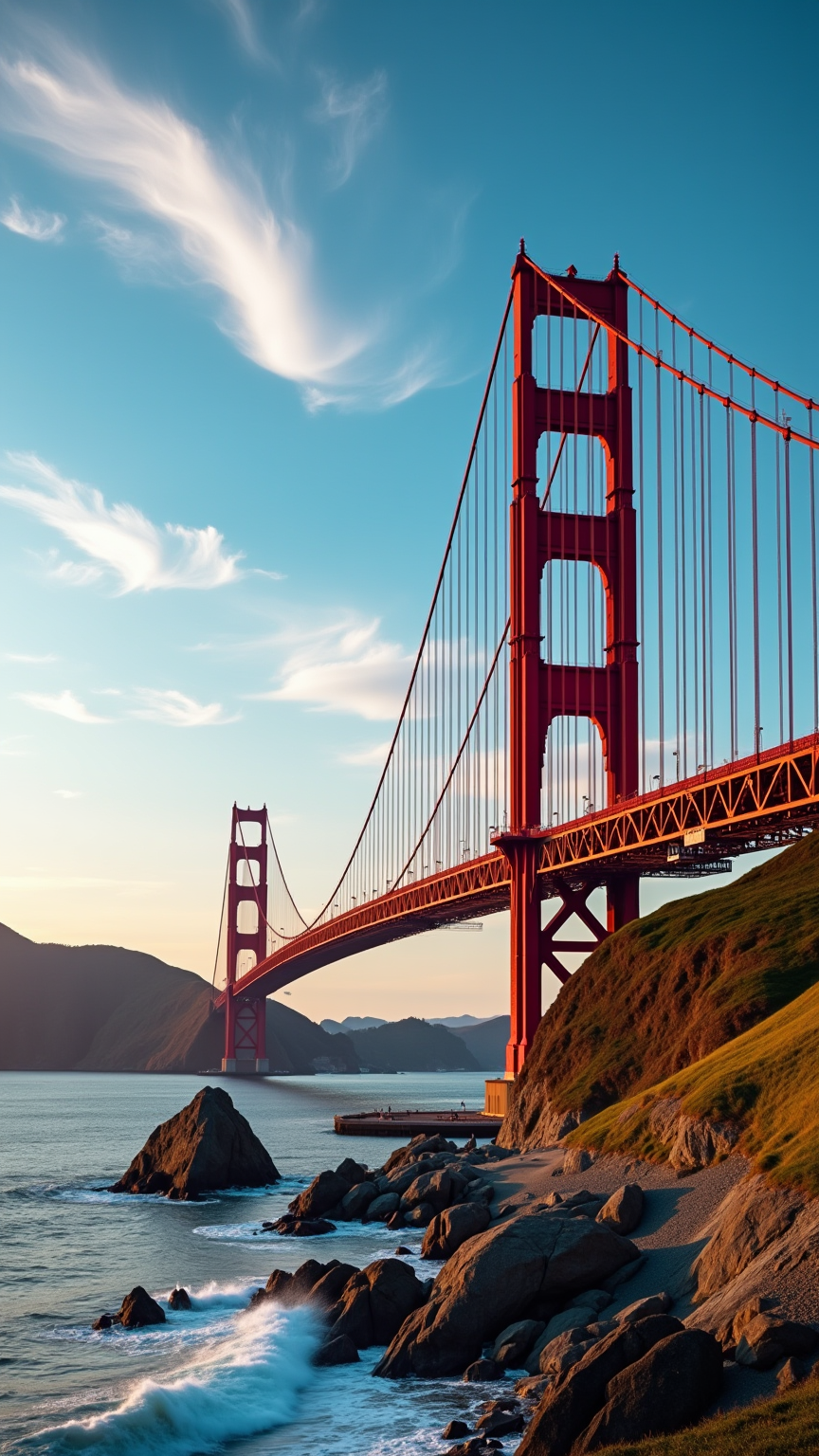
Create an image of the Golden Gate Bridge, an iconic Art Deco marvel, spanning the San Francisco Bay. Capture its striking International Orange color against a backdrop of a vibrant blue sky, with wispy white clouds drifting above. The bridge's sweeping suspension cables and towering Art Deco towers should be highlighted, showcasing the intricate steel textures and bold geometric shapes. Surround the scene with the lush greenery of the Marin Headlands and the gentle waves of the bay, reflecting the bridge’s silhouette. Set the scene during a golden hour sunset, bathing the bridge in warm hues of orange and pink, while soft shadows play across the landscape. Infuse a sense of historical significance, evoking the bridge's role as a symbol of innovation and resilience. Use a wide-angle lens for a dramatic perspective, emphasizing the grandeur of the structure against the natural beauty of its surroundings.
Подробный анализ промпта Flux AI Image
Проанализируйте детальный промпт, использованный для генерации изображения с помощью Flux AI Image Generator.
Исследуйте подсказки Flux AI для генератора изображений
Как сгенерировать изображение с помощью Flux.1 dev
Следуйте этим четырем простым шагам, чтобы создать желаемое изображение.
Шаг 1: Введите свой текст (Не стесняйтесь уточнять свой промпт для лучших результатов)
Шаг 2: Выберите соотношение сторон изображения
Шаг 3: Выберите свою модель Flux:
Шаг 4: Нажмите кнопку Генерировать и подождите несколько секунд для получения изображения
Связанные инструменты Flux AI для промптов о Flux.1 dev
Откройте для себя передовые инструменты от Flux AI, чтобы повысить свой творческий рабочий процесс.