Golden Gate Bridge - Flux.1 dev
prompt
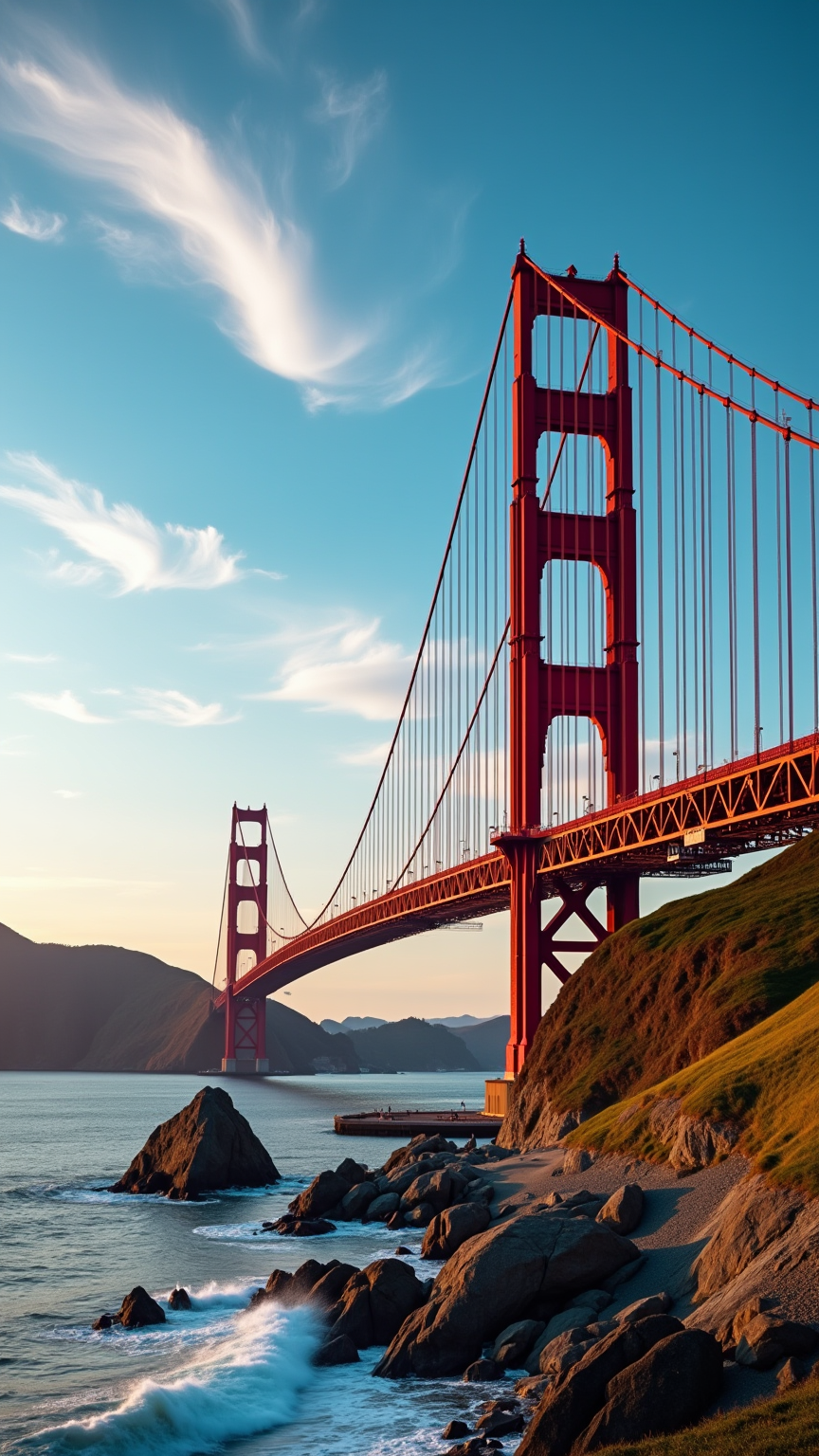
Create an image of the Golden Gate Bridge, an iconic Art Deco marvel, spanning the San Francisco Bay. Capture its striking International Orange color against a backdrop of a vibrant blue sky, with wispy white clouds drifting above. The bridge's sweeping suspension cables and towering Art Deco towers should be highlighted, showcasing the intricate steel textures and bold geometric shapes. Surround the scene with the lush greenery of the Marin Headlands and the gentle waves of the bay, reflecting the bridge’s silhouette. Set the scene during a golden hour sunset, bathing the bridge in warm hues of orange and pink, while soft shadows play across the landscape. Infuse a sense of historical significance, evoking the bridge's role as a symbol of innovation and resilience. Use a wide-angle lens for a dramatic perspective, emphasizing the grandeur of the structure against the natural beauty of its surroundings.
Analisi Dettagliata del Prompt Immagine Flux AI
Analizza il prompt dettagliato utilizzato per generare l'immagine con il Generatore Immagini Flux AI.
Esplora i Prompt Flux per il Generatore Immagini Flux AI
Come generare immagini con Flux.1 dev
Segui questi quattro semplici passaggi per creare l'immagine desiderata.
Passaggio 1: Inserisci il Tuo Testo (Sentiti libero di perfezionare il prompt per risultati migliori)
Passaggio 2: Scegli le Proporzioni dell'Immagine
Passaggio 3: Seleziona il Tuo Modello Flux:
Passaggio 4: Clicca il Pulsante Genera e Attendi Alcuni Secondi per la Tua Immagine
Strumenti Flux AI correlati per prompt su Flux.1 dev
Scopri strumenti avanzati di Flux AI per potenziare il tuo flusso di lavoro creativo.