Wimbledon - Flux.1 pro
prompt
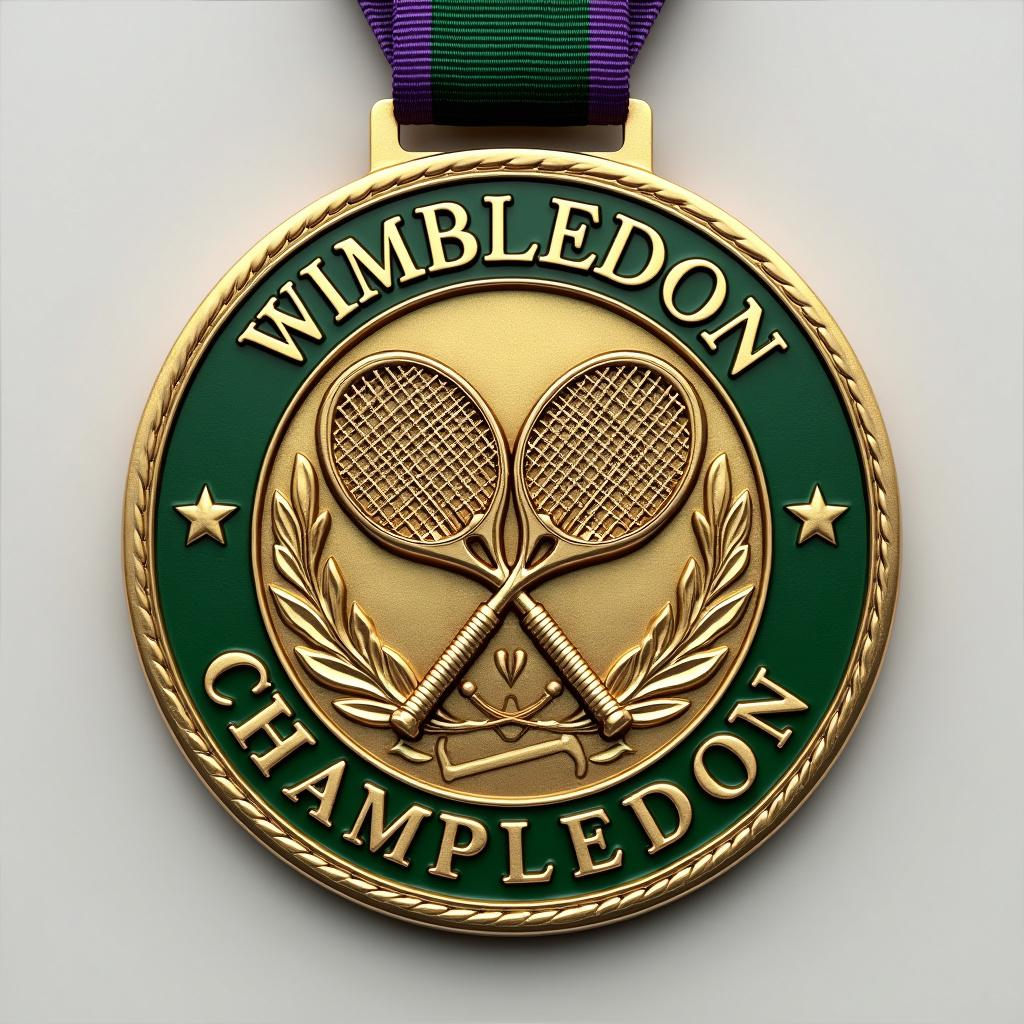
Sure, to make the prompt more engaging and generate a well-detailed response about the Wimbledon medal, I'll include more specific aspects and a touch of creativity: --- Create a stunning, detailed image of a Wimbledon Championship Medal. Capture the essence and prestige of the event with meticulous attention to detail. Sports Meet: Wimbledon Please consider the following aspects: - **Medal Shape**: A circular shape with a refined, elegant edge. - **Material**: High-quality gold, symbolizing excellence and achievement. - **Color**: A polished, gleaming gold finish with intricate green enamel accents to represent the lush Wimbledon grass courts. - **Design**: An exquisitely detailed image that features: - The iconic Wimbledon logo at the center, with the crossed tennis racquets. - Elaborate engravings around the border that reflect traditional British motifs and tennis heritage. - Subtle, artistic flourishes that capture the dynamism and grace of the sport. - **Text**: Bold, elegant typography inscribed with "Wimbledon Champion" along the top curve and the year of the tournament along the bottom. - **Ribbon**: A luxurious ribbon in the classic Wimbledon colors of dark green and purple, with a comfortable and robust silk texture. - **Size**: A substantial size of approximately 80mm in diameter, conveying the significance of the achievement without being overly cumbersome. Take inspiration from the grandeur and history of Wimbledon, ensuring the medal exudes prestige, elegance, and a timeless quality suitable for tennis champions. --- This revised prompt should inspire the creation of a more specific and engaging image, capturing the grandeur of the Wimbledon event and providing rich details about the medal design.
Analisi Dettagliata del Prompt Immagine Flux AI
Analizza il prompt dettagliato utilizzato per generare l'immagine con il Generatore Immagini Flux AI.
Esplora i Prompt Flux per il Generatore Immagini Flux AI
Come generare immagini con Flux.1 pro
Segui questi quattro semplici passaggi per creare l'immagine desiderata.
Passaggio 1: Inserisci il Tuo Testo (Sentiti libero di perfezionare il prompt per risultati migliori)
Passaggio 2: Scegli le Proporzioni dell'Immagine
Passaggio 3: Seleziona il Tuo Modello Flux:
Passaggio 4: Clicca il Pulsante Genera e Attendi Alcuni Secondi per la Tua Immagine
Strumenti Flux AI correlati per prompt su Flux.1 pro
Scopri strumenti avanzati di Flux AI per potenziare il tuo flusso di lavoro creativo.