Wimbledon - Flux.1 pro
Prompt
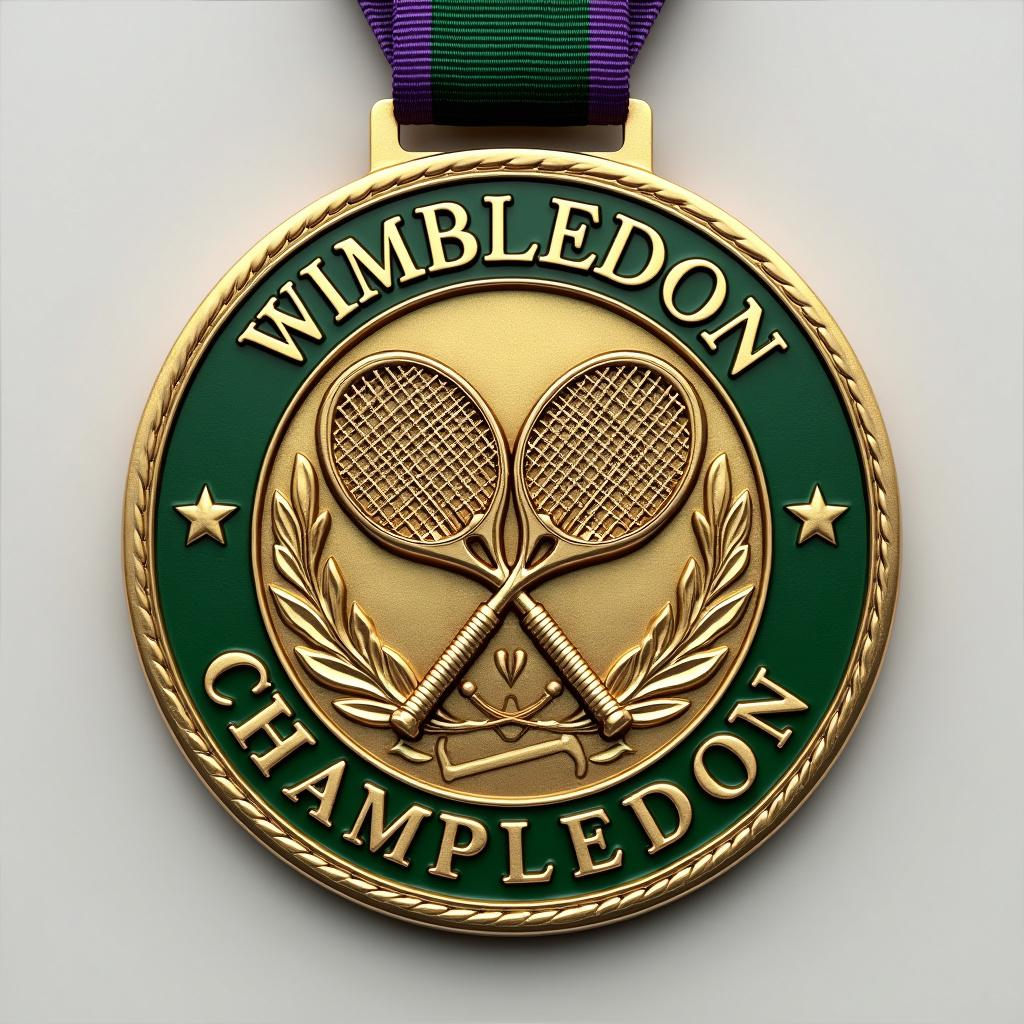
Sure, to make the prompt more engaging and generate a well-detailed response about the Wimbledon medal, I'll include more specific aspects and a touch of creativity: --- Create a stunning, detailed image of a Wimbledon Championship Medal. Capture the essence and prestige of the event with meticulous attention to detail. Sports Meet: Wimbledon Please consider the following aspects: - **Medal Shape**: A circular shape with a refined, elegant edge. - **Material**: High-quality gold, symbolizing excellence and achievement. - **Color**: A polished, gleaming gold finish with intricate green enamel accents to represent the lush Wimbledon grass courts. - **Design**: An exquisitely detailed image that features: - The iconic Wimbledon logo at the center, with the crossed tennis racquets. - Elaborate engravings around the border that reflect traditional British motifs and tennis heritage. - Subtle, artistic flourishes that capture the dynamism and grace of the sport. - **Text**: Bold, elegant typography inscribed with "Wimbledon Champion" along the top curve and the year of the tournament along the bottom. - **Ribbon**: A luxurious ribbon in the classic Wimbledon colors of dark green and purple, with a comfortable and robust silk texture. - **Size**: A substantial size of approximately 80mm in diameter, conveying the significance of the achievement without being overly cumbersome. Take inspiration from the grandeur and history of Wimbledon, ensuring the medal exudes prestige, elegance, and a timeless quality suitable for tennis champions. --- This revised prompt should inspire the creation of a more specific and engaging image, capturing the grandeur of the Wimbledon event and providing rich details about the medal design.
Análise Detalhada do Prompt de Imagem Flux IA
Analise o prompt detalhado usado para gerar a imagem com o Flux IA Image Generator.
Explore Prompts Flux para o Gerador de Imagens
Como gerar uma imagem por Flux.1 pro
Siga estes quatro passos simples para criar a imagem desejada.
Passo 1: Insira seu texto (Sinta-se à vontade para refinar seu prompt para melhores resultados)
Passo 2: Escolha a proporção da imagem
Passo 3: Selecione seu modelo Flux:
Passo 4: Clique no botão Gerar e aguarde alguns segundos para sua imagem
Ferramentas Flux IA relacionadas a prompts sobre Flux.1 pro
Descubra ferramentas avançadas da Flux IA para melhorar seu fluxo de trabalho criativo.