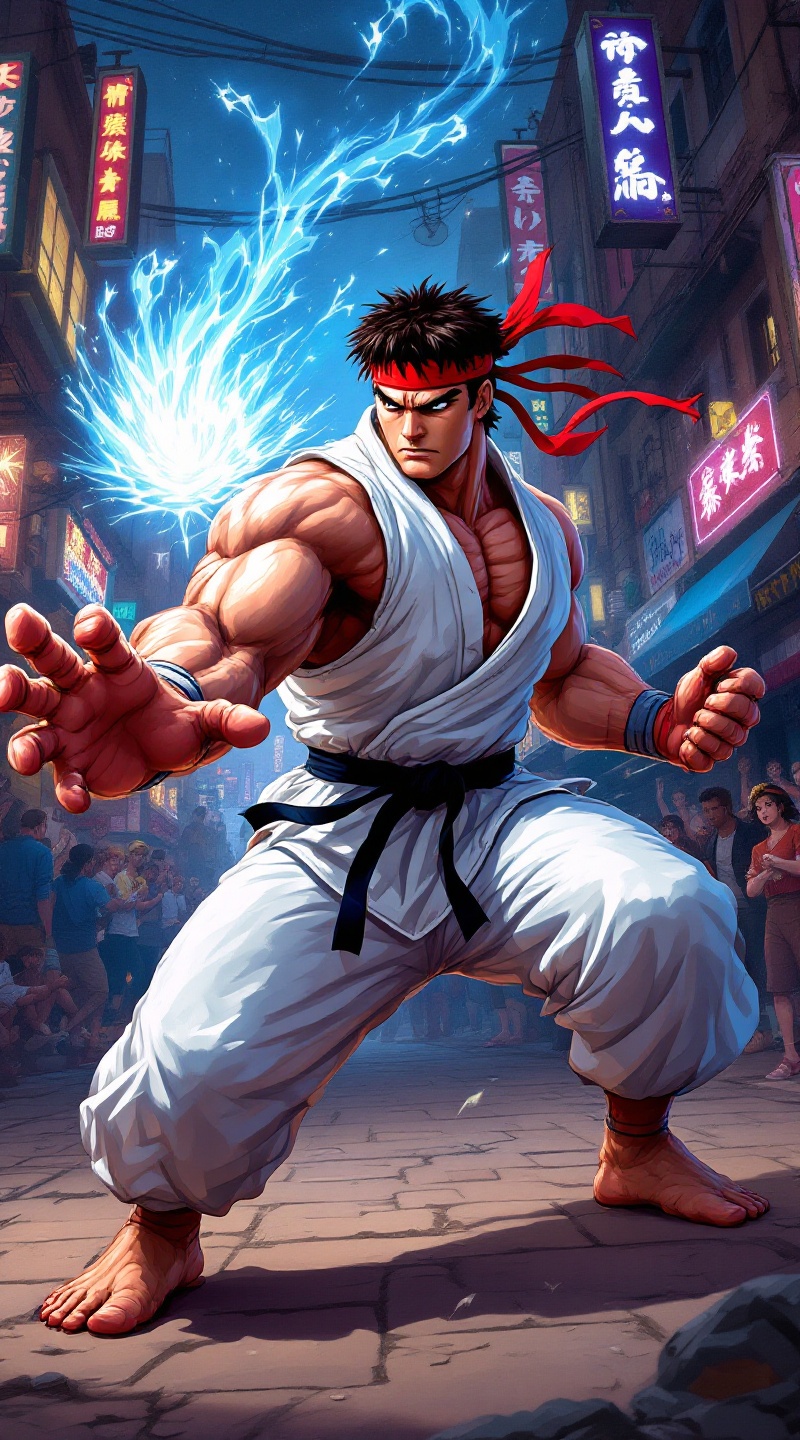
Pixelated Power: Ryu's Showdown - Flux.1.1 pro
prompt
Create a dynamic scene set in a vibrant, pixel-art style reminiscent of classic 90s fighting games, capturing the essence of "Street Fighter II." The focus is on Ryu, a muscular, determined martial artist clad in a white gi, with a red headband fluttering in the wind. His intense expression conveys focus and strength, showcasing his iconic Hadouken pose, with energy swirling in his outstretched hand. The background features a bustling urban environment, with neon lights and graffiti-covered walls, embodying the gritty street culture of the game. Include spectators in awe, adding to the electric atmosphere. The overall mood is charged with anticipation and excitement, highlighting the adrenaline-fueled action of a legendary street fight.
Analisi Dettagliata del Prompt Immagine Flux AI
Analizza il prompt dettagliato utilizzato per generare l'immagine con il Generatore Immagini Flux AI.
Esplora i Prompt Flux per il Generatore Immagini Flux AI
Come generare immagini con Flux.1.1 pro
Segui questi quattro semplici passaggi per creare l'immagine desiderata.
Passaggio 1: Inserisci il Tuo Testo (Sentiti libero di perfezionare il prompt per risultati migliori)
Passaggio 2: Scegli le Proporzioni dell'Immagine
Passaggio 3: Seleziona il Tuo Modello Flux:
Passaggio 4: Clicca il Pulsante Genera e Attendi Alcuni Secondi per la Tua Immagine
Strumenti Flux AI correlati per prompt su Flux.1.1 pro
Scopri strumenti avanzati di Flux AI per potenziare il tuo flusso di lavoro creativo.