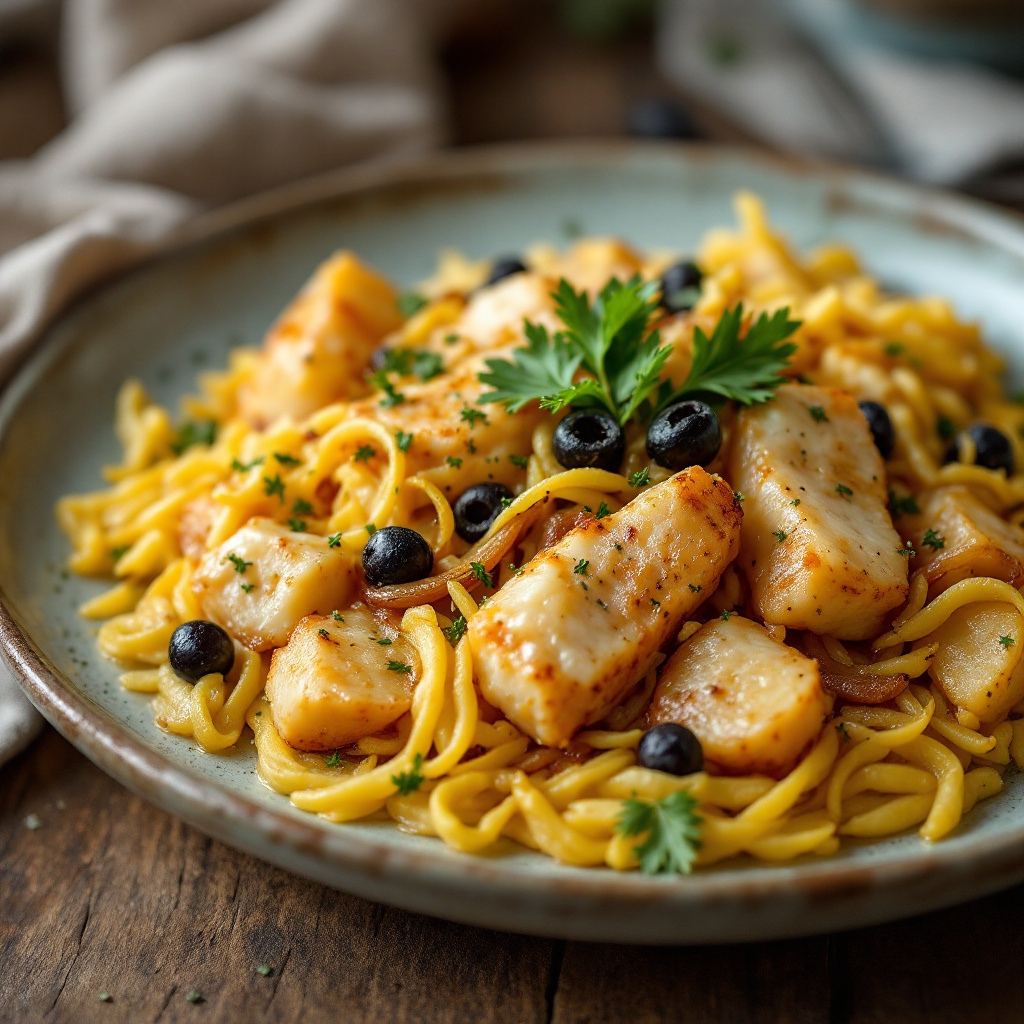
Bacalhau à Brás - Flux.1.1 pro
prompt
**Prompt:** "A rustic yet elegant plate of **Bacalhau à Brás**, golden shredded cod mingling with silky caramelized onions and crispy matchstick potatoes, all bound by creamy scrambled eggs. The dish glistens under warm, diffused lighting, steam gently rising from its surface, evoking the cozy aroma of garlic and olive oil. Garnished with fresh parsley and black olives for a pop of color, it rests atop a weathered wooden table with a linen napkin and a simple ceramic plate. Shot in a **close-up, shallow depth-of-field** style, highlighting the tender flakes of fish and crisp potato strands, with a slightly **film-like, textured** warmth to enhance its homely charm.
Analisi Dettagliata del Prompt Immagine Flux AI
Analizza il prompt dettagliato utilizzato per generare l'immagine con il Generatore Immagini Flux AI.
Esplora i Prompt Flux per il Generatore Immagini Flux AI
Come generare immagini con Flux.1.1 pro
Segui questi quattro semplici passaggi per creare l'immagine desiderata.
Passaggio 1: Inserisci il Tuo Testo (Sentiti libero di perfezionare il prompt per risultati migliori)
Passaggio 2: Scegli le Proporzioni dell'Immagine
Passaggio 3: Seleziona il Tuo Modello Flux:
Passaggio 4: Clicca il Pulsante Genera e Attendi Alcuni Secondi per la Tua Immagine
Strumenti Flux AI correlati per prompt su Flux.1.1 pro
Scopri strumenti avanzati di Flux AI per potenziare il tuo flusso di lavoro creativo.