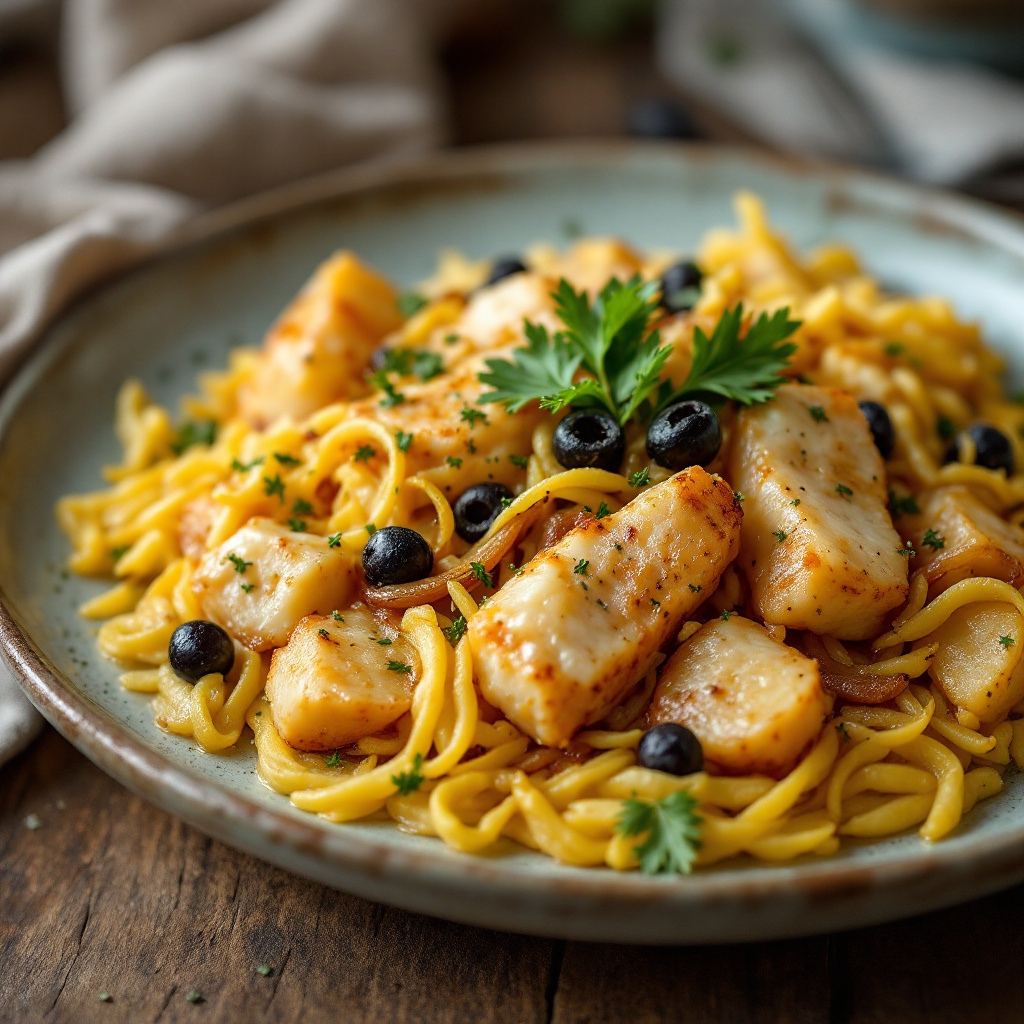
Bacalhau à Brás - Flux.1.1 pro
prompt
**Prompt:** "A rustic yet elegant plate of **Bacalhau à Brás**, golden shredded cod mingling with silky caramelized onions and crispy matchstick potatoes, all bound by creamy scrambled eggs. The dish glistens under warm, diffused lighting, steam gently rising from its surface, evoking the cozy aroma of garlic and olive oil. Garnished with fresh parsley and black olives for a pop of color, it rests atop a weathered wooden table with a linen napkin and a simple ceramic plate. Shot in a **close-up, shallow depth-of-field** style, highlighting the tender flakes of fish and crisp potato strands, with a slightly **film-like, textured** warmth to enhance its homely charm.
Detailed Analysis of the Flux AI Image Prompt
Analyze the detailed prompt used to generate the image with Flux AI Image Generator.
Explore Flux Prompts for the Flux AI Image Generator
How to generate image by Flux.1.1 pro
Follow these four simple steps to create your desired image.
Step 1: Enter Your Text (Feel free to refine your prompt for better results)
Step 2: Choose Image Aspect Ratio
Step 3: Select Your Flux Model:
Step 4: Click the Generate Button and Wait a Few Seconds for Your Image
Related Flux AI tools for prompts about Flux.1.1 pro
Discover advanced tools from Flux AI to boost your creative workflow.