Mikasa Ackerman - Flux.1 dev
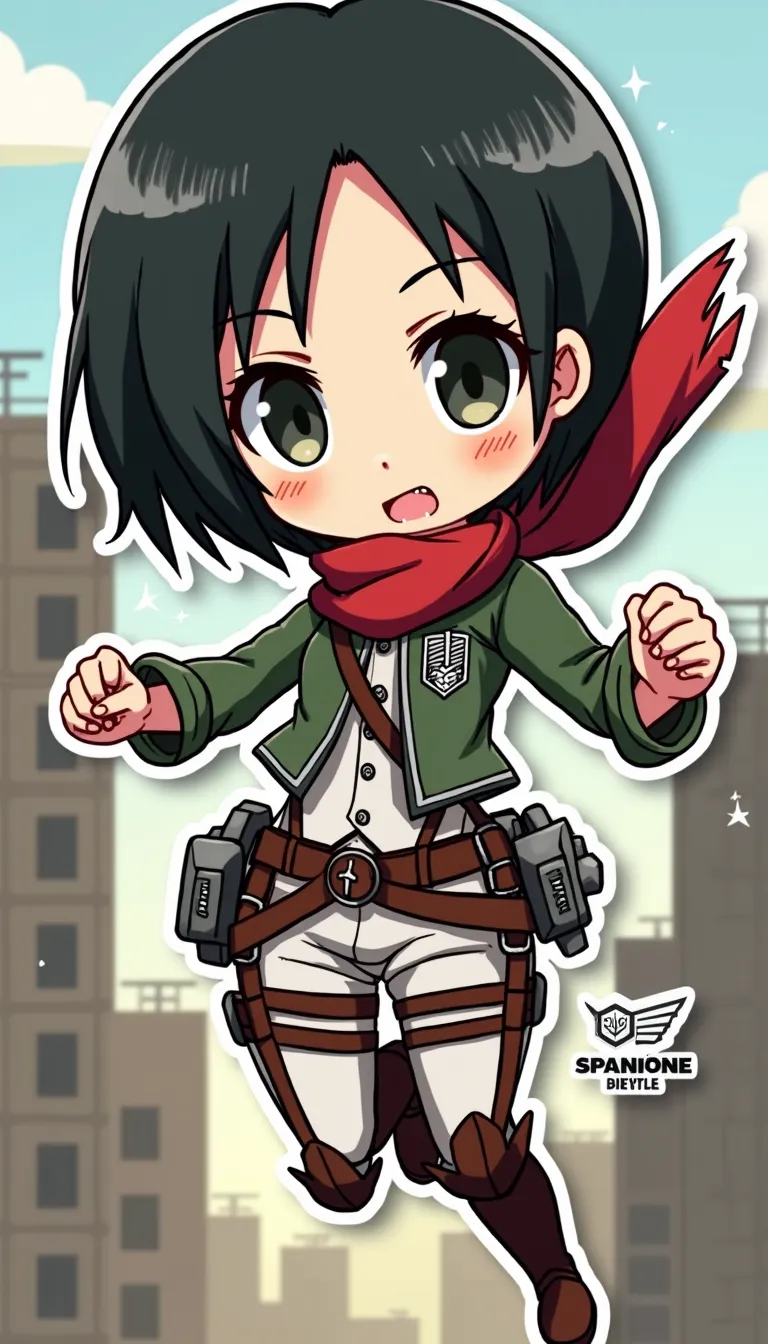
プロンプト
Anime sticker style, Mikasa Ackerman from Attack on Titan, chibi proportions, large expressive eyes, short black hair with signature red scarf, wearing Survey Corps uniform with 3D maneuver gear harness, dual blades in hands, determined expression with slight frown, action pose mid-air as if swinging through city, simplified background with stylized buildings and walls, dynamic speed lines, bold outlines, flat colors with minimal shading, kawaii aesthetic, small white sparkles for emphasis, tiny Scout Regiment wings of freedom logo in corner, miniature titans in far background for scale, slight drop shadow beneath character for sticker-like effect, vibrant color palette with emphasis on greens and browns for uniform, red for scarf, and steel gray for blades, subtle gradient in sky from light blue to pale yellow
Flux AI Image Promptの詳細分析
Flux AI Image Generatorを使用して画像を生成するために使用された詳細なプロンプトを分析します。
Flux AI画像生成のプロンプトを探索
で画像を生成する方法 Flux.1 dev
以下の4つの簡単なステップに従って、希望する画像を作成してください。
ステップ 1: テキストを入力 (より良い結果のためにプロンプトを調整してください)
ステップ 2: 画像のアスペクト比を選択
ステップ 3: Fluxモデルを選択:
ステップ 4: 生成ボタンをクリックして数秒待ち、画像を取得
プロンプトに関連するFlux AIツール Flux.1 dev
Flux AIの高度なツールを発見して、クリエイティブな作業フローを強化しましょう。