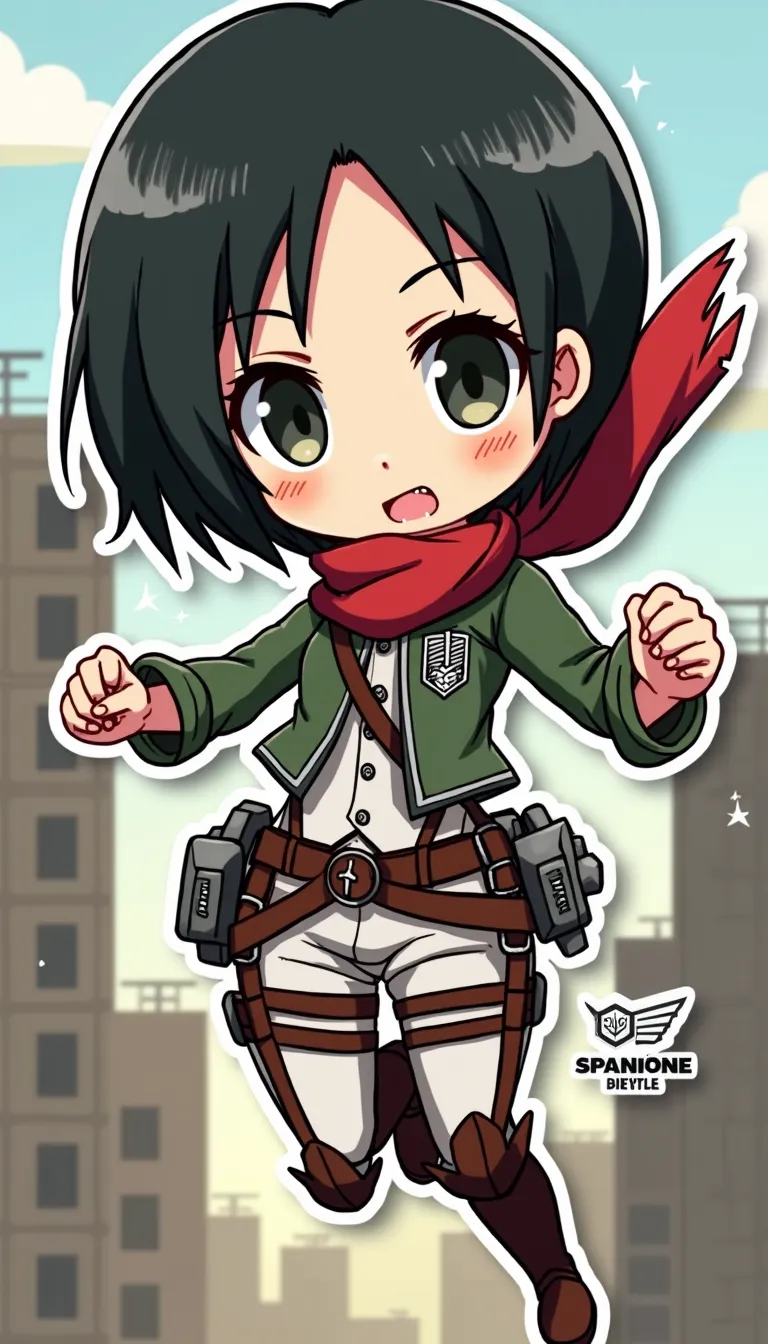
Mikasa Ackerman - Flux.1 dev
프롬프트
Anime sticker style, Mikasa Ackerman from Attack on Titan, chibi proportions, large expressive eyes, short black hair with signature red scarf, wearing Survey Corps uniform with 3D maneuver gear harness, dual blades in hands, determined expression with slight frown, action pose mid-air as if swinging through city, simplified background with stylized buildings and walls, dynamic speed lines, bold outlines, flat colors with minimal shading, kawaii aesthetic, small white sparkles for emphasis, tiny Scout Regiment wings of freedom logo in corner, miniature titans in far background for scale, slight drop shadow beneath character for sticker-like effect, vibrant color palette with emphasis on greens and browns for uniform, red for scarf, and steel gray for blades, subtle gradient in sky from light blue to pale yellow
Flux AI 이미지 프롬프트에 대한 상세 분석
Flux AI Image Generator를 사용하여 이미지를 생성하는 데 사용된 상세한 프롬프트를 분석합니다.
Flux AI 이미지 생성기 프롬프트 탐색
을 통해 이미지를 생성하는 방법 Flux.1 dev
원하는 이미지를 만들기 위해 다음 네 가지 간단한 단계를 따르세요.
단계 1: 텍스트 입력 (더 나은 결과를 위해 프롬프트를 자유롭게 수정하세요)
단계 2: 이미지 종횡비 선택
단계 3: Flux 모델 선택:
단계 4: 생성 버튼을 클릭하고 몇 초간 기다려 이미지를 받으세요
프롬프트와 관련된 Flux AI 도구 Flux.1 dev
Flux AI의 고급 도구를 발견하여 창의적인 작업 흐름을 향상시키세요.