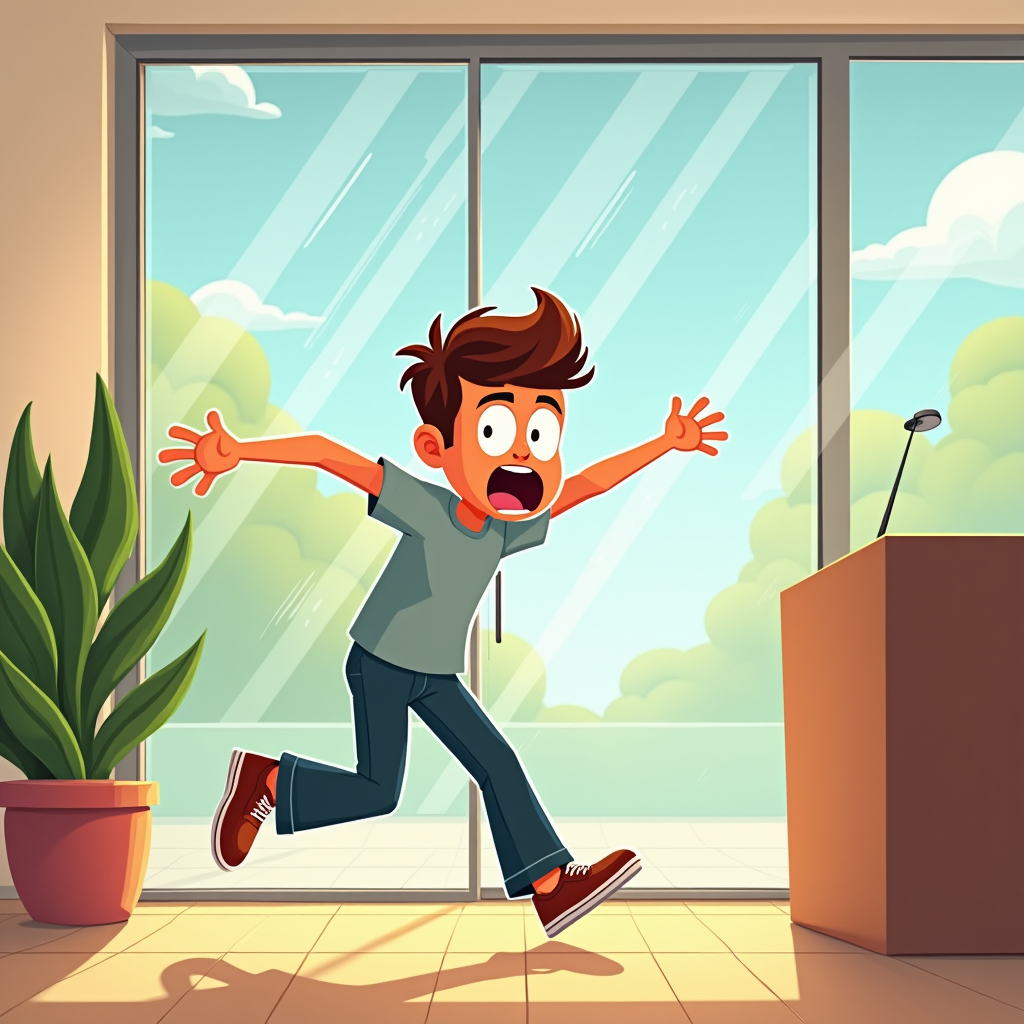
Glass Door Surprise: Oops! - Flux.1 dev
プロンプト
Create a humorous scene depicting a person in mid-collision with a clear glass door. The character, a young adult wearing casual clothes, has a surprised expression, eyes wide and mouth agape, as they stumble forward. The glass door reflects a bright, sunny day outside, with trees and blue sky visible, contrasting with the indoor setting, which is warmly lit with soft, golden tones. In the background, a potted plant and a contemporary reception desk add depth. The composition should focus on the character's exaggerated facial expression and body posture, capturing the moment of shock. Use a cartoonish, exaggerated art style with bold outlines and vibrant colors to enhance the comedic effect. Add subtle motion lines around the character to emphasize movement and surprise, creating a lighthearted, playful atmosphere.
Flux AI Image Promptの詳細分析
Flux AI Image Generatorを使用して画像を生成するために使用された詳細なプロンプトを分析します。
Flux AI画像生成のプロンプトを探索
で画像を生成する方法 Flux.1 dev
以下の4つの簡単なステップに従って、希望する画像を作成してください。
ステップ 1: テキストを入力 (より良い結果のためにプロンプトを調整してください)
ステップ 2: 画像のアスペクト比を選択
ステップ 3: Fluxモデルを選択:
ステップ 4: 生成ボタンをクリックして数秒待ち、画像を取得
プロンプトに関連するFlux AIツール Flux.1 dev
Flux AIの高度なツールを発見して、クリエイティブな作業フローを強化しましょう。