Glass Door Surprise: Oops! - Flux.1 dev
프롬프트
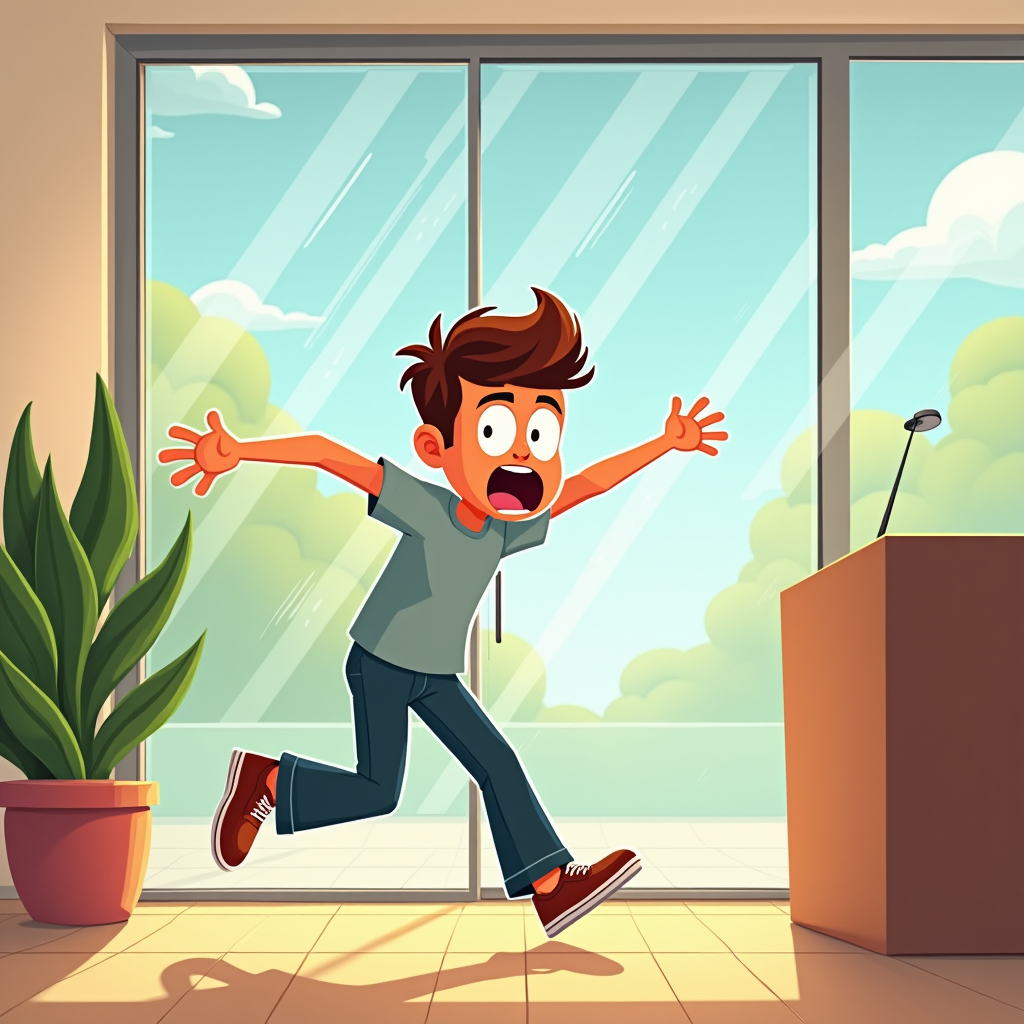
Create a humorous scene depicting a person in mid-collision with a clear glass door. The character, a young adult wearing casual clothes, has a surprised expression, eyes wide and mouth agape, as they stumble forward. The glass door reflects a bright, sunny day outside, with trees and blue sky visible, contrasting with the indoor setting, which is warmly lit with soft, golden tones. In the background, a potted plant and a contemporary reception desk add depth. The composition should focus on the character's exaggerated facial expression and body posture, capturing the moment of shock. Use a cartoonish, exaggerated art style with bold outlines and vibrant colors to enhance the comedic effect. Add subtle motion lines around the character to emphasize movement and surprise, creating a lighthearted, playful atmosphere.
Flux AI 이미지 프롬프트에 대한 상세 분석
Flux AI Image Generator를 사용하여 이미지를 생성하는 데 사용된 상세한 프롬프트를 분석합니다.
Flux AI 이미지 생성기 프롬프트 탐색
을 통해 이미지를 생성하는 방법 Flux.1 dev
원하는 이미지를 만들기 위해 다음 네 가지 간단한 단계를 따르세요.
단계 1: 텍스트 입력 (더 나은 결과를 위해 프롬프트를 자유롭게 수정하세요)
단계 2: 이미지 종횡비 선택
단계 3: Flux 모델 선택:
단계 4: 생성 버튼을 클릭하고 몇 초간 기다려 이미지를 받으세요
프롬프트와 관련된 Flux AI 도구 Flux.1 dev
Flux AI의 고급 도구를 발견하여 창의적인 작업 흐름을 향상시키세요.