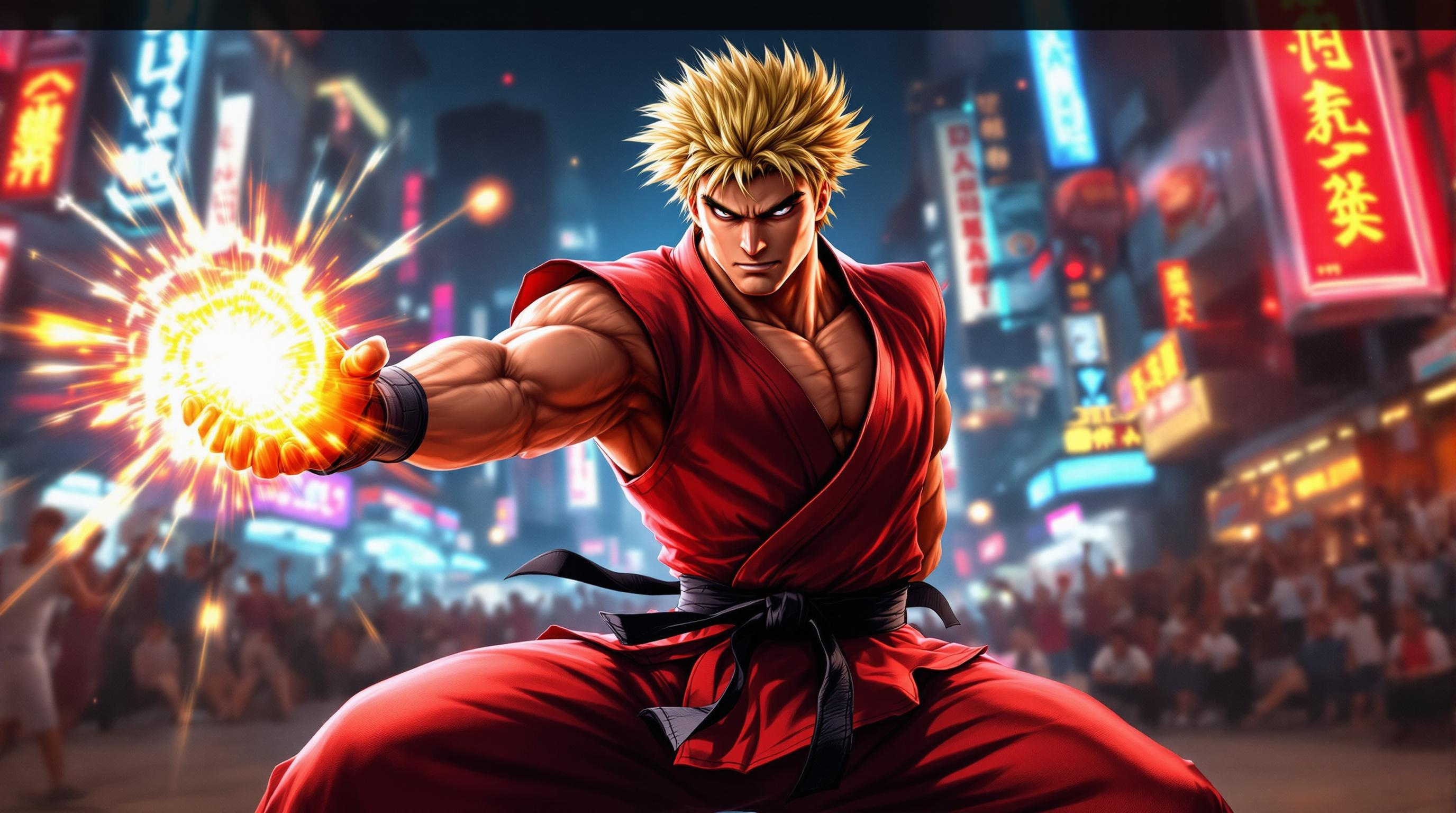
Ken's Fiery Showdown Unleashed - Flux.1.1 pro
プロンプト
Create a dynamic scene inspired by the fighting game genre, focusing on "Street Fighter II." Depict Ken Masters, a muscular fighter with spiky blonde hair and a confident smirk, clad in a traditional red karate gi with a black belt, showcasing his iconic fiery Shoryuken pose. The background features a vibrant urban setting, with neon signs and a cheering crowd, capturing the energy of a bustling street tournament. Include elements like a glowing Hadouken energy ball in his hand, emphasizing his mastery of martial arts. The atmosphere is charged with excitement and intensity, with dramatic lighting casting shadows that highlight the action. Convey a sense of movement and power, as if Ken is about to unleash his signature attack, embodying the spirit of competition and the thrill of the fight.
Flux AI Image Promptの詳細分析
Flux AI Image Generatorを使用して画像を生成するために使用された詳細なプロンプトを分析します。
Flux AI画像生成のプロンプトを探索
で画像を生成する方法 Flux.1.1 pro
以下の4つの簡単なステップに従って、希望する画像を作成してください。
ステップ 1: テキストを入力 (より良い結果のためにプロンプトを調整してください)
ステップ 2: 画像のアスペクト比を選択
ステップ 3: Fluxモデルを選択:
ステップ 4: 生成ボタンをクリックして数秒待ち、画像を取得
プロンプトに関連するFlux AIツール Flux.1.1 pro
Flux AIの高度なツールを発見して、クリエイティブな作業フローを強化しましょう。