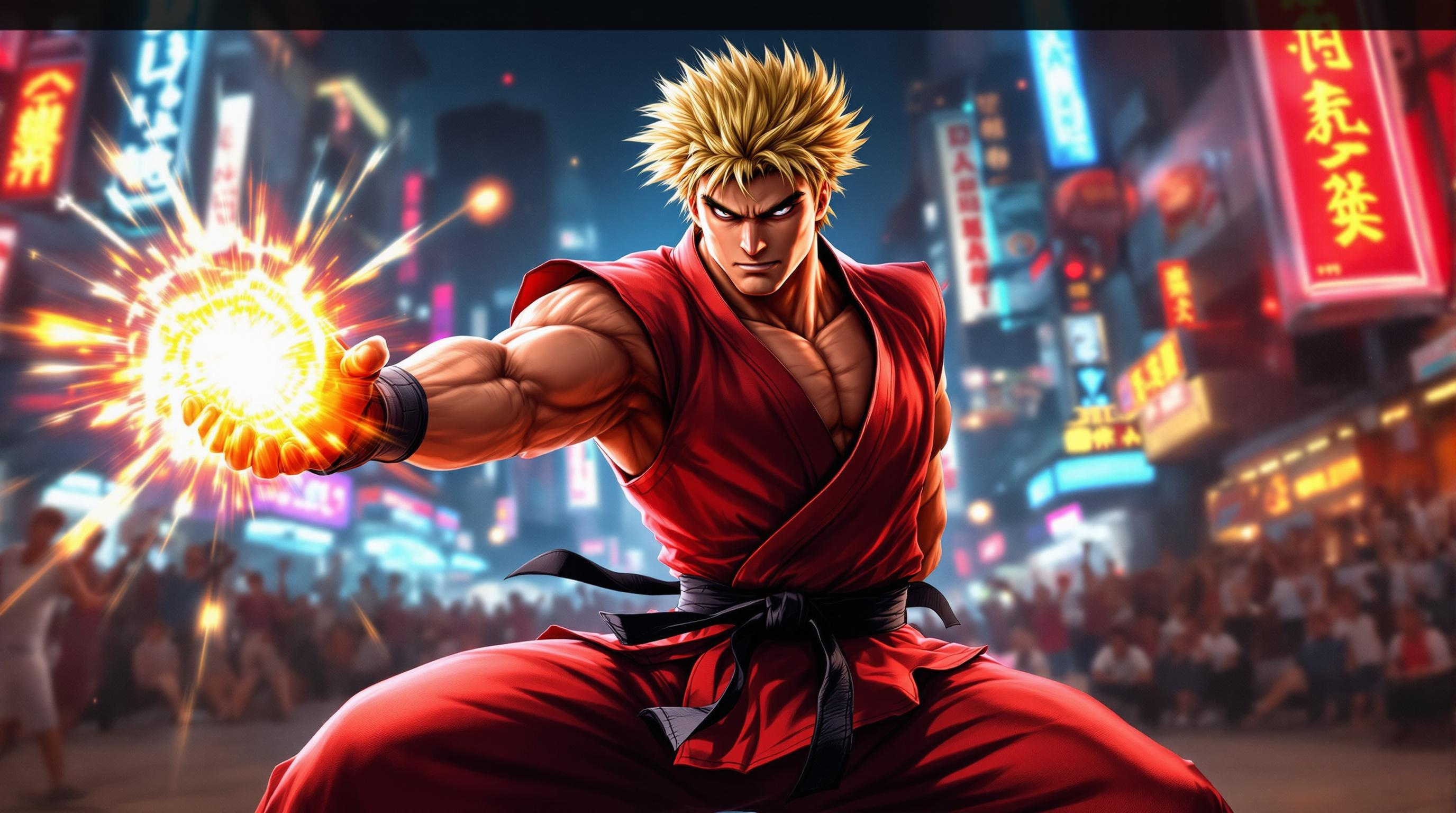
Ken's Fiery Showdown Unleashed - Flux.1.1 pro
프롬프트
Create a dynamic scene inspired by the fighting game genre, focusing on "Street Fighter II." Depict Ken Masters, a muscular fighter with spiky blonde hair and a confident smirk, clad in a traditional red karate gi with a black belt, showcasing his iconic fiery Shoryuken pose. The background features a vibrant urban setting, with neon signs and a cheering crowd, capturing the energy of a bustling street tournament. Include elements like a glowing Hadouken energy ball in his hand, emphasizing his mastery of martial arts. The atmosphere is charged with excitement and intensity, with dramatic lighting casting shadows that highlight the action. Convey a sense of movement and power, as if Ken is about to unleash his signature attack, embodying the spirit of competition and the thrill of the fight.
Flux AI 이미지 프롬프트에 대한 상세 분석
Flux AI Image Generator를 사용하여 이미지를 생성하는 데 사용된 상세한 프롬프트를 분석합니다.
Flux AI 이미지 생성기 프롬프트 탐색
을 통해 이미지를 생성하는 방법 Flux.1.1 pro
원하는 이미지를 만들기 위해 다음 네 가지 간단한 단계를 따르세요.
단계 1: 텍스트 입력 (더 나은 결과를 위해 프롬프트를 자유롭게 수정하세요)
단계 2: 이미지 종횡비 선택
단계 3: Flux 모델 선택:
단계 4: 생성 버튼을 클릭하고 몇 초간 기다려 이미지를 받으세요
프롬프트와 관련된 Flux AI 도구 Flux.1.1 pro
Flux AI의 고급 도구를 발견하여 창의적인 작업 흐름을 향상시키세요.