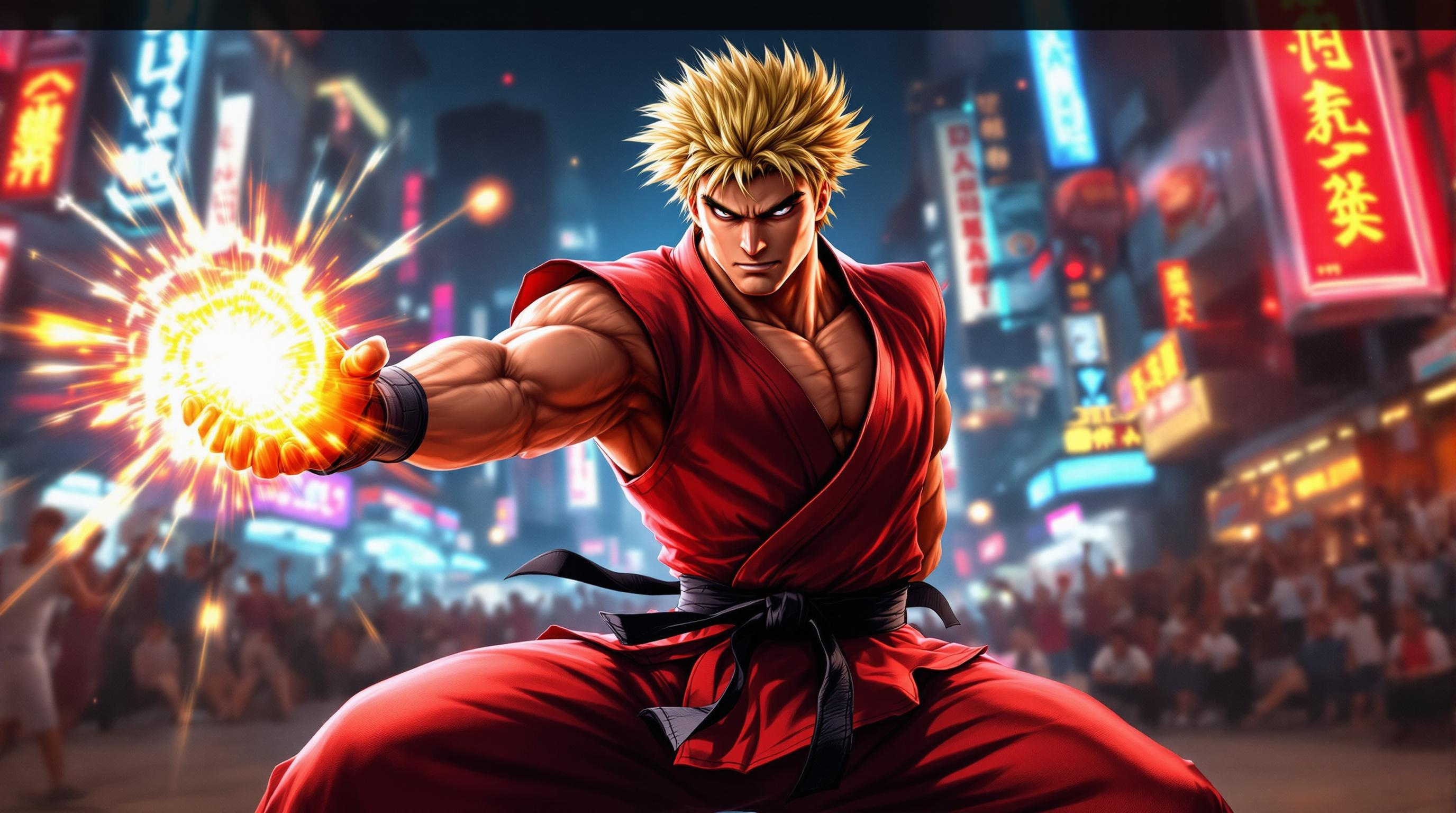
Ken's Fiery Showdown Unleashed - Flux.1.1 pro
提示
Create a dynamic scene inspired by the fighting game genre, focusing on "Street Fighter II." Depict Ken Masters, a muscular fighter with spiky blonde hair and a confident smirk, clad in a traditional red karate gi with a black belt, showcasing his iconic fiery Shoryuken pose. The background features a vibrant urban setting, with neon signs and a cheering crowd, capturing the energy of a bustling street tournament. Include elements like a glowing Hadouken energy ball in his hand, emphasizing his mastery of martial arts. The atmosphere is charged with excitement and intensity, with dramatic lighting casting shadows that highlight the action. Convey a sense of movement and power, as if Ken is about to unleash his signature attack, embodying the spirit of competition and the thrill of the fight.
Flux AI 圖像提示的詳細分析
分析使用 Flux AI 圖像生成器生成圖像所使用的詳細提示。
探索 Flux AI 圖像生成器的提示
如何通過 Flux.1.1 pro
遵循以下四個簡單步驟來創建您想要的圖片。
步驟 1:輸入您的文字 (可自由調整提示以獲得更好的結果)
步驟 2:選擇圖片的縱橫比
步驟 3:選擇您的 Flux 模型:
步驟 4:點擊生成按鈕並等待幾秒鐘獲取您的圖片
與提示相關的 Flux AI 工具 Flux.1.1 pro
發現來自 Flux AI 的高級工具,提升您的創意工作流程。