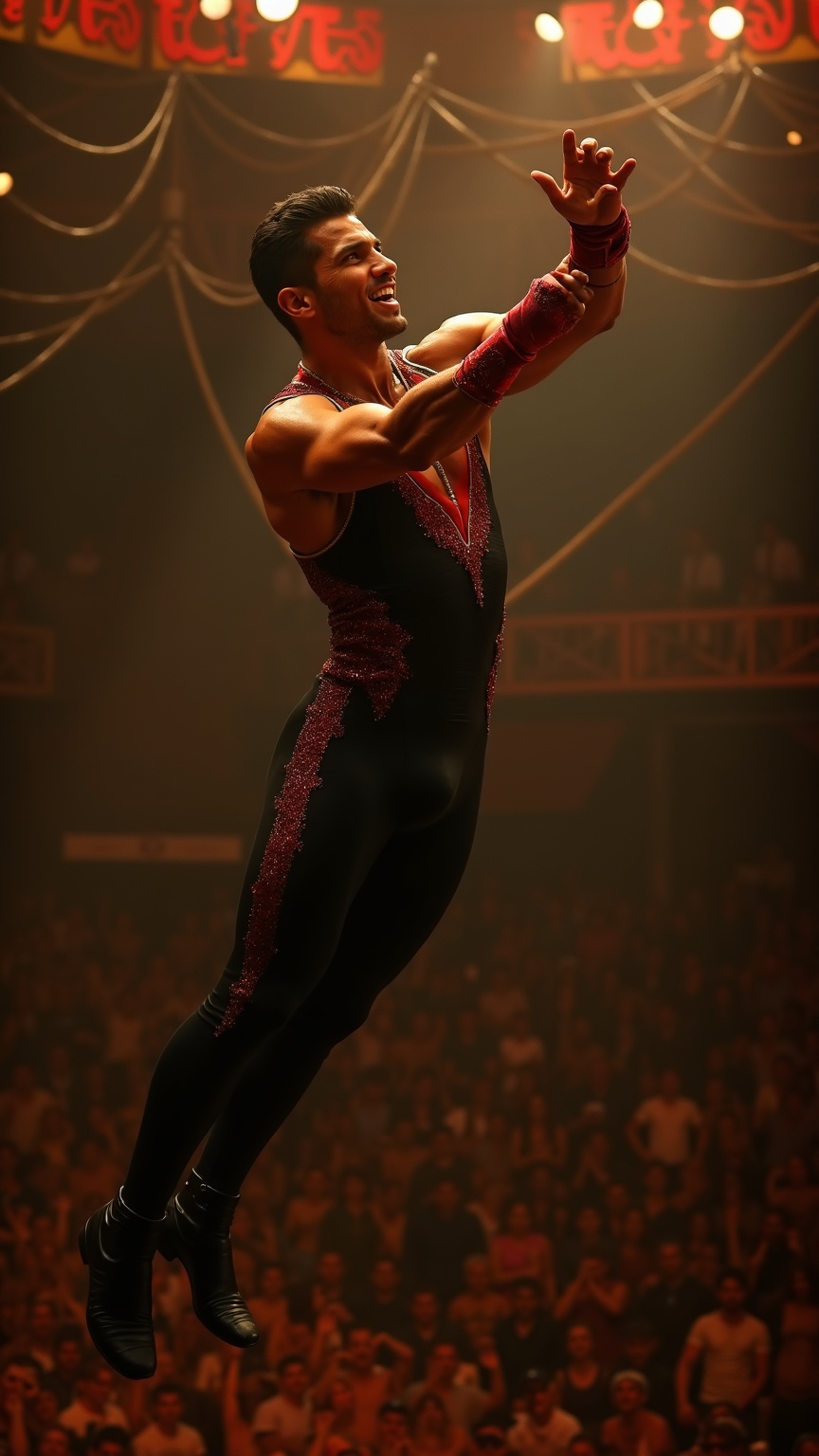
Trapeze artist catching partner mid-air under circus big top - Flux.1 dev
プロンプト
**Prompt:** A muscular trapeze artist with sharp, chiseled features, short dark hair slicked back, and olive skin glistening under the spotlight. His toned arms and broad shoulders flex as he reaches out mid-air, fingers extended to catch his partner. He wears a sleek, form-fitting black and red sequined leotard with gold trim, matching wristbands, and snug black ankle boots. His expression is intense, focused, lips slightly parted in exertion, eyes locked on his partner. The backdrop is a grand circus big top, bathed in warm golden light, with a blur of cheering spectators below and swirling ropes and rigging overhead. The moment captures dynamic motion—his body arched, legs slightly bent, suspended in mid-flight against the vibrant circus atmosphere.
Flux AI Image Promptの詳細分析
Flux AI Image Generatorを使用して画像を生成するために使用された詳細なプロンプトを分析します。
Flux AI画像生成のプロンプトを探索
で画像を生成する方法 Flux.1 dev
以下の4つの簡単なステップに従って、希望する画像を作成してください。
ステップ 1: テキストを入力 (より良い結果のためにプロンプトを調整してください)
ステップ 2: 画像のアスペクト比を選択
ステップ 3: Fluxモデルを選択:
ステップ 4: 生成ボタンをクリックして数秒待ち、画像を取得
プロンプトに関連するFlux AIツール Flux.1 dev
Flux AIの高度なツールを発見して、クリエイティブな作業フローを強化しましょう。