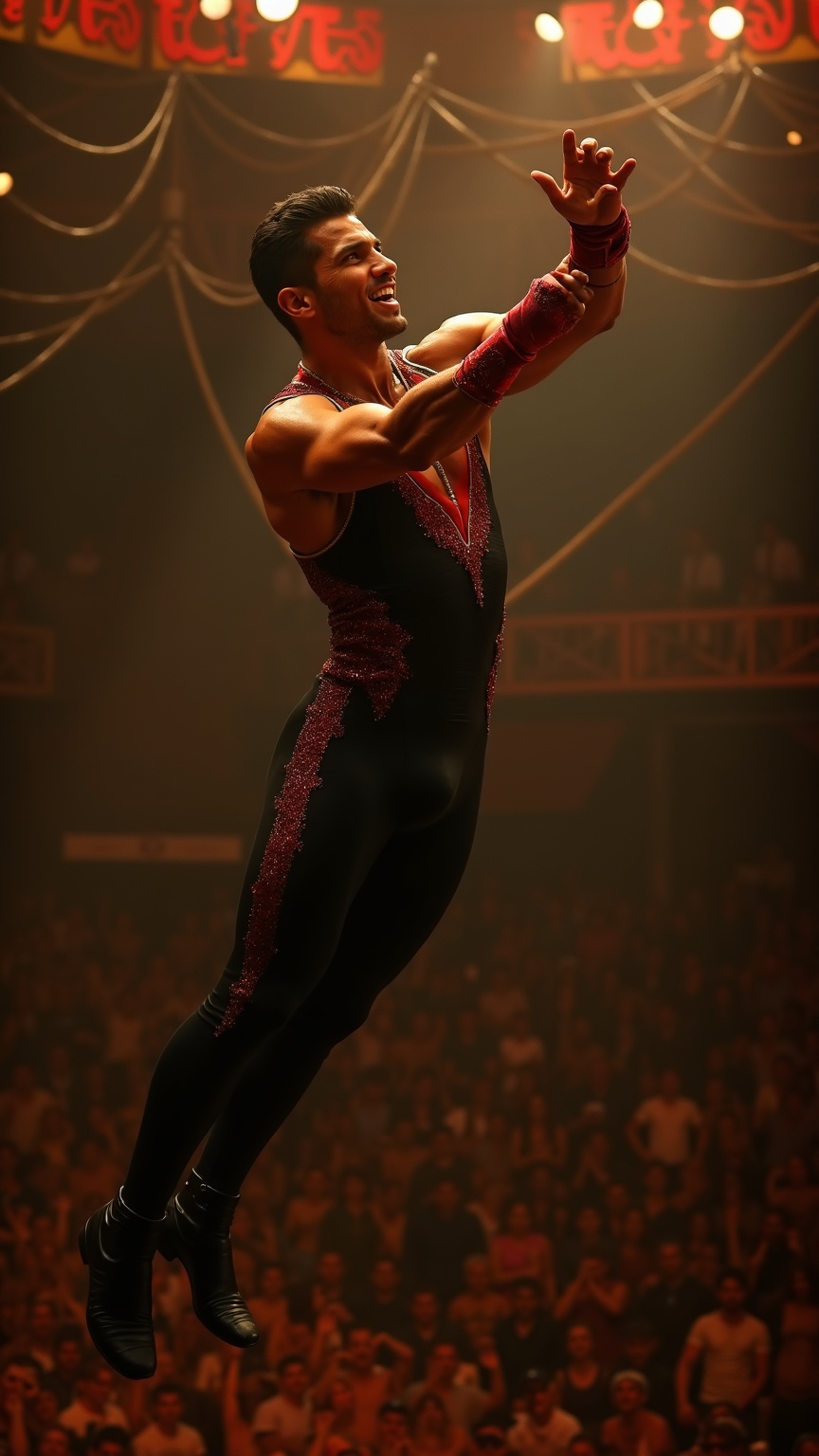
Trapeze artist catching partner mid-air under circus big top - Flux.1 dev
프롬프트
**Prompt:** A muscular trapeze artist with sharp, chiseled features, short dark hair slicked back, and olive skin glistening under the spotlight. His toned arms and broad shoulders flex as he reaches out mid-air, fingers extended to catch his partner. He wears a sleek, form-fitting black and red sequined leotard with gold trim, matching wristbands, and snug black ankle boots. His expression is intense, focused, lips slightly parted in exertion, eyes locked on his partner. The backdrop is a grand circus big top, bathed in warm golden light, with a blur of cheering spectators below and swirling ropes and rigging overhead. The moment captures dynamic motion—his body arched, legs slightly bent, suspended in mid-flight against the vibrant circus atmosphere.
Flux AI 이미지 프롬프트에 대한 상세 분석
Flux AI Image Generator를 사용하여 이미지를 생성하는 데 사용된 상세한 프롬프트를 분석합니다.
Flux AI 이미지 생성기 프롬프트 탐색
을 통해 이미지를 생성하는 방법 Flux.1 dev
원하는 이미지를 만들기 위해 다음 네 가지 간단한 단계를 따르세요.
단계 1: 텍스트 입력 (더 나은 결과를 위해 프롬프트를 자유롭게 수정하세요)
단계 2: 이미지 종횡비 선택
단계 3: Flux 모델 선택:
단계 4: 생성 버튼을 클릭하고 몇 초간 기다려 이미지를 받으세요
프롬프트와 관련된 Flux AI 도구 Flux.1 dev
Flux AI의 고급 도구를 발견하여 창의적인 작업 흐름을 향상시키세요.