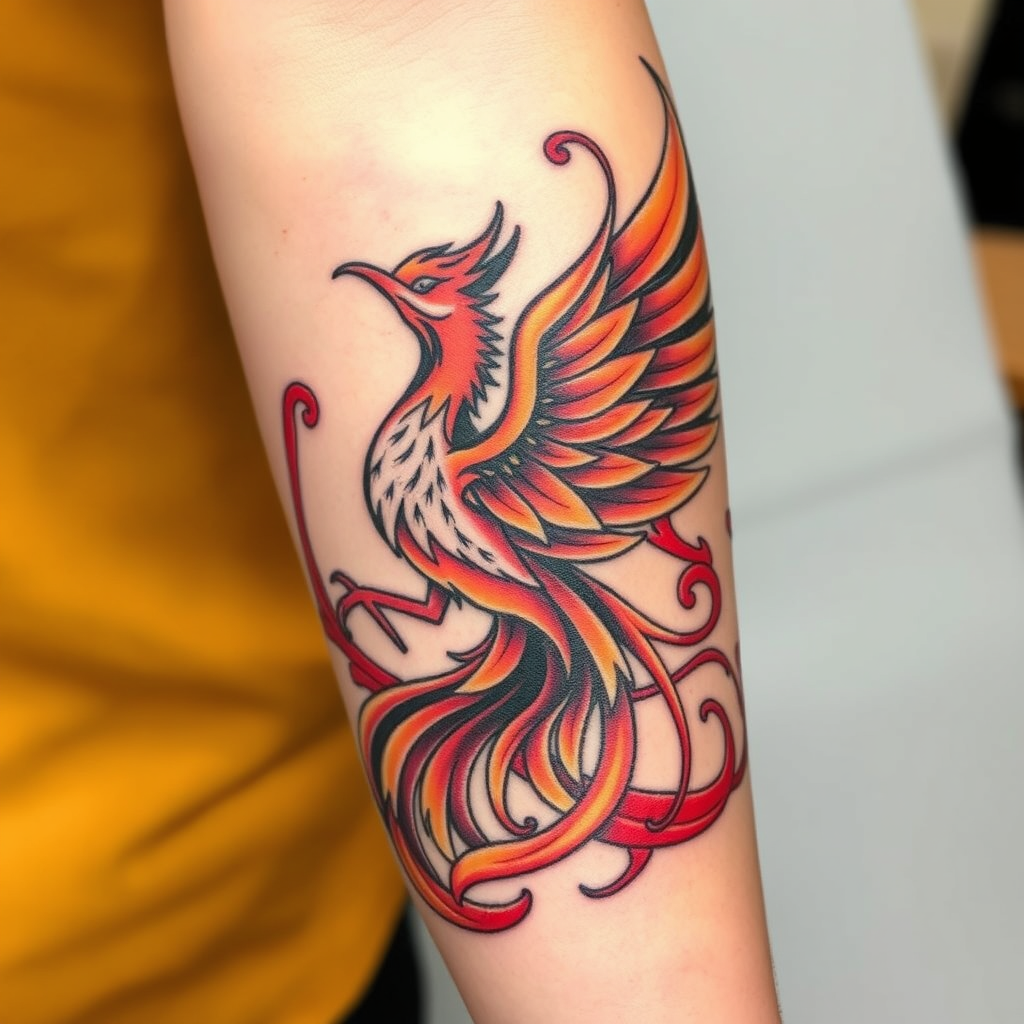
Phoenix Embrace: Rise in Color - Flux.1 schnell
프롬프트
Create a tattoo design for the side of the forearm featuring a stylized phoenix rising, embodying rebirth and resilience. The phoenix should be depicted with flowing, intricate feather details that blend seamlessly into swirling flames, symbolizing transformation. Opt for a traditional artistic style with bold outlines, yet incorporate realistic shading to add depth and dimension. The tattoo should span approximately 8 to 10 inches in length, wrapping slightly around the forearm for an immersive effect. Use a vibrant color palette of fiery reds, oranges, and golds, contrasted with deep blacks for the feather outlines. Include subtle patterns within the feathers, reminiscent of ancient Eastern motifs, to enhance cultural significance. The overall mood should evoke empowerment and strength, with a dynamic energy that draws the eye and inspires awe.
Flux AI 이미지 프롬프트에 대한 상세 분석
Flux AI Image Generator를 사용하여 이미지를 생성하는 데 사용된 상세한 프롬프트를 분석합니다.
Flux AI 이미지 생성기 프롬프트 탐색
을 통해 이미지를 생성하는 방법 Flux.1 schnell
원하는 이미지를 만들기 위해 다음 네 가지 간단한 단계를 따르세요.
단계 1: 텍스트 입력 (더 나은 결과를 위해 프롬프트를 자유롭게 수정하세요)
단계 2: 이미지 종횡비 선택
단계 3: Flux 모델 선택:
단계 4: 생성 버튼을 클릭하고 몇 초간 기다려 이미지를 받으세요
프롬프트와 관련된 Flux AI 도구 Flux.1 schnell
Flux AI의 고급 도구를 발견하여 창의적인 작업 흐름을 향상시키세요.