Neon Shadows: Code & Chaos - Flux.1 schnell
프롬프트
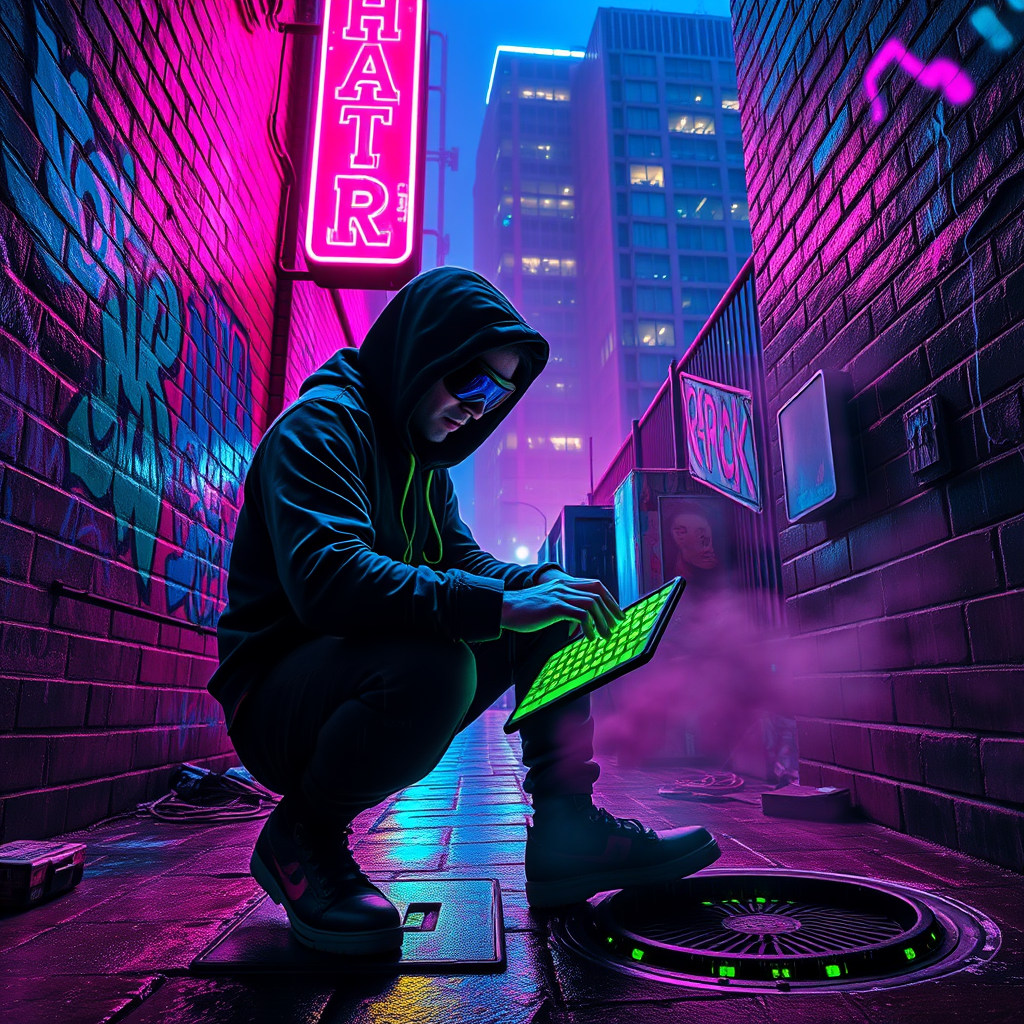
In a dimly lit neon alley, drenched in vibrant hues of electric blue and hot pink, a rogue hacker crouches beneath the flickering glow of a malfunctioning neon sign, casting sharp shadows against the damp, graffiti-covered brick walls. The air is thick with a haze of digital smoke, swirling around discarded tech and glowing circuit boards, while rain glistens on the cobblestones, reflecting the pulsating lights above. The hacker, clad in a tattered black hoodie and augmented goggles, intently types on a holographic keyboard projected from their wrist, fingers dancing as lines of code cascade in luminous green. Around them, the distant hum of city life echoes, punctuated by the occasional hiss of steam from a nearby manhole. A towering corporate building looms in the background, its windows glowing ominously, hinting at the secrets hidden within. The atmosphere crackles with tension, a blend of danger and exhilaration, as the hacker delves deeper into the digital abyss, seeking the truth amidst the shadows.
Flux AI 이미지 프롬프트에 대한 상세 분석
Flux AI Image Generator를 사용하여 이미지를 생성하는 데 사용된 상세한 프롬프트를 분석합니다.
Flux AI 이미지 생성기 프롬프트 탐색
을 통해 이미지를 생성하는 방법 Flux.1 schnell
원하는 이미지를 만들기 위해 다음 네 가지 간단한 단계를 따르세요.
단계 1: 텍스트 입력 (더 나은 결과를 위해 프롬프트를 자유롭게 수정하세요)
단계 2: 이미지 종횡비 선택
단계 3: Flux 모델 선택:
단계 4: 생성 버튼을 클릭하고 몇 초간 기다려 이미지를 받으세요
프롬프트와 관련된 Flux AI 도구 Flux.1 schnell
Flux AI의 고급 도구를 발견하여 창의적인 작업 흐름을 향상시키세요.