Baklava - Flux.1.1 pro
프롬프트
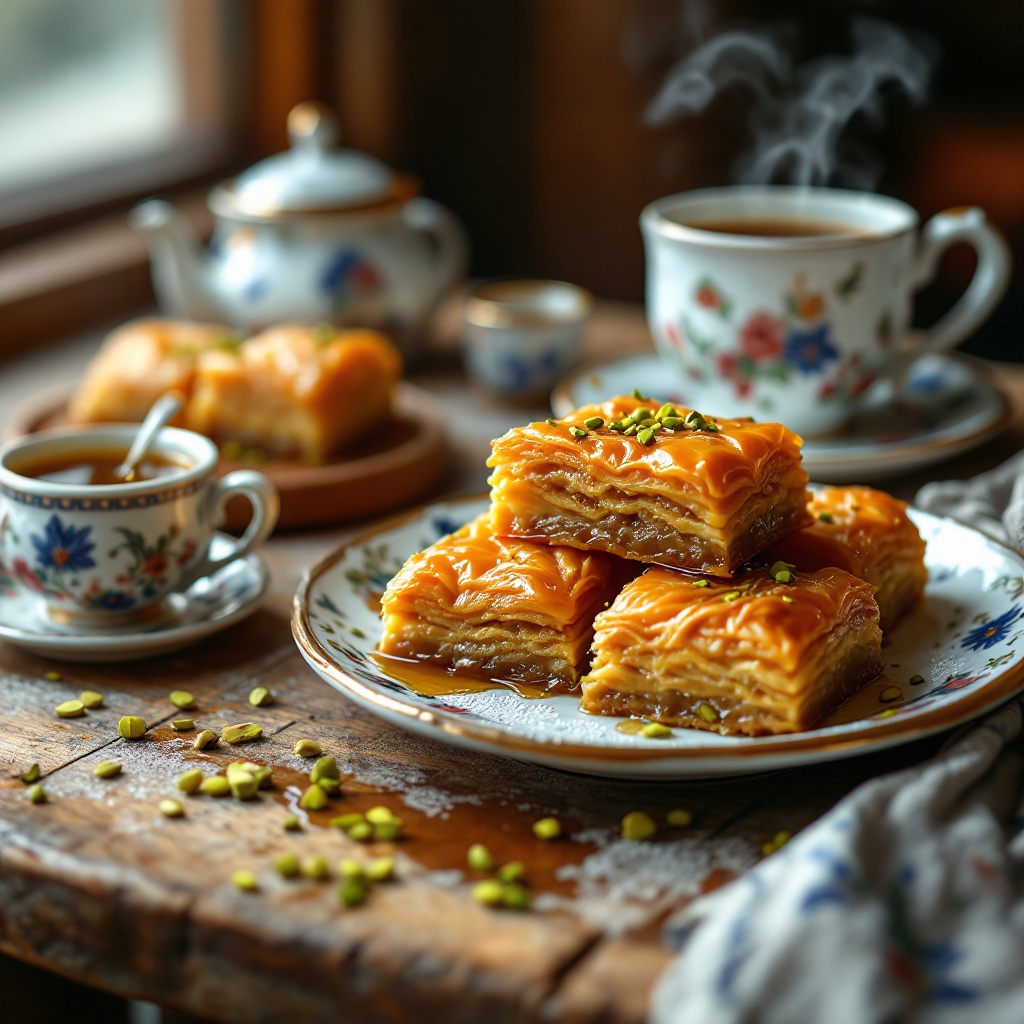
A close-up macro photograph of a golden-brown baklava, showcasing its intricate layers of flaky phyllo dough, glistening with a honey syrup that catches the light. The baklava is adorned with crushed pistachios, their vibrant green contrasting beautifully against the rich, warm tones of the pastry. Set on a rustic wooden table, surrounded by delicate, hand-painted Turkish ceramics, the scene evokes a traditional Middle Eastern café. Soft, natural light filters through a nearby window, casting gentle shadows and highlighting the crisp edges of the baklava. The composition includes a few pieces artfully arranged on a decorative plate, with a small bowl of honey drizzled beside it, steam subtly rising from a freshly brewed cup of Turkish coffee in the background, inviting the viewer to indulge in this sensory delight.
Flux AI 이미지 프롬프트에 대한 상세 분석
Flux AI Image Generator를 사용하여 이미지를 생성하는 데 사용된 상세한 프롬프트를 분석합니다.
Flux AI 이미지 생성기 프롬프트 탐색
을 통해 이미지를 생성하는 방법 Flux.1.1 pro
원하는 이미지를 만들기 위해 다음 네 가지 간단한 단계를 따르세요.
단계 1: 텍스트 입력 (더 나은 결과를 위해 프롬프트를 자유롭게 수정하세요)
단계 2: 이미지 종횡비 선택
단계 3: Flux 모델 선택:
단계 4: 생성 버튼을 클릭하고 몇 초간 기다려 이미지를 받으세요
프롬프트와 관련된 Flux AI 도구 Flux.1.1 pro
Flux AI의 고급 도구를 발견하여 창의적인 작업 흐름을 향상시키세요.