FIBA Under-19 Basketball World Cup - Flux.1 dev
프롬프트
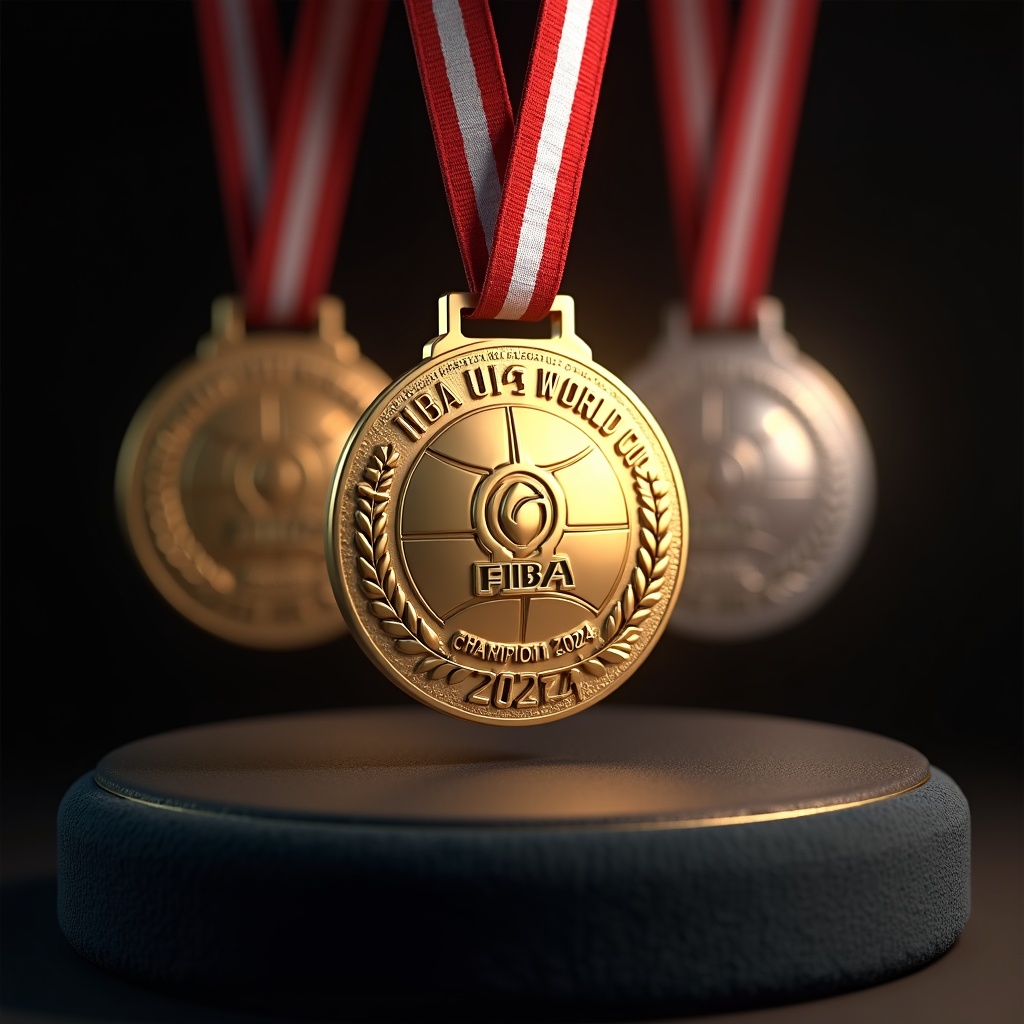
Generate a highly detailed, photorealistic image of FIBA Under-19 Basketball World Cup medals, featuring a circular gold, silver, and bronze design (60mm diameter) with a polished metallic finish. The obverse side showcases an embossed FIBA logo at the center, surrounded by a raised basketball texture and 'FIBA U19 World Cup' engraved in bold typography. The reverse includes 'Champion 2024' (or runner-up/3rd place) with laurel wreath motifs. Attach a 35mm-wide ribbon in FIBA's signature red and white stripes, with a sleek metal clasp. Render the medals suspended mid-air or displayed on a dark velvet podium, illuminated by soft spotlighting to highlight reflections and textures. Add subtle lens flare for realism, with a shallow depth of field focusing on the gold medal." (999 characters)
Flux AI 이미지 프롬프트에 대한 상세 분석
Flux AI Image Generator를 사용하여 이미지를 생성하는 데 사용된 상세한 프롬프트를 분석합니다.
Flux AI 이미지 생성기 프롬프트 탐색
을 통해 이미지를 생성하는 방법 Flux.1 dev
원하는 이미지를 만들기 위해 다음 네 가지 간단한 단계를 따르세요.
단계 1: 텍스트 입력 (더 나은 결과를 위해 프롬프트를 자유롭게 수정하세요)
단계 2: 이미지 종횡비 선택
단계 3: Flux 모델 선택:
단계 4: 생성 버튼을 클릭하고 몇 초간 기다려 이미지를 받으세요
프롬프트와 관련된 Flux AI 도구 Flux.1 dev
Flux AI의 고급 도구를 발견하여 창의적인 작업 흐름을 향상시키세요.