《The Melancholy of Haruhi Suzumiya》-Haruhi Suzumiya - Flux.1 dev
提示
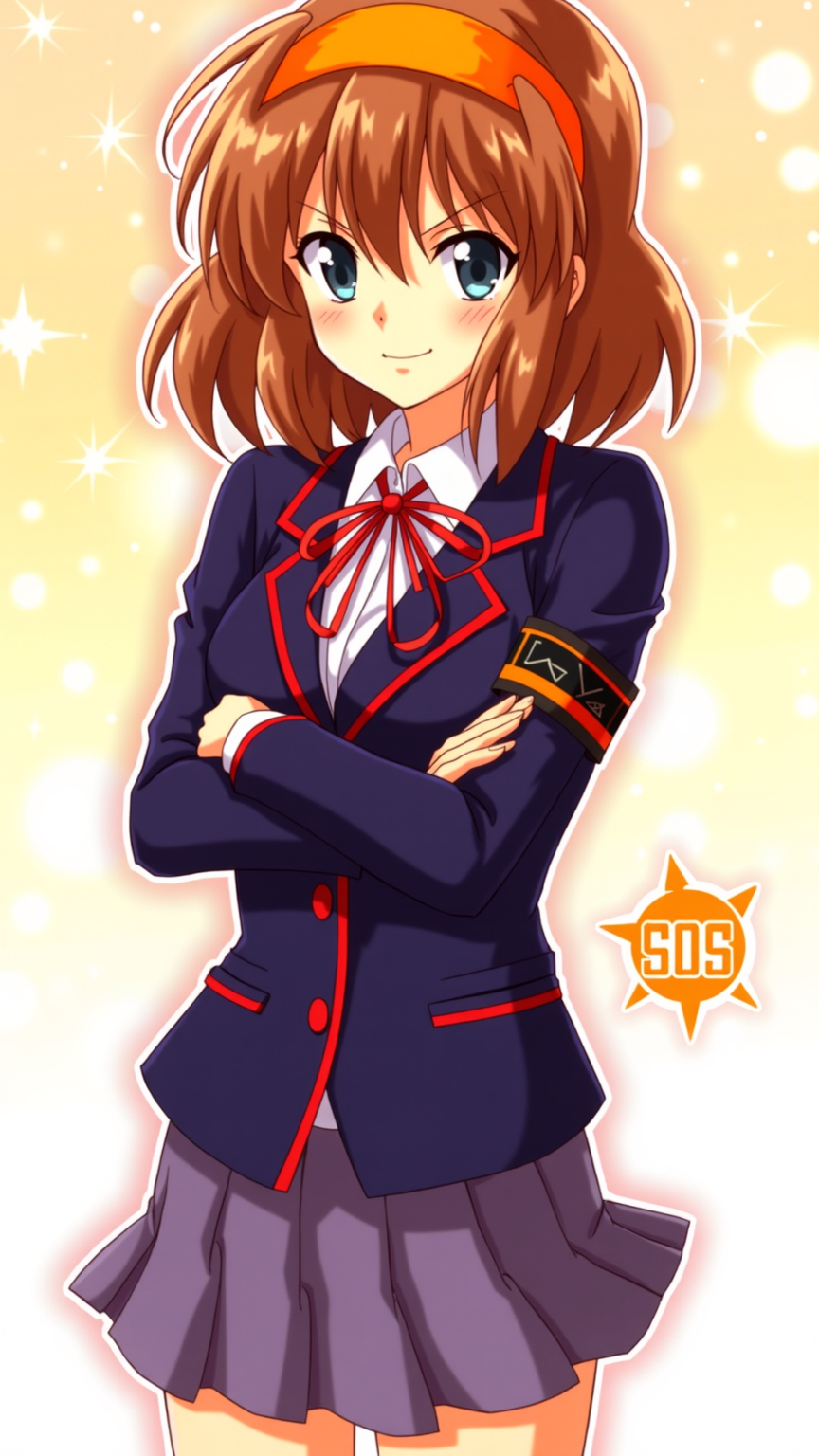
**Prompt:** "Haruhi Suzumiya in a vibrant anime sticker style, featuring her iconic orange headband, shoulder-length chestnut-brown hair, and energetic expression. She wears her standard North High School uniform—a navy blue blazer with red trim, white shirt, and red ribbon—paired with a short pleated skirt. Her pose is dynamic, arms crossed with a confident, mischievous smirk, capturing her bold personality. The background is a bright, bubbly gradient with sparkling effects, emphasizing her playful and unpredictable nature. Include her signature SOS Brigade armband and a stylized 'SOS' logo nearby. The art style is crisp, with bold outlines, exaggerated facial expressions, and vibrant colors, resembling a high-quality anime sticker or decal." (999 characters)
Flux AI 圖像提示的詳細分析
分析使用 Flux AI 圖像生成器生成圖像所使用的詳細提示。
探索 Flux AI 圖像生成器的提示
如何通過 Flux.1 dev
遵循以下四個簡單步驟來創建您想要的圖片。
步驟 1:輸入您的文字 (可自由調整提示以獲得更好的結果)
步驟 2:選擇圖片的縱橫比
步驟 3:選擇您的 Flux 模型:
步驟 4:點擊生成按鈕並等待幾秒鐘獲取您的圖片
與提示相關的 Flux AI 工具 Flux.1 dev
發現來自 Flux AI 的高級工具,提升您的創意工作流程。