《The Melancholy of Haruhi Suzumiya》-Haruhi Suzumiya - Flux.1 dev
프롬프트
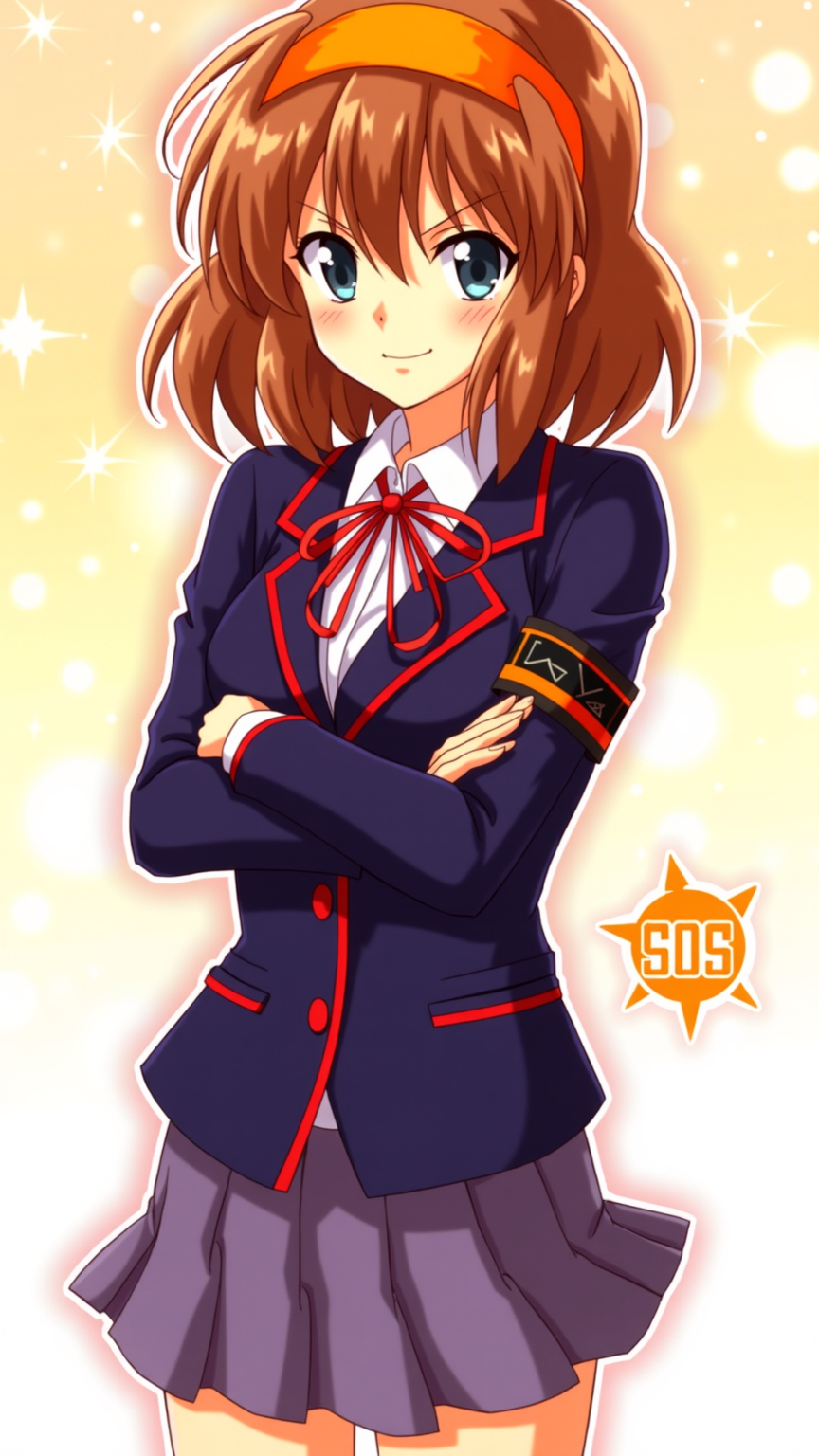
**Prompt:** "Haruhi Suzumiya in a vibrant anime sticker style, featuring her iconic orange headband, shoulder-length chestnut-brown hair, and energetic expression. She wears her standard North High School uniform—a navy blue blazer with red trim, white shirt, and red ribbon—paired with a short pleated skirt. Her pose is dynamic, arms crossed with a confident, mischievous smirk, capturing her bold personality. The background is a bright, bubbly gradient with sparkling effects, emphasizing her playful and unpredictable nature. Include her signature SOS Brigade armband and a stylized 'SOS' logo nearby. The art style is crisp, with bold outlines, exaggerated facial expressions, and vibrant colors, resembling a high-quality anime sticker or decal." (999 characters)
Flux AI 이미지 프롬프트에 대한 상세 분석
Flux AI Image Generator를 사용하여 이미지를 생성하는 데 사용된 상세한 프롬프트를 분석합니다.
Flux AI 이미지 생성기 프롬프트 탐색
을 통해 이미지를 생성하는 방법 Flux.1 dev
원하는 이미지를 만들기 위해 다음 네 가지 간단한 단계를 따르세요.
단계 1: 텍스트 입력 (더 나은 결과를 위해 프롬프트를 자유롭게 수정하세요)
단계 2: 이미지 종횡비 선택
단계 3: Flux 모델 선택:
단계 4: 생성 버튼을 클릭하고 몇 초간 기다려 이미지를 받으세요
프롬프트와 관련된 Flux AI 도구 Flux.1 dev
Flux AI의 고급 도구를 발견하여 창의적인 작업 흐름을 향상시키세요.