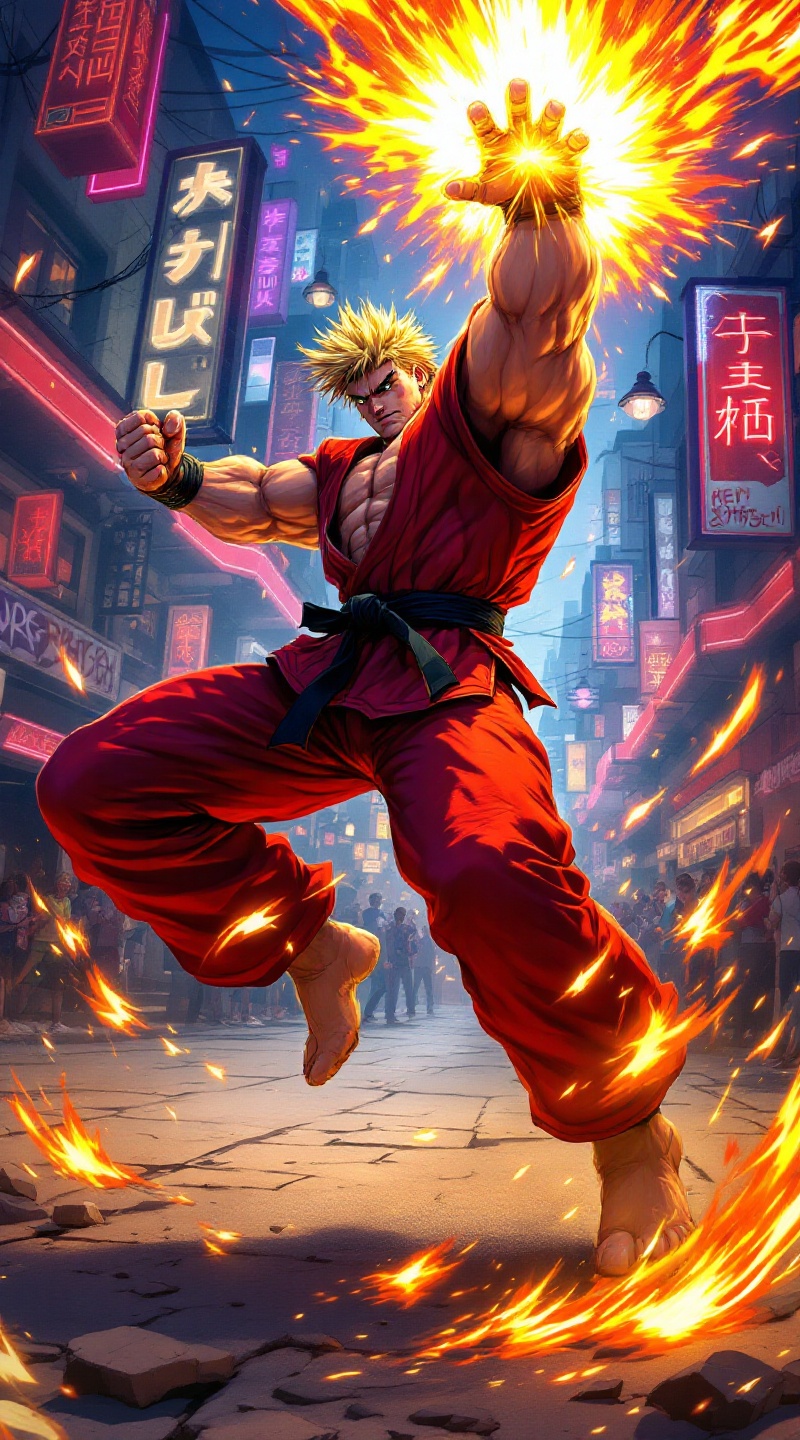
Fiery Showdown: Ken's Shoryuken! - Flux.1.1 pro
Lời nhắc
Create a dynamic and vibrant scene inspired by the fighting game genre, specifically "Street Fighter II." Focus on Ken Masters, a muscular fighter with spiky blonde hair, wearing a red gi with a black belt, showcasing his fierce determination. Capture his signature move, the Shoryuken, as he launches into the air, surrounded by a fiery aura. The background features an iconic urban setting, with neon lights and a bustling street filled with cheering spectators. Include elements like a classic arcade machine and graffiti art on the walls to enhance the atmosphere. The overall mood is intense and electrifying, embodying the spirit of competition and martial arts mastery.
Phân tích Chi tiết về Prompt Hình ảnh Flux AI
Phân tích prompt chi tiết được sử dụng để tạo ra hình ảnh với Flux AI Image Generator.
Khám phá Flux Prompts cho Trình tạo hình ảnh Flux AI
Cách tạo hình ảnh bằng Flux.1.1 pro
Theo dõi bốn bước đơn giản dưới đây để tạo ra hình ảnh bạn mong muốn.
Bước 1: Nhập Văn bản của Bạn (Cảm thấy tự do tinh chỉnh prompt của bạn để có kết quả tốt hơn)
Bước 2: Chọn Tỷ lệ Khung Hình của Hình ảnh
Bước 3: Chọn Mô hình Flux của Bạn:
Bước 4: Nhấn Nút Tạo và Chờ vài Giây để Có Hình ảnh của Bạn
Công cụ Flux AI liên quan đến prompts về Flux.1.1 pro
Khám phá các công cụ nâng cao từ Flux AI để tăng cường quy trình làm việc sáng tạo của bạn.