AI Baby Dance Video Generator by Kling Motion Control
Transform static baby photos into rhythmic dance short videos by uploading a baby image and a reference dance video powered by Kling Motion Control. The process is streamlined for everyday moments and lightweight content creation.
Introduction to AI Baby Dance Video Generator
This tool leverages image and motion transfer technology to blend babies’ appearances from photos with the rhythm and movements from a reference dance video, generating natural and coherent dance footage powered by Kling Motion Control.
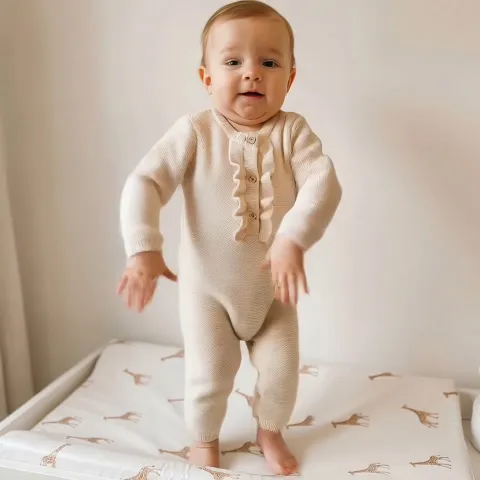
Core Features of AI Baby Dance Video Generator
Designed around character replacement, dance motion transfer, and scene consistency—from input to final video output.
Character Replacement
Detects baby's facial structure and contours in a photo, then preserves and replaces them onto the dancer in the video. Reduces stretching, distortion, or edge misalignment for authentic, natural results close to real footage.
Dance Motion Transfer
Transfers dance rhythm, body amplitude, and action sequence from the reference video to the baby character. Smooths motion transitions for natural flow—ideal for clear, moderately repetitive short dance content.
Background Consistency
Adjusts lighting and color tones between baby and dance background during generation, minimizing inconsistencies for a visually unified result.
Fast Generation Workflow
Streamlines photo and video upload through a focused, stepwise process—no timelines or complex parameters required. Ready for quick, complete video generation.
Advantages of AI Baby Dance Video Generator
Lower the barrier to creative video making while ensuring reliable, quality results—ideal for non-professional users.
User-Friendly Workflow
Just upload source materials and make minimal choices—no video editing skills or complex configuration needed. Perfect for beginners.
Visual Style Consistency
Maintains a coherent look across character, motion, and background, minimizing the typical cut-out or patchwork artifact—great for keepsakes and social sharing.
Family-Oriented Results
Results are lighthearted and natural, suitable for family records and memories—designed for subtlety rather than exaggerated effects.
Optimized for Short Video Platforms
Output matches the pacing and aspect ratio suited for reels, stories, and daily short-form sharing. Effortless for regular uploads and compilations.
Application Scenarios for AI Baby Dance Video Generator
Ideal for everyday moments, lightweight content creation, and creative family uses.
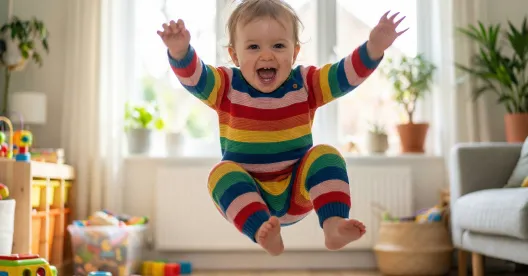
Family Growth Records
Transform baby photos into dance videos as unique growth memories—a lively complement to traditional photo and video albums.
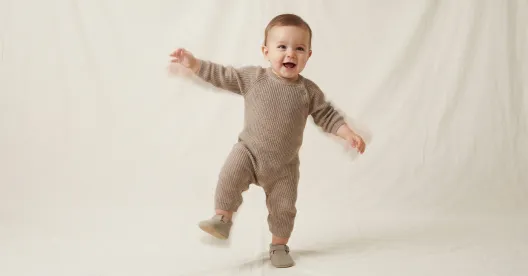
Social Content Creation
Produce rhythmically engaging, bite-sized dance videos to diversify your posts—ideal for daily updates and content variety.
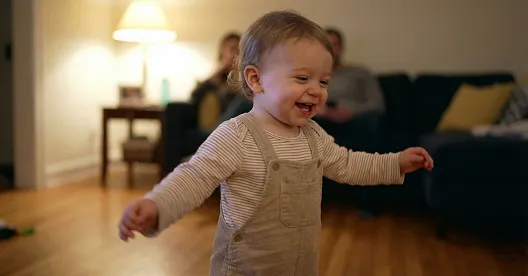
Holiday & Milestone Keepsakes
Mark birthdays or celebrations with themed dance videos—perfect for gifting or sharing with friends and family.
See AI Baby Dance Videos on Twitter
Follow us for trending baby dance animations, community videos, and the newest creative updates.
How to Use AI Baby Dance Video Generator
AI Baby Dance Video Generator usage steps:
Upload Baby Photo
Select Reference Dance Video
Confirm Person and Background Settings
AI Baby Dance Video Generator FAQs
Related Animation & Kids AI Video Tools
Try our other creative AI tools to generate, animate, or remix baby and family videos.


