Flux Kontext Lora - AI Image Style & Character Fine-Tuning Model
Flux Kontext Lora is an image style and character fine-tuning model that helps users keep character consistency and style uniformity during image generation. It's perfect for creators who need to generate images of the same character across multiple rounds, and is widely used for virtual IP, anime character modeling, illustration, and more.
Flux Kontext Lora AI Image Generator Examples
Flux Kontext Lora AI Image Generator is a powerful, free tool that lets you create stunning images using the Flux Kontext Lora AI model.
Edit Images with Text Using FLUX.1 Kontext

Original
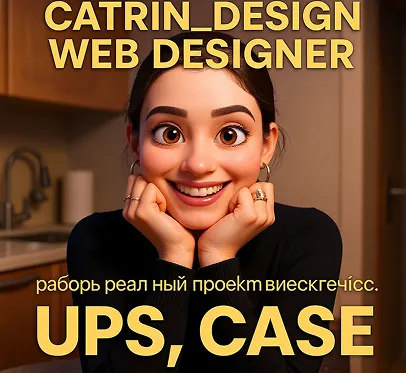
Change the image style to Pixar
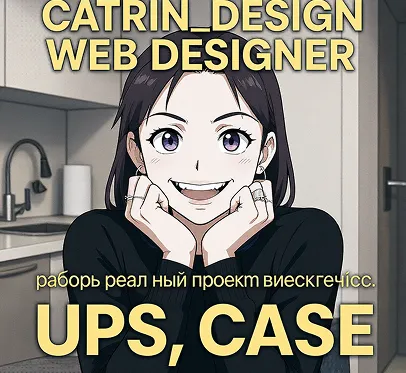
Transform the image into the animation style of the Japanese anime Demon Slayer: Kimetsu no Yaiba
Character Consistency
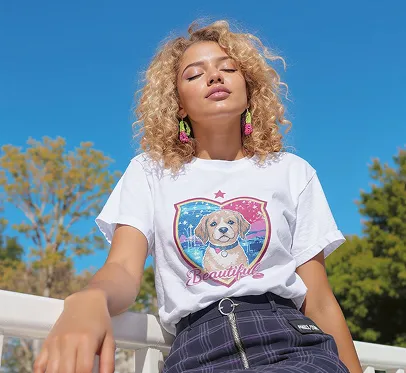
Original
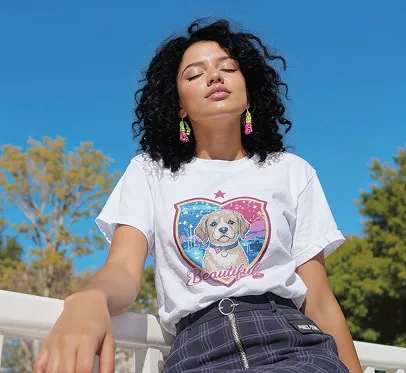
Change the woman's hair color to black
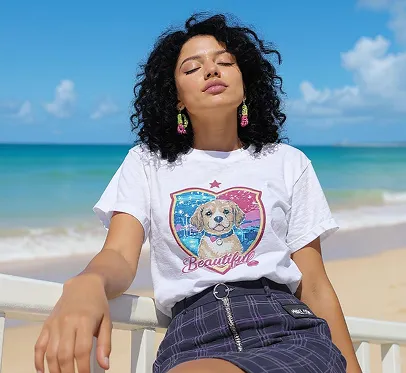
Change the background to a beach
Text Editing
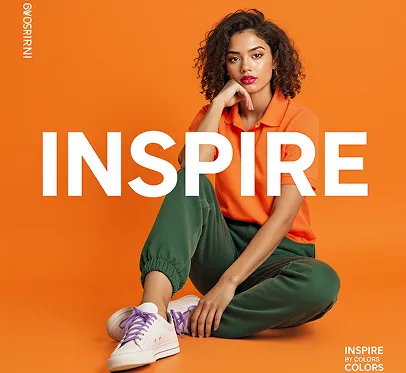
Original
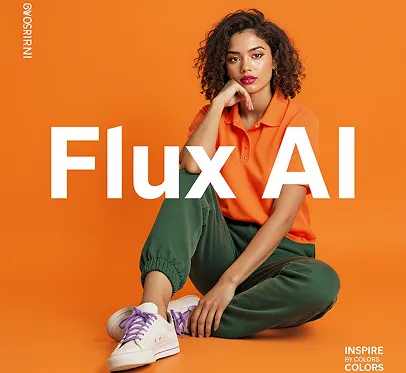
Replace the text 'INSPIRE' in the image with 'Flux AI'
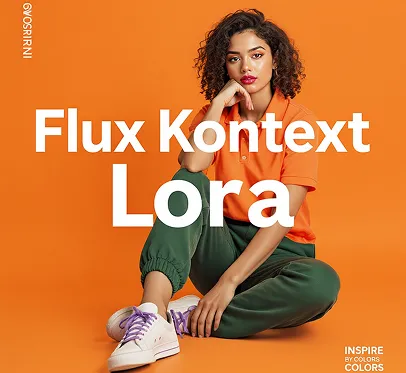
Replace the text 'INSPIRE' in the image with 'Flux Kontext Lora'
Core Features of Flux Kontext Lora AI
Flux Kontext Lora offers efficient, personalized model memory—perfect for users who need to create images of the same character repeatedly.
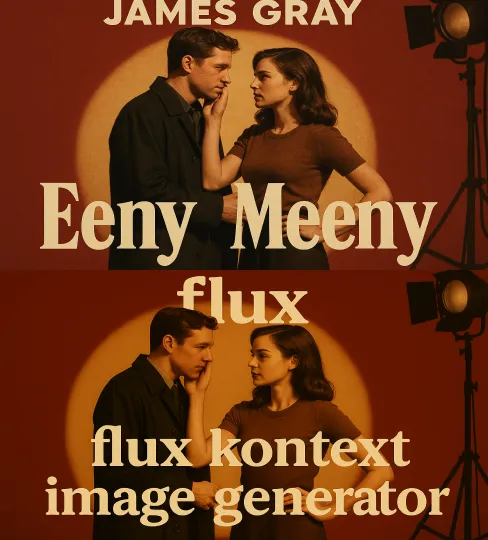
Character Feature Memory Training
Learn a character's appearance and style from just a few images, then apply those features in future generations.
Multi-Scene Consistency Output
Keeps character identity and style consistent across different backgrounds, poses, and angles.
Precise Style Integration
Blend new scene styles creatively while preserving the core features of your character.
One-Click Import & Use
Load pre-trained Lora models directly on the flux-ai.io platform—no manual parameter tuning needed.
Advantages of Flux Kontext Lora AI
Compared to traditional 'redraw from scratch' methods, Flux Kontext Lora is the best choice for creators who need consistent, serialized characters.
Strong Consistency, Unified Style
Every image keeps the character's true identity—no need for repeated manual tweaks.
Minimal Training Needed
Usually, just 4-8 images are enough to train a stable character style.
Multi-Platform Support
Works with Flux, ComfyUI, InvokeAI, and more—combine flexibly with other image generation models.
Much Higher Efficiency
Train once, use many times—spend more time creating, less time fixing faces.
Use Cases for Flux Kontext Lora AI
Flux Kontext Lora is designed for any project where the same character appears in multiple scenes—perfect for virtual personas, brand content, and personal art.
Create brand or personal virtual characters and generate highly consistent images across different scenes.
Virtual Character Design & Expansion
Keep facial features and style consistent for the same character across different scenes and dialogues.
Anime Character Generation
Ideal for unified character creation in picture books, postcards, and series posters.
Illustrator Series Creation
Create a series of unified style avatars for individuals or organizations to boost brand recognition.
Social Media Avatar Matrix
How to Use Flux Kontext Lora AI Image Generator
Follow these easy steps to start creating amazing AI-generated images with Flux Kontext Lora. Our intuitive process helps you get professional results in minutes.
Upload Your Base Image
Describe Your Desired Changes
Generate and Download