Warm Vibes in a Cozy Café - Flux.1.1 pro
Eingabe
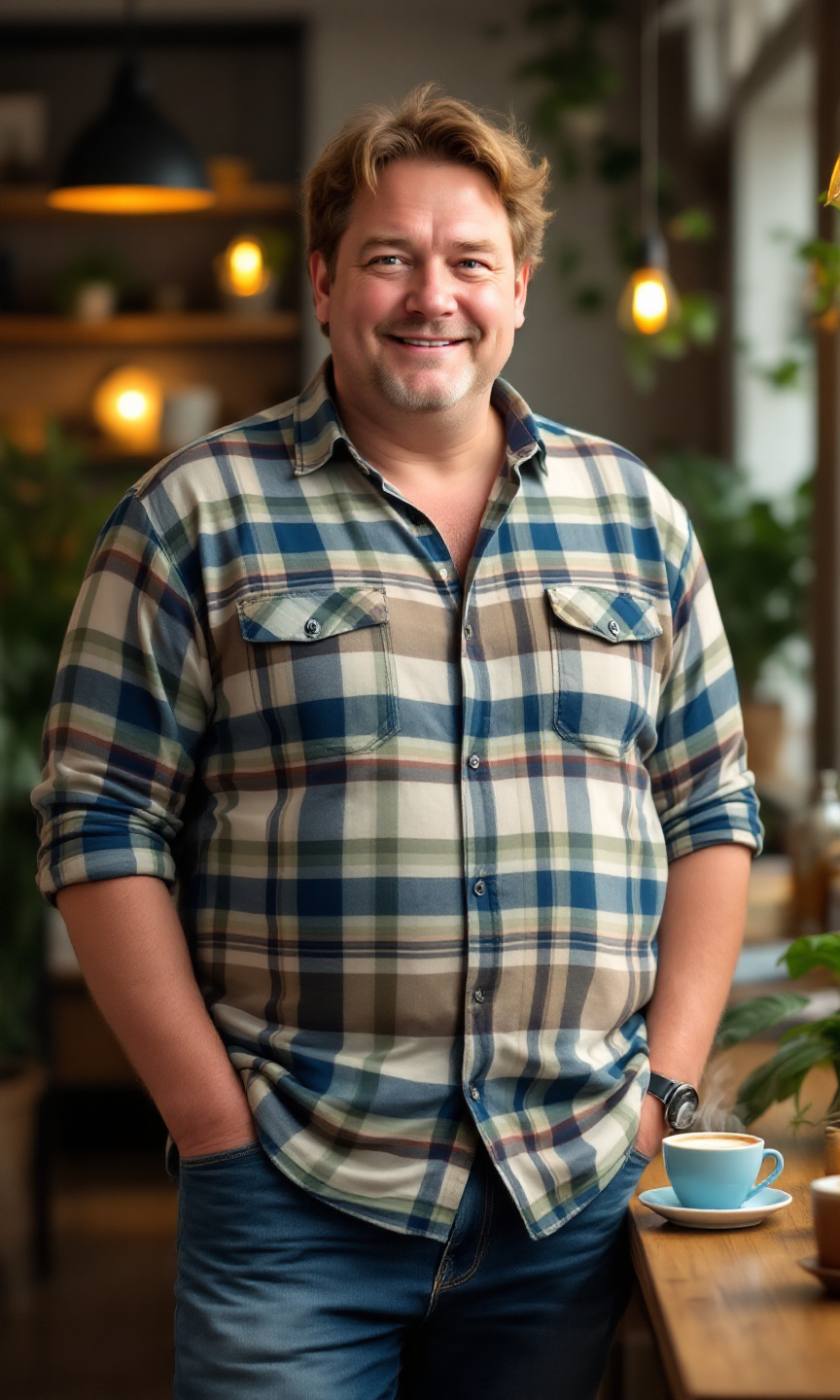
A short, stout man stands confidently in a cozy café. He has thinning, light brown hair that is slightly tousled and a round face with soft features. His skin tone is fair with a hint of rosy cheeks. He wears a vibrant plaid shirt in shades of blue, green, and white, buttoned up to the collar, and a pair of comfortable, slightly faded blue jeans that fit him well. His posture is relaxed, with one hand casually resting on the table and the other holding a steaming cup of coffee. He wears a warm smile, exuding a friendly demeanor, with crinkled eyes that suggest a sense of humor. The café is filled with soft, ambient lighting, wooden tables, and a few potted plants, creating a welcoming atmosphere.
Detaillierte Analyse des Flux KI Image Prompt
Analysiere den detaillierten Prompt, der zur Erstellung des Bildes mit dem Flux KI Image Generator verwendet wurde.
Flux-Prompts für den KI-Bildgenerator erkunden
Wie man ein Bild generiert von Flux.1.1 pro
Folge diesen vier einfachen Schritten, um das gewünschte Bild zu erstellen.
Schritt 1: Gib deinen Text ein (Fühle dich frei, deinen Prompt für bessere Ergebnisse zu verfeinern)
Schritt 2: Wähle das Bildseitenverhältnis
Schritt 3: Wähle dein Flux-Modell:
Schritt 4: Klicke auf die Generieren-Schaltfläche und warte ein paar Sekunden auf dein Bild
Verwandte Flux KI Tools für Prompts über Flux.1.1 pro
Entdecke fortschrittliche Tools von Flux KI, um deinen kreativen Workflow zu verbessern.