Warm Vibes in a Cozy Café - Flux.1.1 pro
Invite
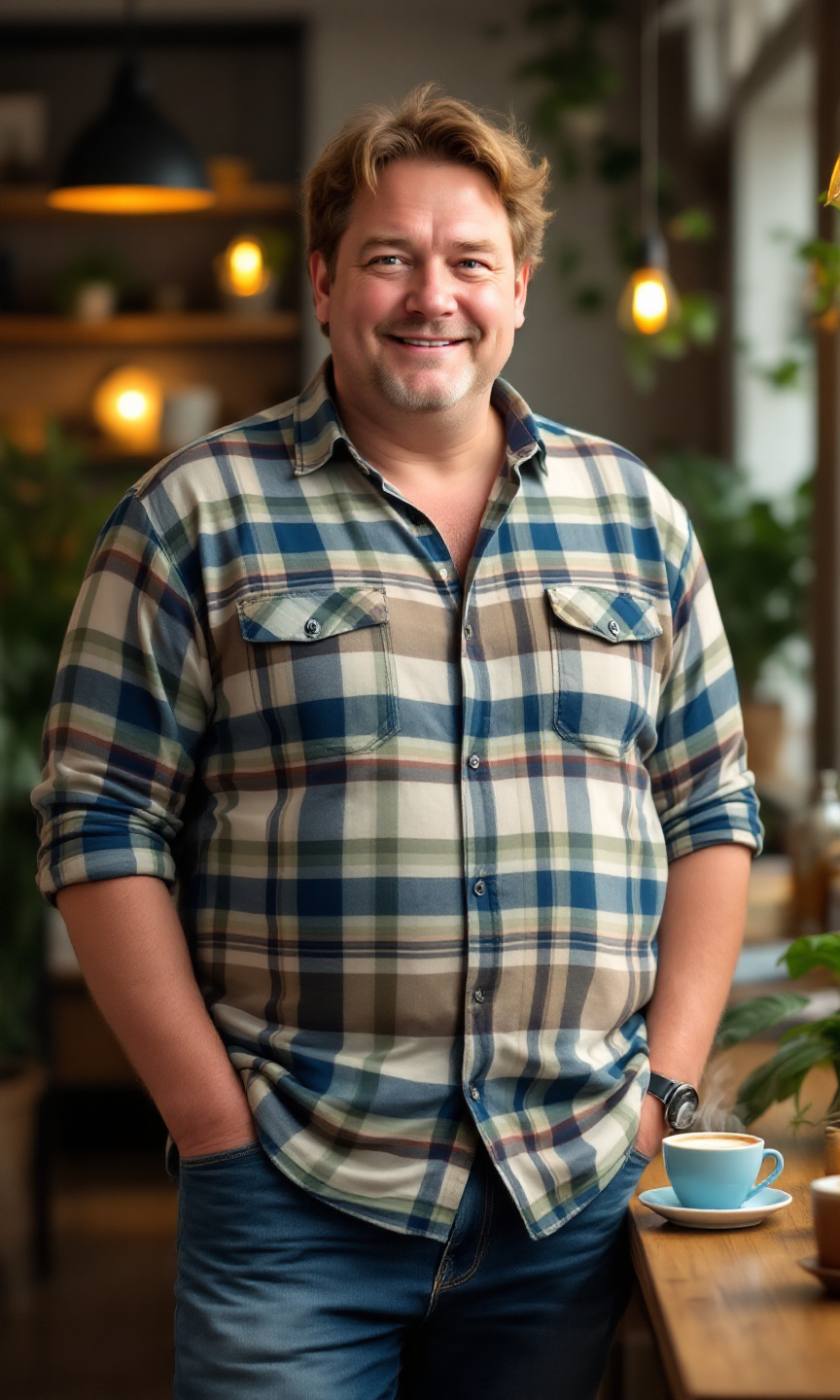
A short, stout man stands confidently in a cozy café. He has thinning, light brown hair that is slightly tousled and a round face with soft features. His skin tone is fair with a hint of rosy cheeks. He wears a vibrant plaid shirt in shades of blue, green, and white, buttoned up to the collar, and a pair of comfortable, slightly faded blue jeans that fit him well. His posture is relaxed, with one hand casually resting on the table and the other holding a steaming cup of coffee. He wears a warm smile, exuding a friendly demeanor, with crinkled eyes that suggest a sense of humor. The café is filled with soft, ambient lighting, wooden tables, and a few potted plants, creating a welcoming atmosphere.
Analyse Détaillée du Prompt d'Image Flux IA
Analysez le prompt détaillé utilisé pour générer l'image avec Flux IA Image Generator.
Explorez les invites Flux IA
Comment générer une image par Flux.1.1 pro
Suivez ces quatre étapes simples pour créer l'image désirée.
Étape 1 : Entrez votre texte (N'hésitez pas à affiner votre prompt pour de meilleurs résultats)
Étape 2 : Choisissez le ratio d'aspect de l'image
Étape 3 : Sélectionnez votre modèle Flux :
Étape 4 : Cliquez sur le bouton Générer et attendez quelques secondes pour votre image
Outils Flux IA liés aux prompts sur Flux.1.1 pro
Découvrez des outils avancés de Flux IA pour booster votre flux de travail créatif.