Warm Vibes in a Cozy Café - Flux.1.1 pro
prompt
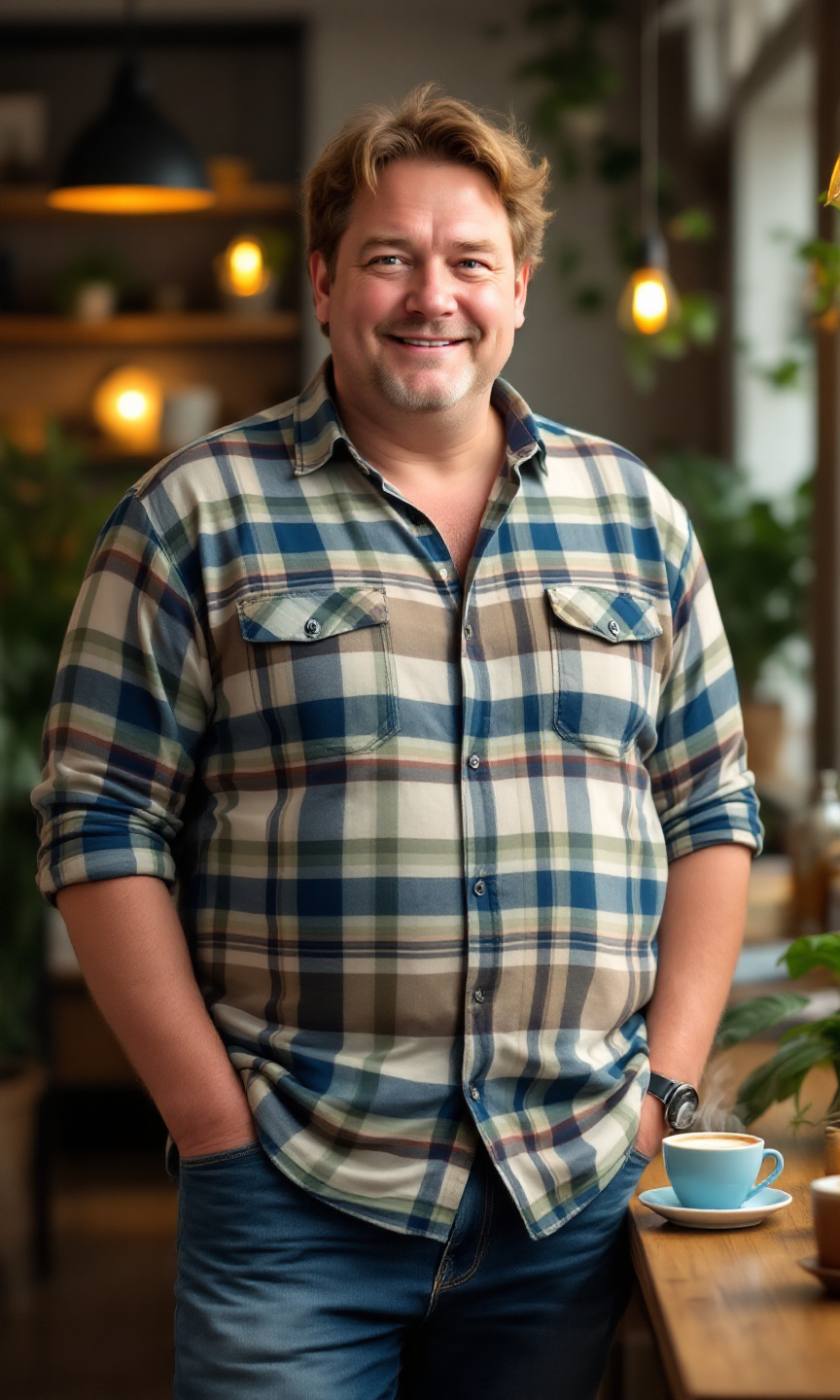
A short, stout man stands confidently in a cozy café. He has thinning, light brown hair that is slightly tousled and a round face with soft features. His skin tone is fair with a hint of rosy cheeks. He wears a vibrant plaid shirt in shades of blue, green, and white, buttoned up to the collar, and a pair of comfortable, slightly faded blue jeans that fit him well. His posture is relaxed, with one hand casually resting on the table and the other holding a steaming cup of coffee. He wears a warm smile, exuding a friendly demeanor, with crinkled eyes that suggest a sense of humor. The café is filled with soft, ambient lighting, wooden tables, and a few potted plants, creating a welcoming atmosphere.
Analisi Dettagliata del Prompt Immagine Flux AI
Analizza il prompt dettagliato utilizzato per generare l'immagine con il Generatore Immagini Flux AI.
Esplora i Prompt Flux per il Generatore Immagini Flux AI
Come generare immagini con Flux.1.1 pro
Segui questi quattro semplici passaggi per creare l'immagine desiderata.
Passaggio 1: Inserisci il Tuo Testo (Sentiti libero di perfezionare il prompt per risultati migliori)
Passaggio 2: Scegli le Proporzioni dell'Immagine
Passaggio 3: Seleziona il Tuo Modello Flux:
Passaggio 4: Clicca il Pulsante Genera e Attendi Alcuni Secondi per la Tua Immagine
Strumenti Flux AI correlati per prompt su Flux.1.1 pro
Scopri strumenti avanzati di Flux AI per potenziare il tuo flusso di lavoro creativo.