Waitress Math Holiday Budget - Flux.1 dev
Eingabe
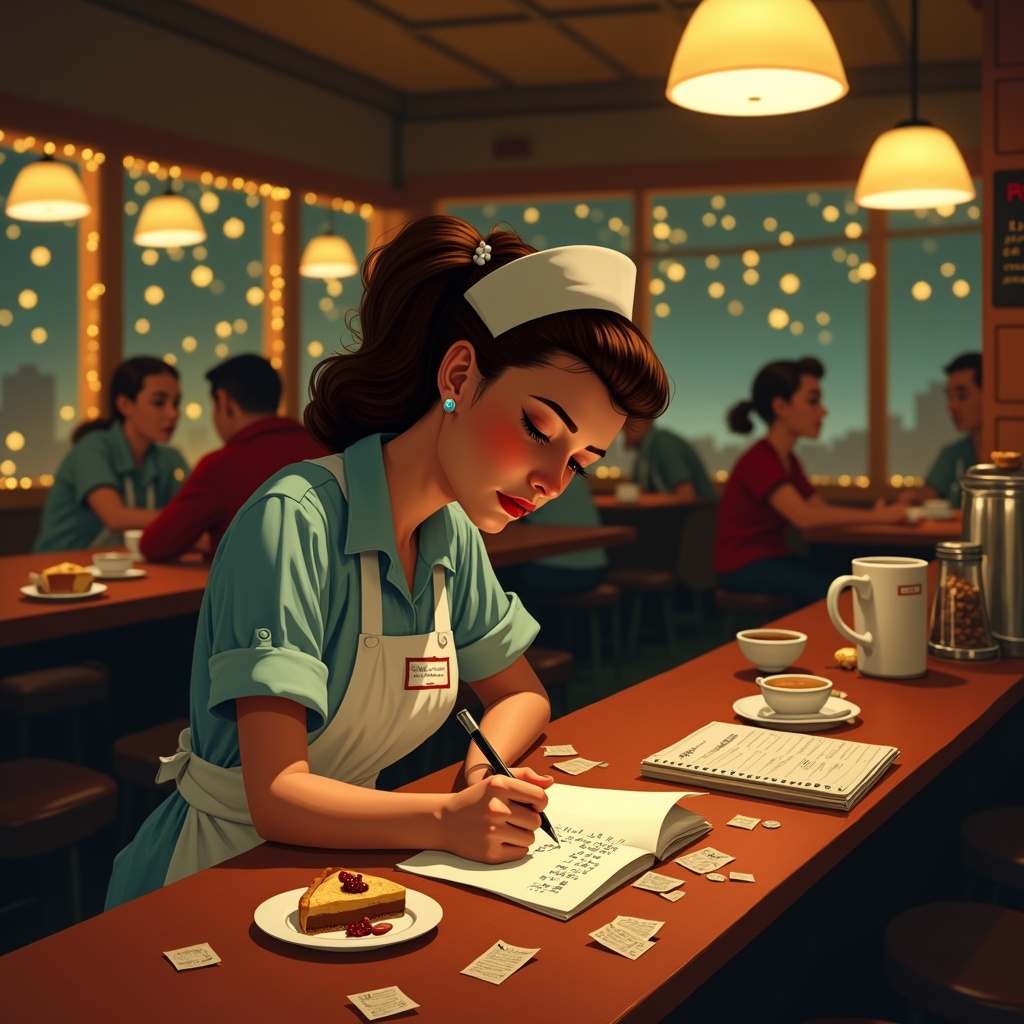
**Prompt:** "A bustling diner at night, warm golden light spilling from overhead lamps onto a worn wooden counter. A tired but determined waitress in a retro uniform (pale blue dress, white apron, name tag) leans over a notepad, scribbling holiday budget calculations amid coffee stains and crumpled receipts. Around her: a half-eaten slice of pie, a tipped-over coffee cup, and scattered coins. The background blurs with customers in holiday sweaters, twinkling fairy lights, and a chalkboard menu with festive specials. Style: Norman Rockwell meets Edward Hopper—nostalgic yet gritty. Palette: muted reds, warm browns, and soft yellows with a vignette effect. Mood: quiet resilience, the weight of seasonal hustle." (Characters: 598)
Detaillierte Analyse des Flux KI Image Prompt
Analysiere den detaillierten Prompt, der zur Erstellung des Bildes mit dem Flux KI Image Generator verwendet wurde.
Flux-Prompts für den KI-Bildgenerator erkunden
Wie man ein Bild generiert von Flux.1 dev
Folge diesen vier einfachen Schritten, um das gewünschte Bild zu erstellen.
Schritt 1: Gib deinen Text ein (Fühle dich frei, deinen Prompt für bessere Ergebnisse zu verfeinern)
Schritt 2: Wähle das Bildseitenverhältnis
Schritt 3: Wähle dein Flux-Modell:
Schritt 4: Klicke auf die Generieren-Schaltfläche und warte ein paar Sekunden auf dein Bild
Verwandte Flux KI Tools für Prompts über Flux.1 dev
Entdecke fortschrittliche Tools von Flux KI, um deinen kreativen Workflow zu verbessern.