Waitress Math Holiday Budget - Flux.1 dev
Invite
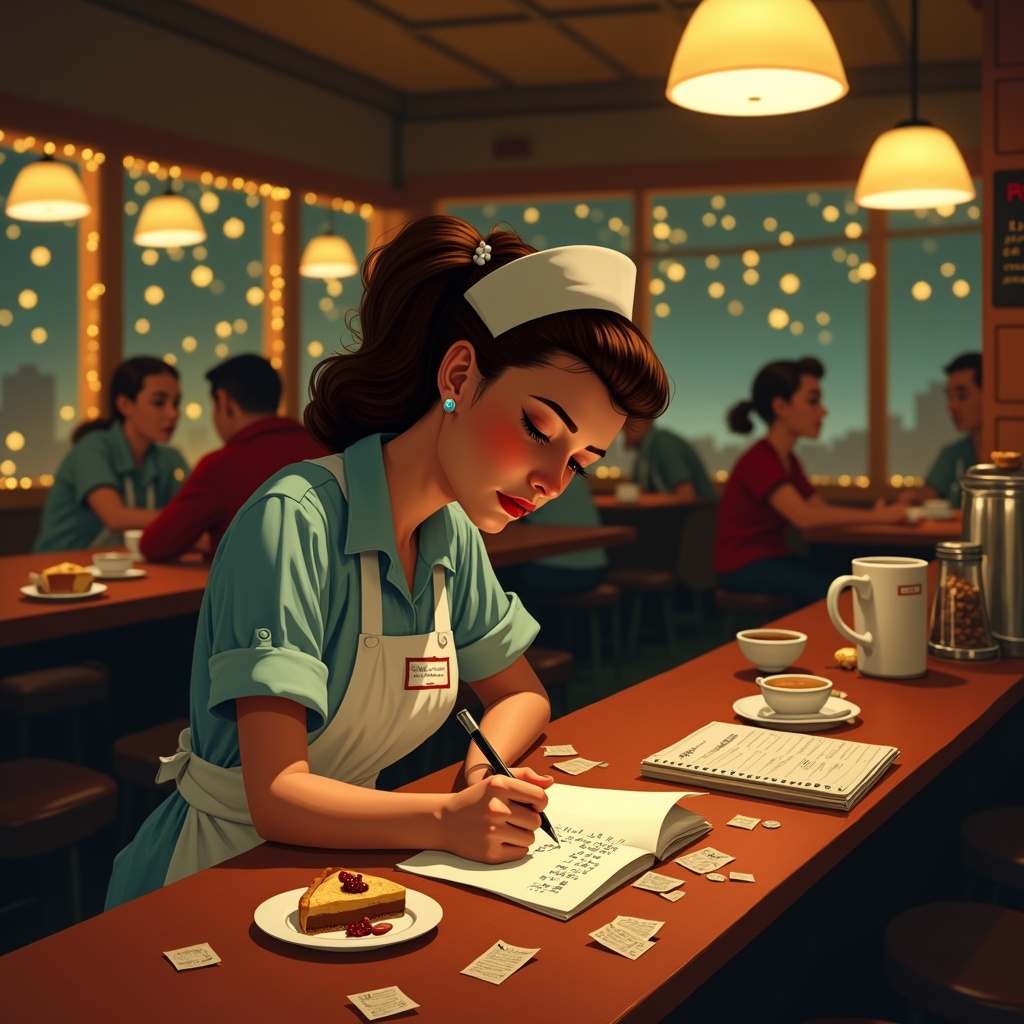
**Prompt:** "A bustling diner at night, warm golden light spilling from overhead lamps onto a worn wooden counter. A tired but determined waitress in a retro uniform (pale blue dress, white apron, name tag) leans over a notepad, scribbling holiday budget calculations amid coffee stains and crumpled receipts. Around her: a half-eaten slice of pie, a tipped-over coffee cup, and scattered coins. The background blurs with customers in holiday sweaters, twinkling fairy lights, and a chalkboard menu with festive specials. Style: Norman Rockwell meets Edward Hopper—nostalgic yet gritty. Palette: muted reds, warm browns, and soft yellows with a vignette effect. Mood: quiet resilience, the weight of seasonal hustle." (Characters: 598)
Analyse Détaillée du Prompt d'Image Flux IA
Analysez le prompt détaillé utilisé pour générer l'image avec Flux IA Image Generator.
Explorez les invites Flux IA
Comment générer une image par Flux.1 dev
Suivez ces quatre étapes simples pour créer l'image désirée.
Étape 1 : Entrez votre texte (N'hésitez pas à affiner votre prompt pour de meilleurs résultats)
Étape 2 : Choisissez le ratio d'aspect de l'image
Étape 3 : Sélectionnez votre modèle Flux :
Étape 4 : Cliquez sur le bouton Générer et attendez quelques secondes pour votre image
Outils Flux IA liés aux prompts sur Flux.1 dev
Découvrez des outils avancés de Flux IA pour booster votre flux de travail créatif.