Waitress Math Holiday Budget - Flux.1 dev
プロンプト
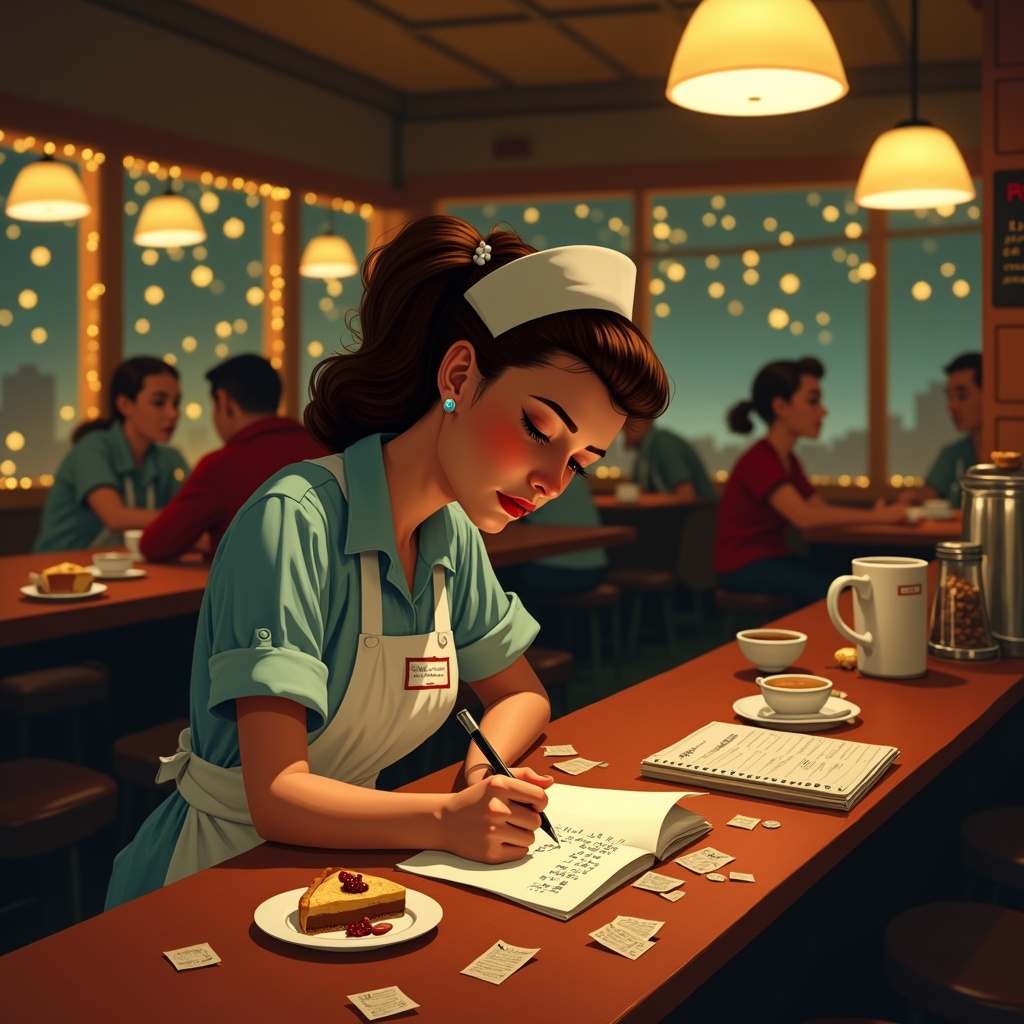
**Prompt:** "A bustling diner at night, warm golden light spilling from overhead lamps onto a worn wooden counter. A tired but determined waitress in a retro uniform (pale blue dress, white apron, name tag) leans over a notepad, scribbling holiday budget calculations amid coffee stains and crumpled receipts. Around her: a half-eaten slice of pie, a tipped-over coffee cup, and scattered coins. The background blurs with customers in holiday sweaters, twinkling fairy lights, and a chalkboard menu with festive specials. Style: Norman Rockwell meets Edward Hopper—nostalgic yet gritty. Palette: muted reds, warm browns, and soft yellows with a vignette effect. Mood: quiet resilience, the weight of seasonal hustle." (Characters: 598)
Flux AI Image Promptの詳細分析
Flux AI Image Generatorを使用して画像を生成するために使用された詳細なプロンプトを分析します。
Flux AI画像生成のプロンプトを探索
で画像を生成する方法 Flux.1 dev
以下の4つの簡単なステップに従って、希望する画像を作成してください。
ステップ 1: テキストを入力 (より良い結果のためにプロンプトを調整してください)
ステップ 2: 画像のアスペクト比を選択
ステップ 3: Fluxモデルを選択:
ステップ 4: 生成ボタンをクリックして数秒待ち、画像を取得
プロンプトに関連するFlux AIツール Flux.1 dev
Flux AIの高度なツールを発見して、クリエイティブな作業フローを強化しましょう。