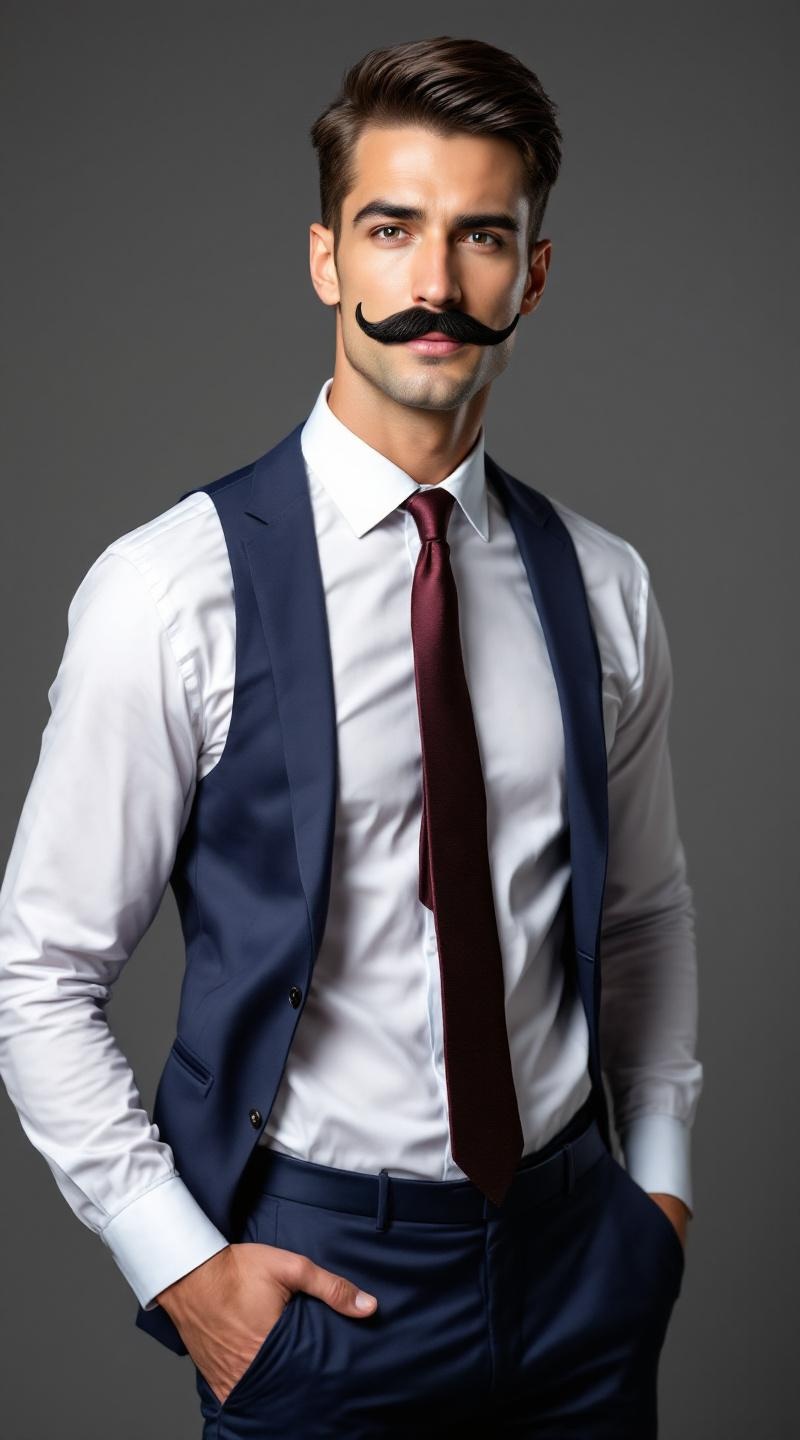
Professional fake mustache model - Flux.1.1 pro
Eingabe
**Prompt:** A confident male model in his mid-30s, with a chiseled jawline, sharp cheekbones, and a neatly trimmed fake mustache that contrasts with his smooth, fair skin. His short, dark brown hair is slicked back, adding a polished look. He has a lean, athletic physique with broad shoulders and a toned torso. He wears a tailored navy-blue suit with a crisp white dress shirt and a burgundy silk tie, exuding sophistication. His expression is playful yet suave, with a slight smirk and one eyebrow raised. He poses with one hand casually tucked in his pocket, the other adjusting his mustache in a theatrical gesture. The background is a softly lit studio with a muted gray backdrop, emphasizing his sharp, stylish appearance.
Detaillierte Analyse des Flux KI Image Prompt
Analysiere den detaillierten Prompt, der zur Erstellung des Bildes mit dem Flux KI Image Generator verwendet wurde.
Flux-Prompts für den KI-Bildgenerator erkunden
Wie man ein Bild generiert von Flux.1.1 pro
Folge diesen vier einfachen Schritten, um das gewünschte Bild zu erstellen.
Schritt 1: Gib deinen Text ein (Fühle dich frei, deinen Prompt für bessere Ergebnisse zu verfeinern)
Schritt 2: Wähle das Bildseitenverhältnis
Schritt 3: Wähle dein Flux-Modell:
Schritt 4: Klicke auf die Generieren-Schaltfläche und warte ein paar Sekunden auf dein Bild
Verwandte Flux KI Tools für Prompts über Flux.1.1 pro
Entdecke fortschrittliche Tools von Flux KI, um deinen kreativen Workflow zu verbessern.