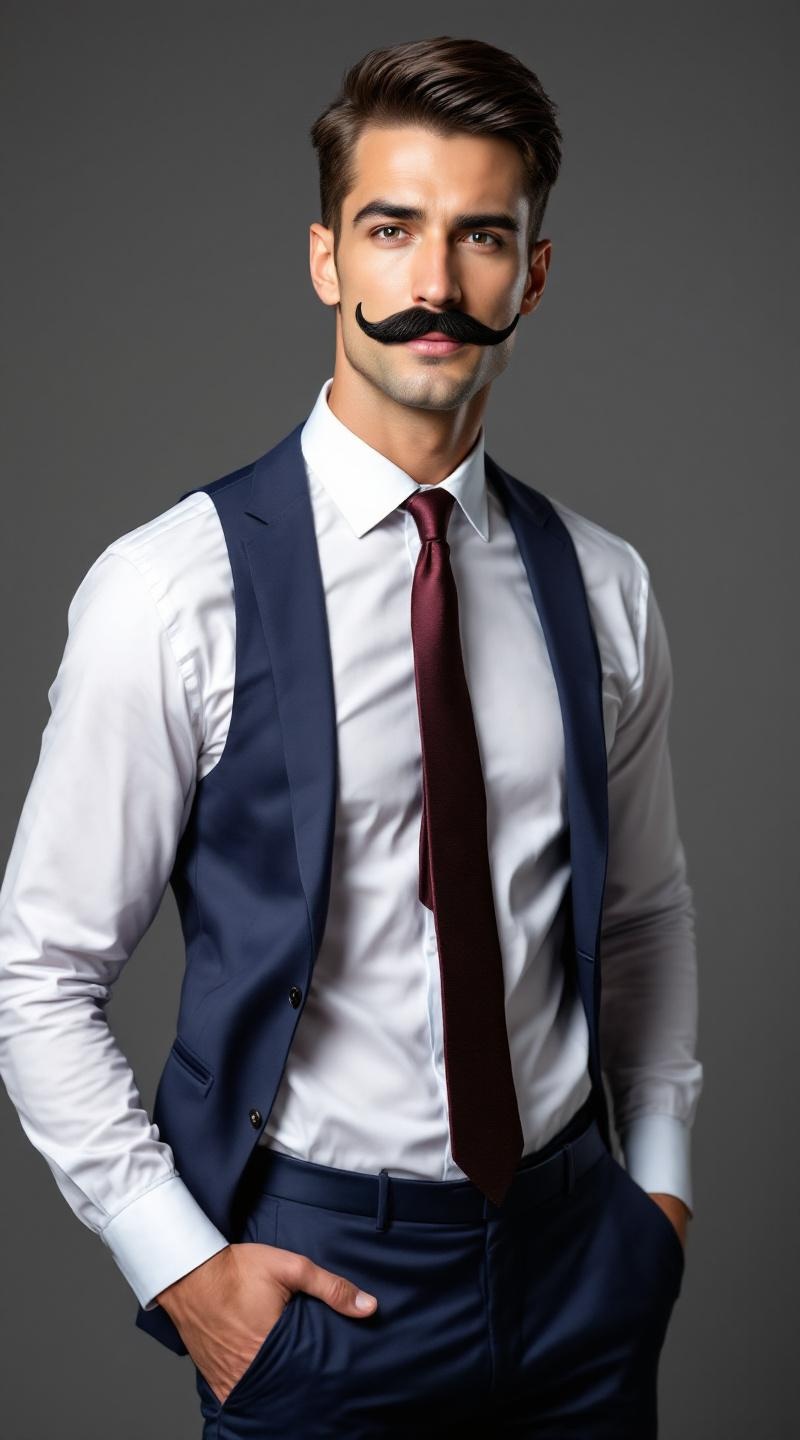
Professional fake mustache model - Flux.1.1 pro
Prompt
**Prompt:** A confident male model in his mid-30s, with a chiseled jawline, sharp cheekbones, and a neatly trimmed fake mustache that contrasts with his smooth, fair skin. His short, dark brown hair is slicked back, adding a polished look. He has a lean, athletic physique with broad shoulders and a toned torso. He wears a tailored navy-blue suit with a crisp white dress shirt and a burgundy silk tie, exuding sophistication. His expression is playful yet suave, with a slight smirk and one eyebrow raised. He poses with one hand casually tucked in his pocket, the other adjusting his mustache in a theatrical gesture. The background is a softly lit studio with a muted gray backdrop, emphasizing his sharp, stylish appearance.
Análise Detalhada do Prompt de Imagem Flux IA
Analise o prompt detalhado usado para gerar a imagem com o Flux IA Image Generator.
Explore Prompts Flux para o Gerador de Imagens
Como gerar uma imagem por Flux.1.1 pro
Siga estes quatro passos simples para criar a imagem desejada.
Passo 1: Insira seu texto (Sinta-se à vontade para refinar seu prompt para melhores resultados)
Passo 2: Escolha a proporção da imagem
Passo 3: Selecione seu modelo Flux:
Passo 4: Clique no botão Gerar e aguarde alguns segundos para sua imagem
Ferramentas Flux IA relacionadas a prompts sobre Flux.1.1 pro
Descubra ferramentas avançadas da Flux IA para melhorar seu fluxo de trabalho criativo.