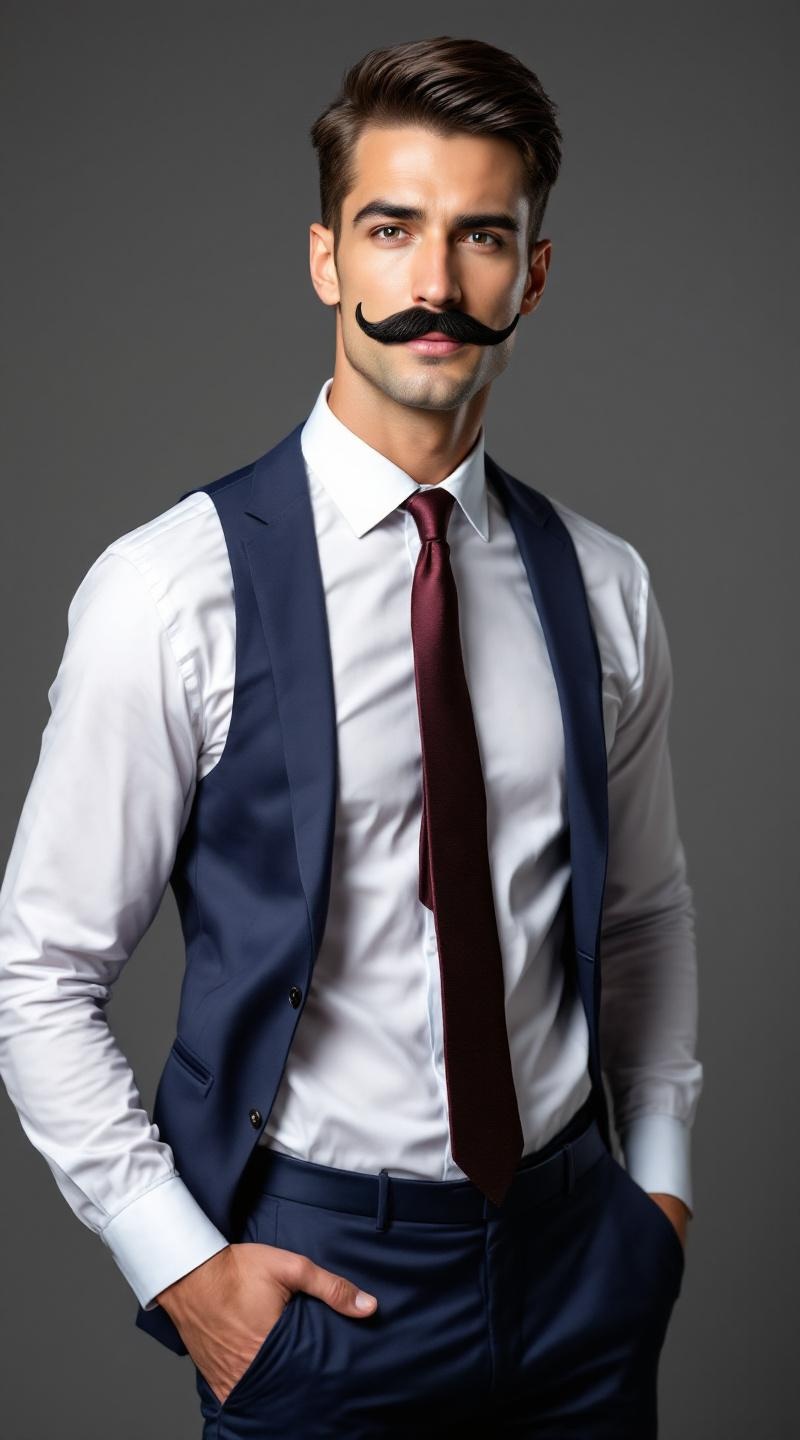
Professional fake mustache model - Flux.1.1 pro
プロンプト
**Prompt:** A confident male model in his mid-30s, with a chiseled jawline, sharp cheekbones, and a neatly trimmed fake mustache that contrasts with his smooth, fair skin. His short, dark brown hair is slicked back, adding a polished look. He has a lean, athletic physique with broad shoulders and a toned torso. He wears a tailored navy-blue suit with a crisp white dress shirt and a burgundy silk tie, exuding sophistication. His expression is playful yet suave, with a slight smirk and one eyebrow raised. He poses with one hand casually tucked in his pocket, the other adjusting his mustache in a theatrical gesture. The background is a softly lit studio with a muted gray backdrop, emphasizing his sharp, stylish appearance.
Flux AI Image Promptの詳細分析
Flux AI Image Generatorを使用して画像を生成するために使用された詳細なプロンプトを分析します。
Flux AI画像生成のプロンプトを探索
で画像を生成する方法 Flux.1.1 pro
以下の4つの簡単なステップに従って、希望する画像を作成してください。
ステップ 1: テキストを入力 (より良い結果のためにプロンプトを調整してください)
ステップ 2: 画像のアスペクト比を選択
ステップ 3: Fluxモデルを選択:
ステップ 4: 生成ボタンをクリックして数秒待ち、画像を取得
プロンプトに関連するFlux AIツール Flux.1.1 pro
Flux AIの高度なツールを発見して、クリエイティブな作業フローを強化しましょう。