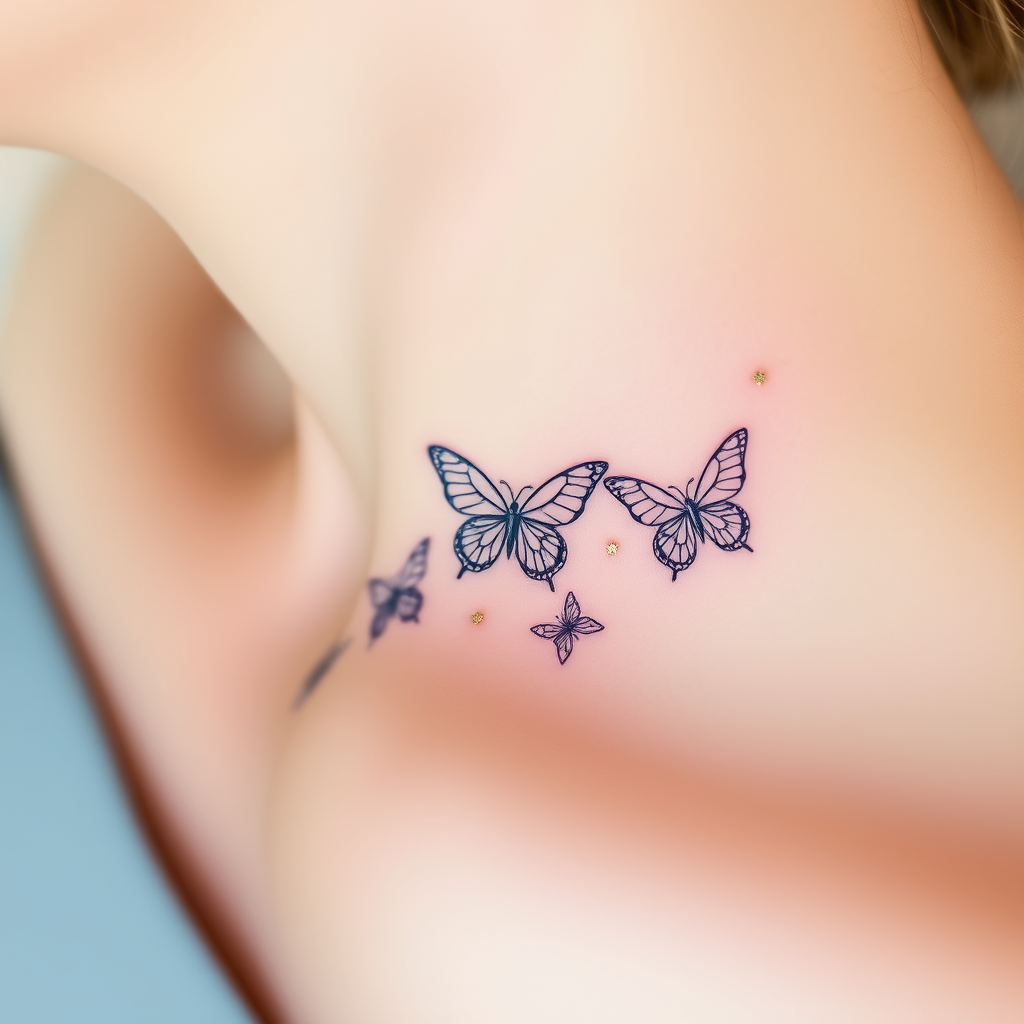
Collarbone-Delicate Butterflies - Flux.1 schnell
Eingabe
**Prompt:** "A delicate, intricate tattoo of butterflies fluttering along the collarbone, rendered in a fine-line, minimalist style with subtle shading for depth. Each butterfly features ultra-thin, lace-like wings with intricate vein patterns, appearing almost ethereal. The design is small to medium in scale, perfectly following the natural curve of the collarbone for an elegant, feminine touch. Soft watercolor hues—pale blues, blush pinks, and lavender—blend gently into the skin, with a few accents of metallic gold for a subtle shimmer. The overall aesthetic is dreamy and graceful, evoking fragility and transformation. Optional: Include tiny floral or celestial elements (e.g., micro stars or cherry blossoms) for added whimsy.
Detaillierte Analyse des Flux KI Image Prompt
Analysiere den detaillierten Prompt, der zur Erstellung des Bildes mit dem Flux KI Image Generator verwendet wurde.
Flux-Prompts für den KI-Bildgenerator erkunden
Wie man ein Bild generiert von Flux.1 schnell
Folge diesen vier einfachen Schritten, um das gewünschte Bild zu erstellen.
Schritt 1: Gib deinen Text ein (Fühle dich frei, deinen Prompt für bessere Ergebnisse zu verfeinern)
Schritt 2: Wähle das Bildseitenverhältnis
Schritt 3: Wähle dein Flux-Modell:
Schritt 4: Klicke auf die Generieren-Schaltfläche und warte ein paar Sekunden auf dein Bild
Verwandte Flux KI Tools für Prompts über Flux.1 schnell
Entdecke fortschrittliche Tools von Flux KI, um deinen kreativen Workflow zu verbessern.